Loading video…
All breakouts
12.4App DemoHow-To hookAI Tools
Hook
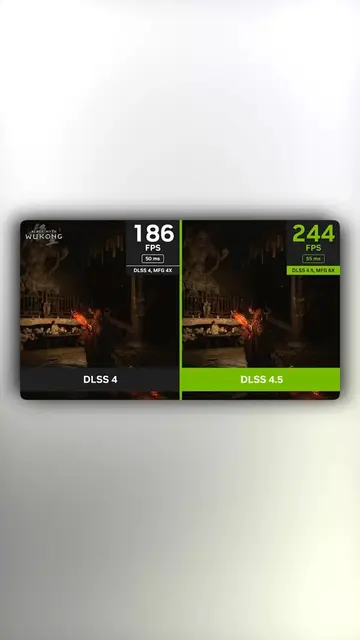
Here's how to enable brand new DLSS 4.5 on your NVIDIA GPU.
@techow
397.8K followers · usually 45.2K views a post
Views
422.6K
Likes
15.2K
Comments
184
Shares
1.6K
Why it worked
The video provides immediate, high-value technical utility for a specific audience (PC gamers) by solving a common desire for better frame rates with a simple, actionable tutorial.
Summary
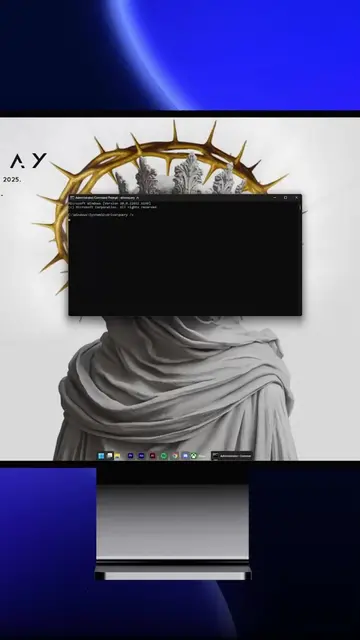
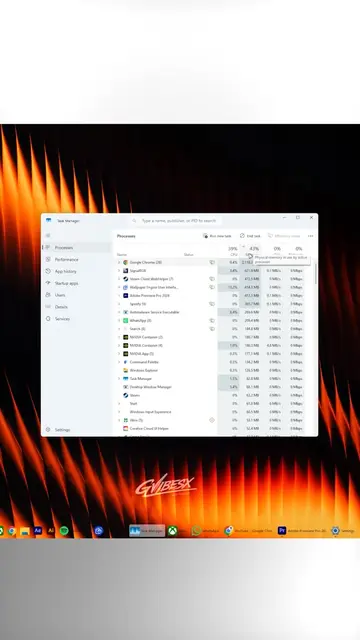
The creator demonstrates how to update to the latest DLSS 4.5 settings within the NVIDIA App to improve gaming performance. They provide a quick, step-by-step tutorial on navigating the software's graphics settings.
Structure
- 1State the benefit of the new setting
- 2Open the NVIDIA App
- 3Navigate to graphics and global settings
- 4Select the latest DLSS preset
Original caption
Add More FPS With This NVIDIA Setting #pc #pctips #pcgaming #techtok #GamingTips
More from @techow
More breakout videos from this creator.