Loading video…
All breakouts
3.2Talking HeadHow-To hookAI Tools
Hook
COMPUTER VISION 101
@pikacodes
196.7K followers · usually 8.1K views a post
Views
27.3K
Likes
1.7K
Comments
16
Shares
97
Promoted product
Mediapipe
Why it worked
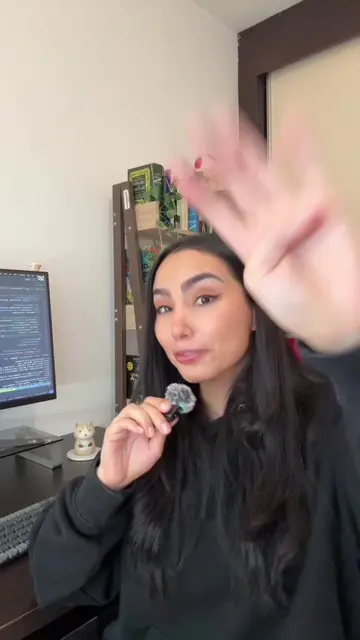
The video provides a practical, code-along tutorial for a popular computer vision task (hand tracking) using accessible libraries. It clearly demonstrates the process and shows the visual output, making it engaging and educational for viewers interested in programming and AI.
Summary
This video demonstrates how to perform real-time hand tracking using Python with the OpenCV and Mediapipe libraries. It shows the code setup, including installing libraries, capturing video frames, and processing them with Mediapipe's hand tracking model to detect and draw hand landmarks.
Structure
- 1Introduction to Computer Vision and Hand Tracking
- 2Setting up the environment and installing libraries (OpenCV, Mediapipe)
- 3Initializing the camera and Mediapipe Hands object
- 4Capturing and processing video frames for hand detection
- 5
Original caption
Computer Vision pt 1: Hand Tracking using existing libraries. What can we do with these tools? And how do they work? I’ll start a series building on top of this so we can build some pretty cool stuff! #computervision #ml #programming #coding
More from @pikacodes
More breakout videos from this creator.