Loading video…
All breakouts

95.4Talking HeadStory Open hook
Hook
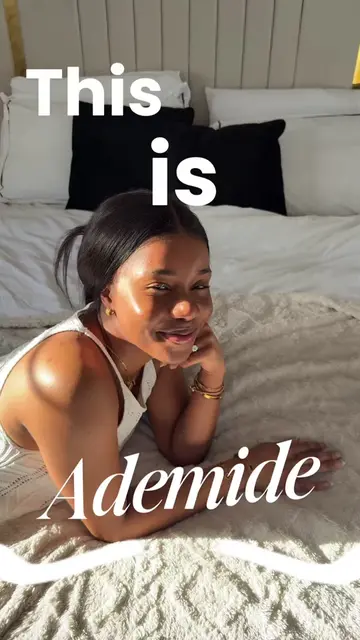
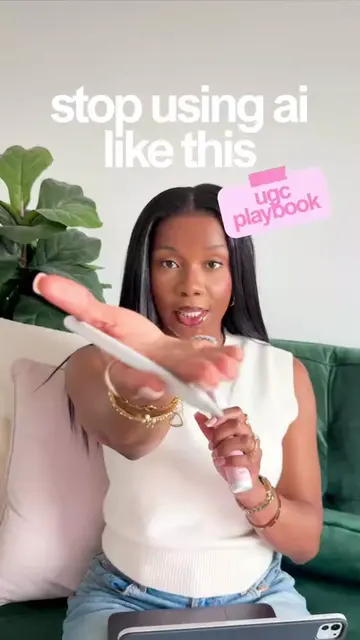
This is Ademide.
@ugcwithademide
11.0K followers · usually 2.3K views a post
Views
220.4K
Likes
22.5K
Comments
486
Shares
3.5K
Why it worked
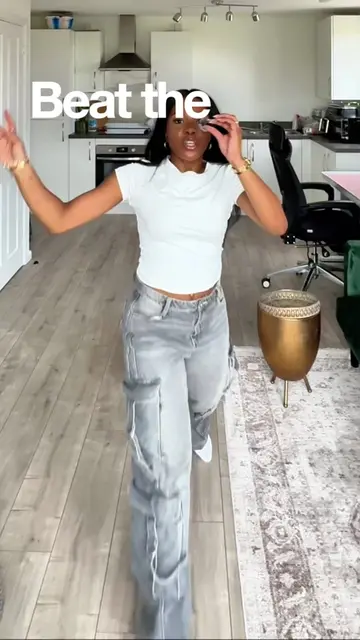
The video uses a meta-narrative technique where the 'narrator' voice interacts with the creator, perfectly demonstrating the trend being taught while providing high-value, actionable educational content.
Summary
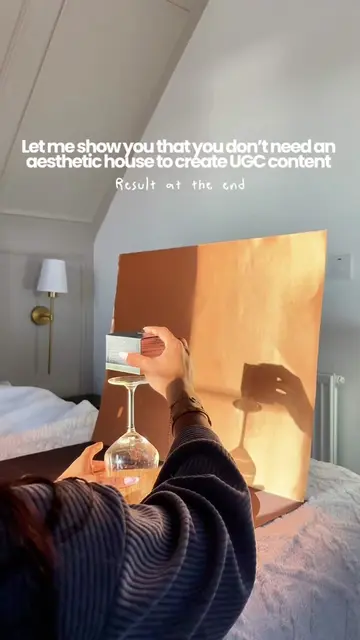
The creator provides a step-by-step tutorial on how to produce a 'narrator-style' video using ChatGPT for scripting and CapCut for editing. She demonstrates the process of filming lifestyle clips and reaction shots, then shows how to use CapCut's text-to-speech feature to create the voiceover.
Structure
- 1Introduction to the narrator trend
- 2Step 1: Scripting with ChatGPT
- 3Step 2: Filming lifestyle B-roll
- 4Step 3: Filming reaction shots
- 5Step 4: Editing and text-to-speech in CapCut
- 6Final call to action
Product placement
Original caption
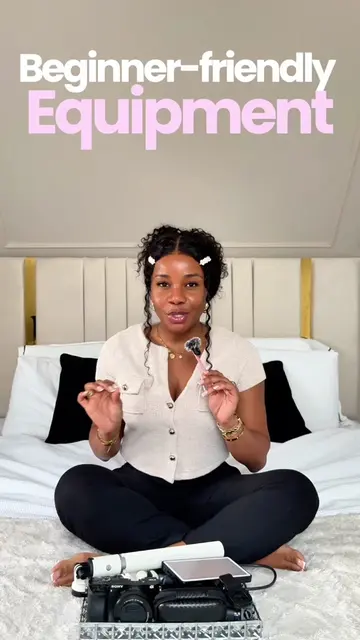
This is exactly how I filmed and edited my narrator-style video from start to finish. Script using ChatGPT, lifestyle clips to keep it engaging, reaction shots for personality, then edited in CapCut with text-to-speech. Simple setup. No complicated equipment. Just strategy that works. If you’re trying to get better at content creation and want real video tutorials you can actually follow, stick around. Save this for your next filming day and comment “narrator” if you want more editing breakdowns like this. #ugccreatoruk #contentcreatortips #narratorvideo #capcutediting #chatgptforcreators
More from @ugcwithademide
Their other posts in the index, biggest breakout first.