Loading video…
Sound

آهات بشرية اسلامية - صمت - Islamic Sound - Calm
Voice of the soul - صوت الروح
0:00–:––
- Videos using it
- 148
- Creators
- 8
- Views on those videos
- 47.9M
We didn’t find a product being promoted in this video. Its hook, format and structure below still show why it took off.
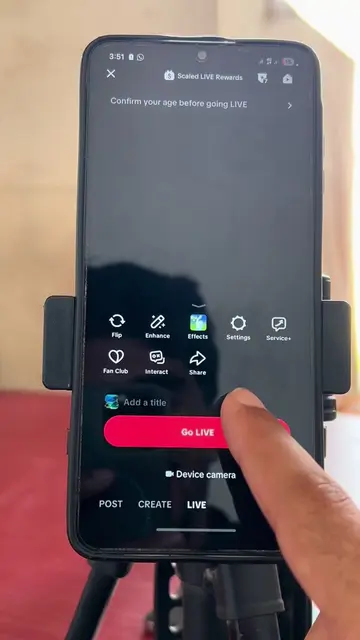
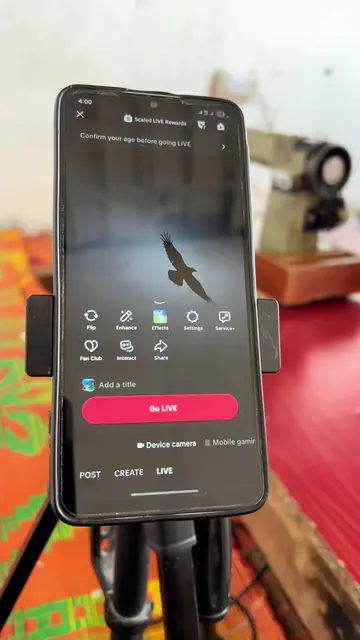
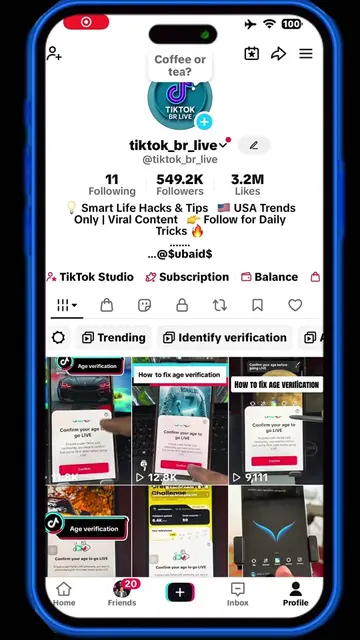
Browse products winning on TikTokThis video likely performed well because it addresses a common pain point for TikTok users who want to go live but are blocked by age verification. Providing a clear, step-by-step guide with visual cues makes it easy for viewers to follow along and solve their problem.
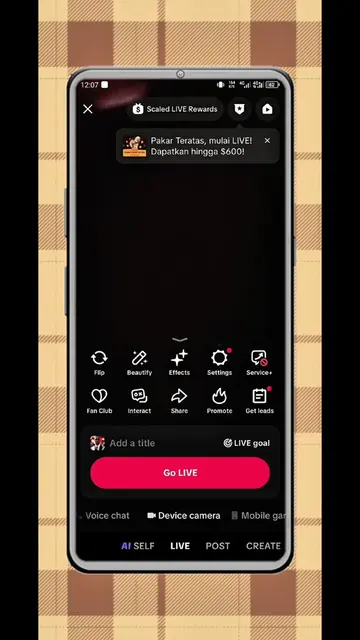
The video demonstrates how to verify your age on TikTok to go live. It shows the process of entering your birthdate and then choosing an age estimation method, such as facial age estimation, selfie with ID, or credit card authorization.
Age verification #tiktoktips #ageverification #viral #identityverification #socialmediaguides
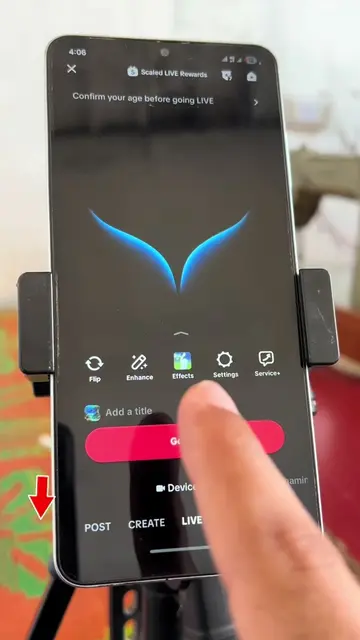
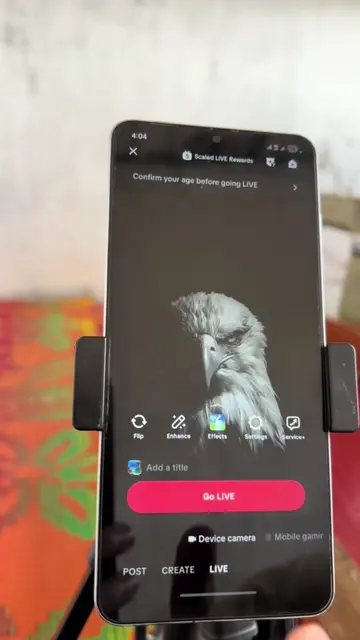
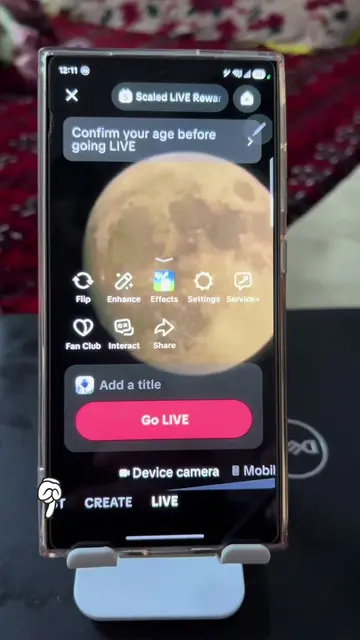
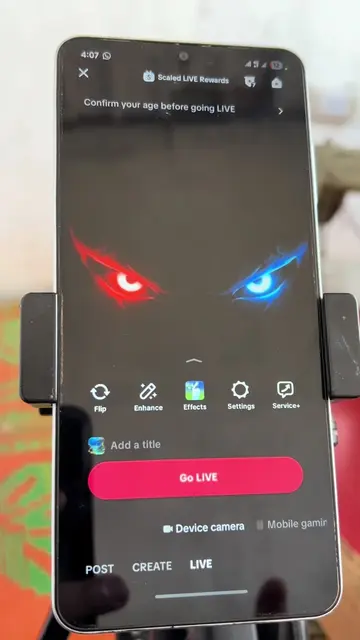
Confirm your age before going LIVE
Initiate Go LIVE on TikTok
Confirm age prompt appears
Enter birthdate
Select age verification method
Complete facial age estimation
Age confirmed
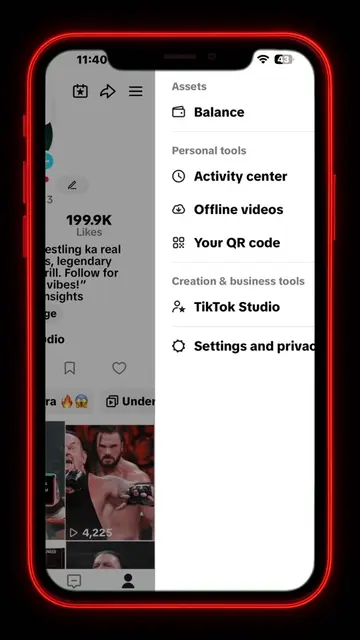
TikTok: This is the platform where the user is attempting to go live. It ACTS as the platform for the video's content. Removing it would change the entire context of the video. WWE: This is a logo that appears on a screen within the TikTok interface. It merely APPEARS as branding and does not affect the video's functionality. Yoti: This is a third-party service used for age verification. It ACTS as a service to confirm the user's age. Removing it would prevent the age verification process.
Go LIVE
Outliers and viral hits: their videos on Overshot, all time.