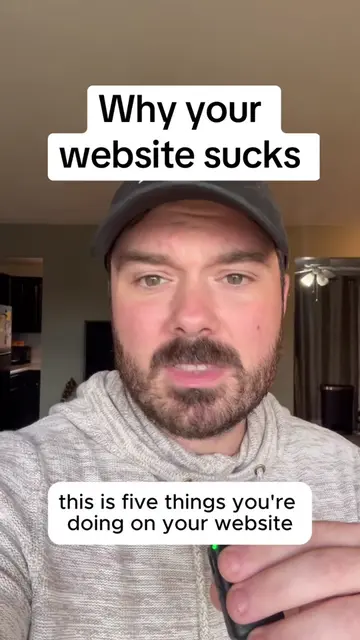
Loading video…
All breakouts
14.1Talking HeadProblem Callout hookAI Tools
Hook
Biggest website mistake
@rakos.media
27.1K followers · usually 1.1K views a post
Views
14.8K
Likes
540
Comments
46
Shares
131
Why it worked
The video provides high-value, actionable technical advice that solves a specific pain point for small business owners, while the creator's branded hat and professional context subtly position his agency as the expert solution.
Summary
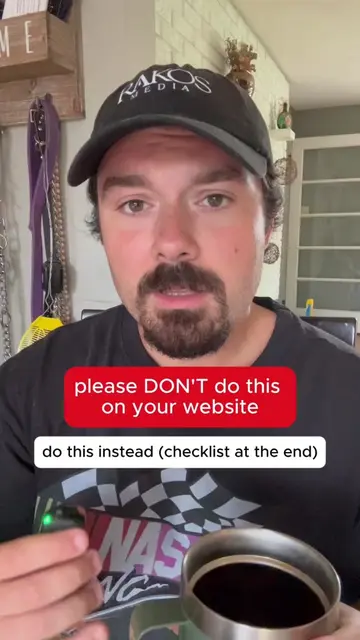
The creator explains how to identify and fix 404 'dead' URLs on a website using Google Search Console to improve SEO rankings. He demonstrates the process using the Rank Math plugin on WordPress and offers to help viewers with the setup.
Structure
- 1Identify the common 404 error mistake
- 2Explain why 404 errors hurt SEO and user experience
- 3Walkthrough of finding 404s in Google Search Console
Original caption
One of the biggest website mistakes people make when doing it themselves. You probably have 404 errors, and you need to find out through google search console and set up redirects. 404 errors are bad for ranking on google, and bad for your user experience. This is an easy website tip you can fix this week, and be one step closer to ranking higher on Google and getting more customers from your website. #websitetips #googlesearch #seotips #localseo #digitalmarketingtips
More from @rakos.media
More breakout videos from this creator.