Loading video…
Sound

original sound - wannabetechsavvy
Wanna Be Tech Savvy · Original audio
0:00–:––
Playing this video’s own audio, so you’ll hear the creator over the sound.
This video promotes it, but we haven’t matched it to a product page yet, so there are no product figures.
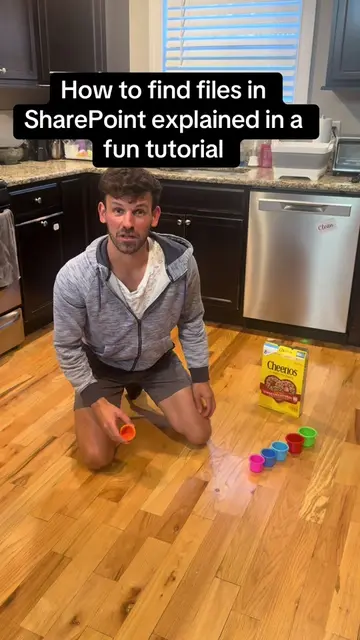
The video provides a clear, concise solution to a common organizational problem for Microsoft 365 users, directly addressing a pain point and offering a practical demonstration.
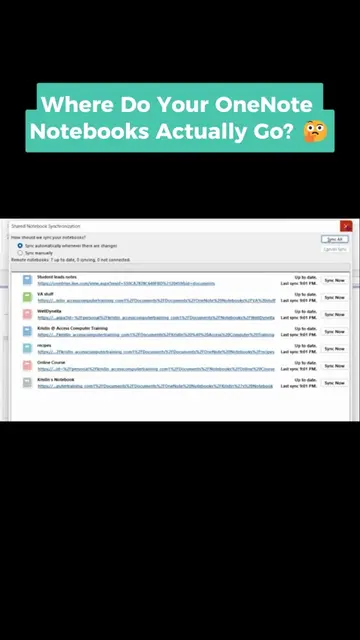
The video demonstrates how to access OneNote notebooks by navigating through OneDrive. It explains that OneDrive acts as a central hub for files, with a dedicated 'Notebooks' subfolder.
✨ Access your OneNote notebooks anytime, anywhere using OneDrive 💻 No more digging through files or wondering where your notes are saved 📁 Keep everything organized, synced, and easy to find in seconds 🚀 This is just one of the many simple skills that can completely change how you work and stay organized 🌟 Ready to feel more confident using Microsoft 365 for work or everyday tasks? 📚 Learn step-by-step with our Online Microsoft 365 Course ✔️ Easy to follow ✔️ Beginner-friendly ✔️ Real skills you’ll actually use 🔥 Stop feeling left out of the tech world—start building skills that help you stand out 👉 Sign up now: wannabetechsavvy.com 👉 Explore courses: https://www.wannabetechsavvy.com/explore-courses #Microsoft365 #OneNoteTips #OneDrive #TechSkills #DigitalSkills #ProductivityTips #WorkSmarter #OnlineLearning #CareerGrowth #TechConfidence #WannaBeTechSavvy #wbts #techsavvy
Accessing OneNote Notebooks via OneDrive
Start in OneDrive
Log in via office.com
Navigate to the 'Notebooks' folder
Explain file organization
Mention the course
OneDrive: Acts - It is a cloud storage service where the creator's OneNote notebooks are stored and accessed. Removing it would change the video's premise. Microsoft 365: Acts - It is the suite of applications that includes OneDrive and OneNote, mentioned as the context for the skills being taught. Removing it would change the context of the skills.
Learn step-by-step with our Online Microsoft 365 Course
Playing this video’s own audio, so you’ll hear the creator over the sound.
Outliers and viral hits: their videos on Overshot, all time.