Loading video…
Sound

original sound - wannabetechsavvy
Wanna Be Tech Savvy · Original audio
0:00–:––
Playing this video’s own audio, so you’ll hear the creator over the sound.
This video promotes it, but we haven’t matched it to a product page yet, so there are no product figures.
The video provides a simple, actionable solution to a common user question about file management within OneNote. The "tiny trick, big 'wait, I actually get this now' moment" framing suggests it offers a satisfying 'aha!' moment, which is highly shareable.
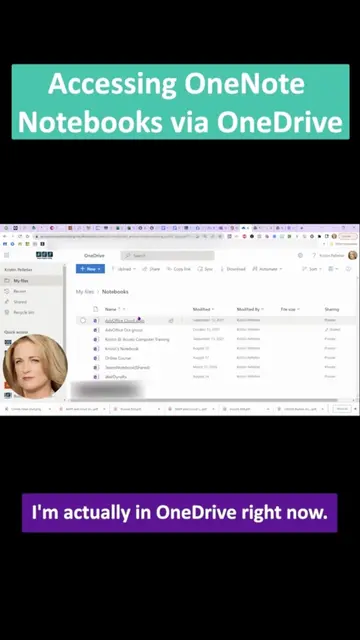
This video explains where OneNote notebooks are stored on a computer. It shows that they are located in a "OneNote Notebooks" folder within the documents folder, and demonstrates how to right-click on a notebook to delete or rename it.
📌 Where do your OneNote notebooks even go?! 📁 Documents folder → "OneNote Notebooks" → boom, there they all are. 🖱️ Double click and you'll see every notebook you've made. ✂️ Right-click one to rename or delete it. Done. ✨ Tiny trick, big "wait, I actually get this now" moment. 🚀 Follow for more Microsoft 365 tricks that make you feel unstoppable. 🔗 www.wannabetechsavvy.com 🔗 https://www.wannabetechsavvy.com/explore-courses #TechSavvy #OneNoteTips #Microsoft365 #TechTok #LearnOnTikTok #WorkplaceSkills #CareerConfidence #WannaBeTechSavvy
Where Do Your OneNote Notebooks Actually Go?
Introduction to the question of where OneNote notebooks go
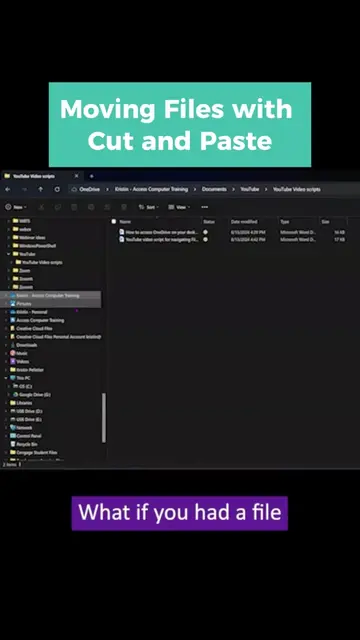
Navigating to the documents folder and finding the 'OneNote Notebooks' folder
Viewing the notebooks within the folder
Demonstrating actions like deleting and renaming notebooks
Concluding with the ease of managing notebooks
The video demonstrates how to manage OneNote notebooks, which are part of the Microsoft 365 suite. The creator's website, wannabetechsavvy.com, is shown at the end, implying they offer training or resources related to such tools.
Follow for more Microsoft 365 tricks that make you feel unstoppable.
Playing this video’s own audio, so you’ll hear the creator over the sound.
Outliers and viral hits: their videos on Overshot, all time.