Loading video…
Sound

original sound - robert.triebwasser
Robert Triebwasser · Original audio
0:00–:––
Playing this video’s own audio, so you’ll hear the creator over the sound.
Hook
Posted Apr 27, 2026Video · 0:58by @robert.triebwasser
The video provides immediate, actionable value by solving a common pain point (AI complexity) with a specific, under-utilized feature, positioning the creator as a helpful expert.
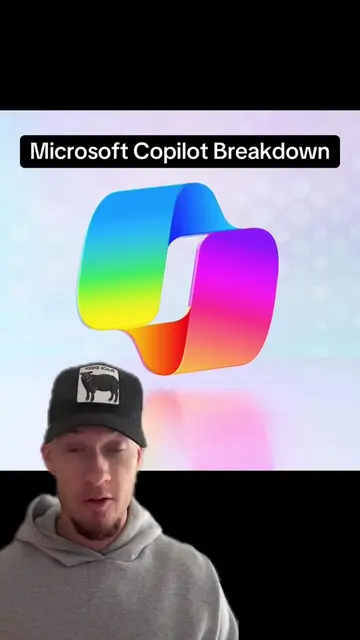
The creator explains how to use the Notebooks feature in Microsoft Copilot to organize and query multiple project documents. He highlights it as a user-friendly alternative to building custom AI agents for knowledge workers.
If you're using Microsoft Copilot and you've never used the Notebook feature, you are missing out. It is a super powerful way to organise all your files and be able to query them in a chat. It is very similar to Gemini's Notebook LLM, and this is one of the best ways to utilise AI, especially as a beginner in the business environment. #aiforbusiness #aiforbeginners #learnai #aitipsandtricks #microsoftcopilot
If you're using Microsoft Copilot at work and you have not yet built your first custom agent because maybe you find it a little bit confusing or daunting, don't worry, there's a hidden feature that Microsoft quietly upgraded last month
Identify the problem of complex AI agent setup
Introduce Microsoft Copilot Notebooks as a simple alternative
Explain the functionality of uploading and querying documents
Showcase practical use cases like data analysis and presentation creation
Conclude with a recommendation for knowledge workers
The video is a direct tutorial on using the Notebooks feature within Microsoft Copilot.
You should really check out Notebooks.
Playing this video’s own audio, so you’ll hear the creator over the sound.
Promotes 2 products. Create free account to see more.
Outliers and viral hits: their videos on Overshot, all time.
AI assistant for drafting emails, analyzing documents and handling everyday tasks
All time.