Loading video…
Sound

original sound - makewithmax
Make w/ Max · Original audio
0:00–:––
Playing this video’s own audio, so you’ll hear the creator over the sound.
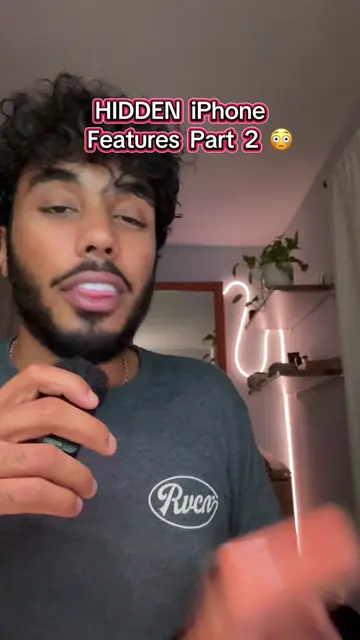
The video provides a practical, step-by-step tutorial on a useful feature of the iPhone that many users may not be aware of. The creator's ability to explain complex functionality in a simple, accessible way, combined with the visual demonstration, makes it highly shareable and engaging.
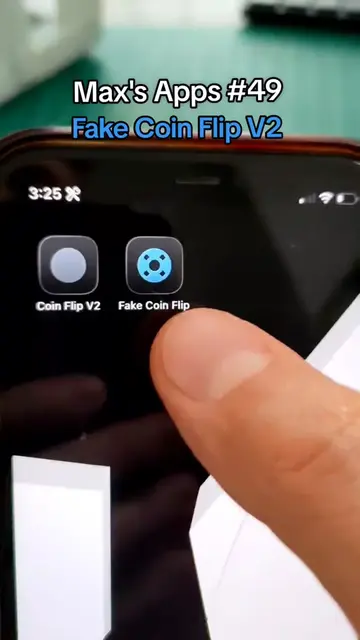
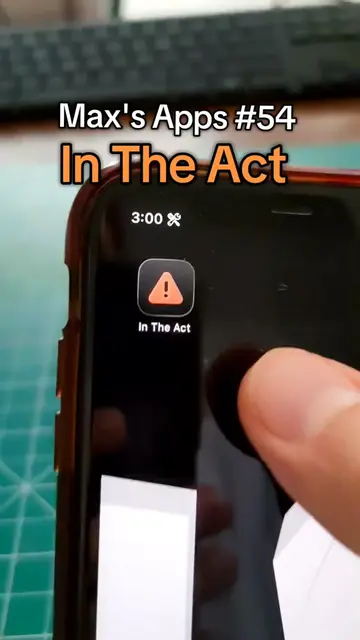
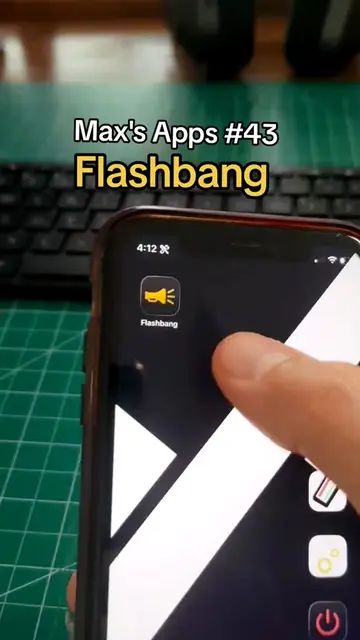
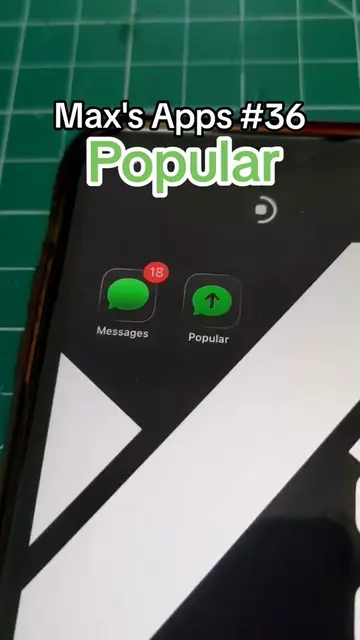
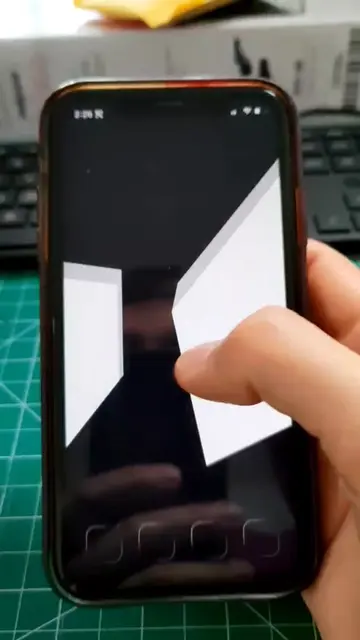
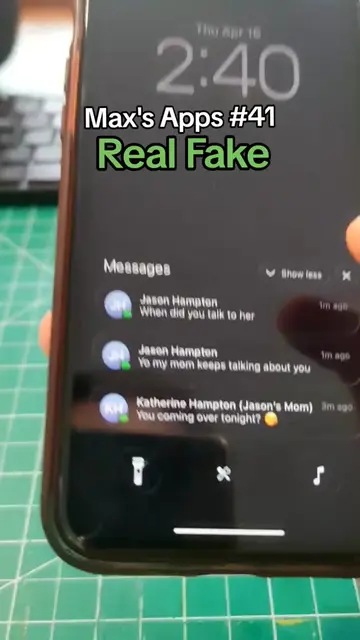
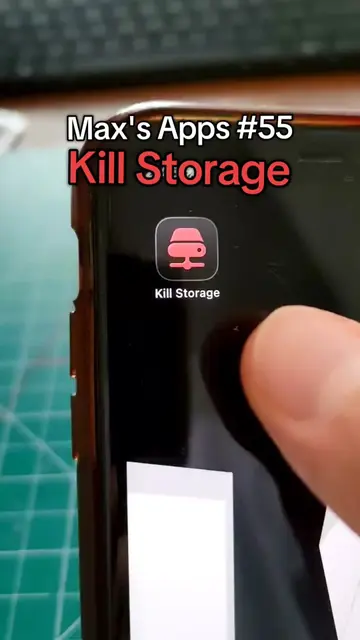
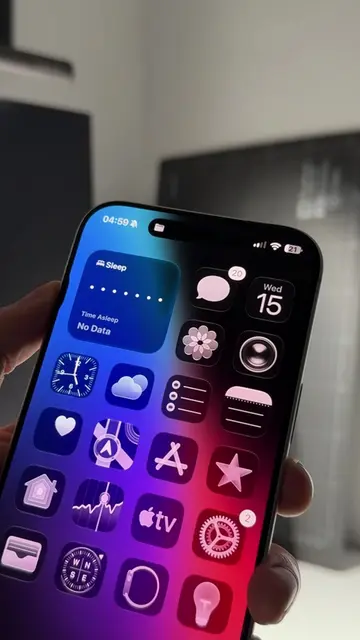
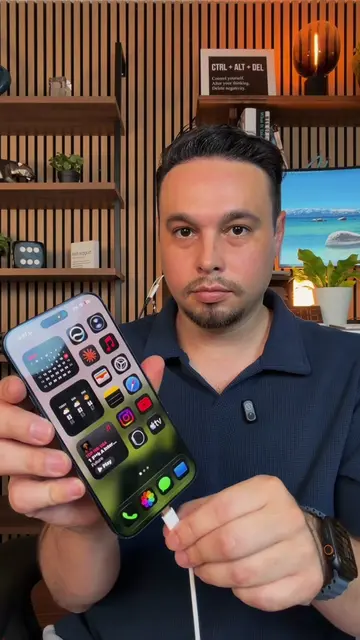
This video demonstrates how to create custom shortcuts on an iPhone using the pre-installed Shortcuts app. The creator shows how to build a shortcut that opens the camera and takes a photo, and then how to add this shortcut to the home screen as an app icon. They also explain how to customize actions within shortcuts, such as choosing between the front or back camera, and how to chain actions together, like taking a photo and then sending it to a contact.
I could also make a hardcore course on this if people wanted #iosshortcuts #iphonetrick #techtok #iphone
Super Basic 2min tutorial Shortcuts
Introduction to creating custom shortcuts
Finding and opening the Shortcuts app
Creating a shortcut to take a photo
Adding the shortcut to the home screen
Customizing shortcut actions (camera choice, sending photo)
Conclusion on the simplicity of creating apps with shortcuts
The video demonstrates the use of the native iOS 'Shortcuts' app to create custom app icons and automate tasks. The 'Shortcuts' app is shown on screen and its functionality is explained.
Let me know if you have any questions.
Playing this video’s own audio, so you’ll hear the creator over the sound.
Promotes 9 products. Create free account to see more.
Outliers and viral hits: their videos on Overshot, all time.
IPhone automation app for people who want to automate everyday tasks
All time.