Loading video…
All breakouts
 Apple iPhoneseen in 11 videos →
Locked — included with Pro.Open on TikTokPro
Pro links straight through to the original post.
3.1App Demo
Hook
Setting up iOS 11 in 2026 :D
@catpop36
6.2K followers · usually 2.9K views a post
Views
9.2K
Likes
234
Comments
26
Shares
4
Selling · Other Product
Why it worked
The video taps into nostalgia and the niche interest of downgrading to older iOS versions, which can be a technically complex process. The clear demonstration of the setup steps, combined with the intriguing premise of setting up an older OS in the future, likely drove engagement.
Summary
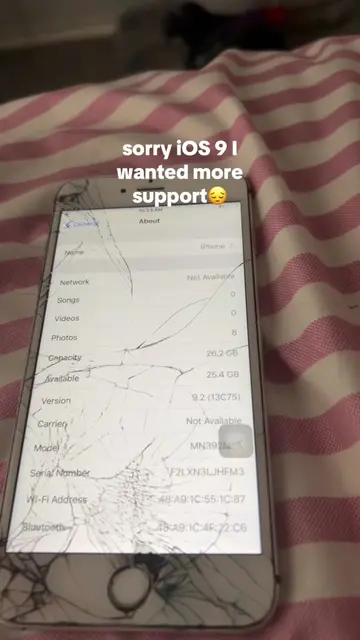
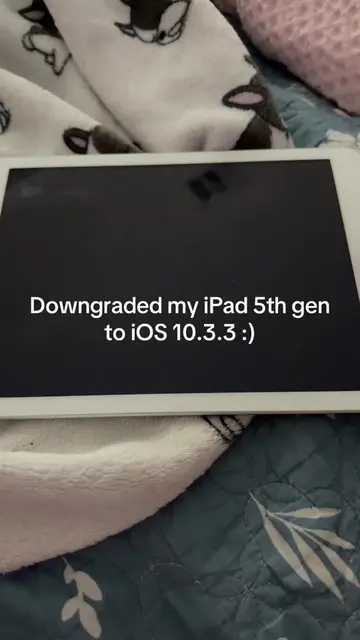
The video demonstrates the setup process for an iPhone running iOS 11, with on-screen text indicating it's a downgrade tutorial. It walks through initial setup steps like language selection, Wi-Fi connection, Touch ID setup, and app data configuration, culminating in reaching the home screen and showing the device's 'About' information.
ProLocked — included with Pro
Transcript, structure and on-screen text
6 beats and 100 lines of on-screen text — the parts you need to write your own version.
The hook, the summary, why it worked and what it sells stay open on every video, signed in or not.
Original caption
firstly, you need to have your Mac on macOS 10.12. No other version will work once you are downgraded go to Safari and search in dusk downgrade and go to ipsw.me. get any IPSW for your device (I chose 11.3.1) then go to terminal and type cd downloads and then go to the dusk downgrade folder and you will need to verify the exec file, then put or drag file into your terminal along with the IPSW and enter DFU a lot of times. #i#ios11i#iphone6sd#downgradem#macosm#mac
More from @catpop36
Their other posts in the index, biggest breakout first.