Loading video…
All breakouts
 Apple Intelligenceseen in 5 videos →
5.8Talking HeadWarning hook
Hook
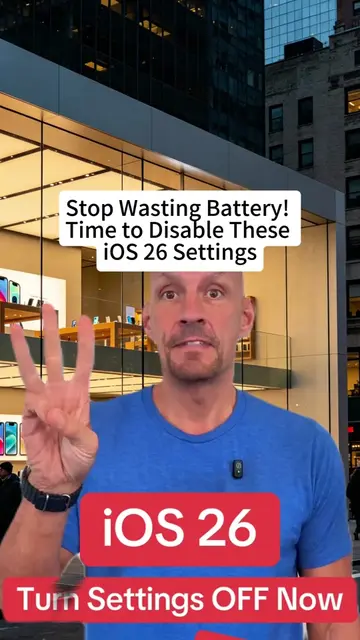
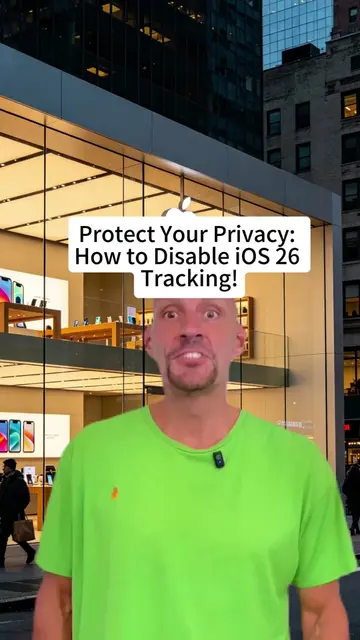
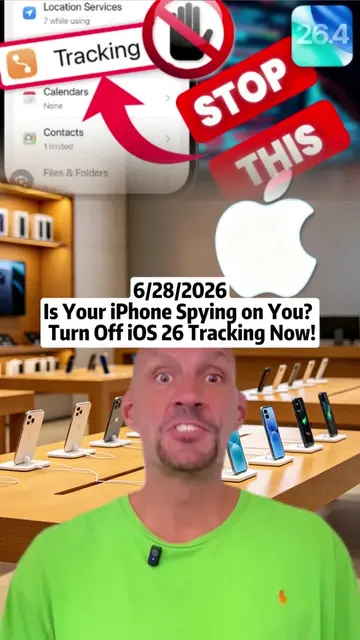
Stop Apple from Spying! 🔒 How to Turn Off iOS 26 Reports on Your iPhone 📱
@nohaakter699
10.0K followers · usually 594 views a post
Views
3.5K
Likes
40
Comments
1
Shares
18
Selling · SaaS › Other SaaS
Why it worked
The video addresses a common user concern about data privacy and provides a clear, actionable solution for a specific operating system feature. The use of on-screen text and visual cues makes it easy to follow, and the creator's direct address and call to action encourage engagement.
Summary
This video demonstrates how to disable the Apple Intelligence Report on iPhones running iOS 26 to prevent data sharing. It guides viewers through the settings menu to find and turn off the report, explaining that this action stops the phone from sending information every 15 minutes.
Structure
- 1Introduction and hook
- 2Navigating to Settings
- 3Accessing Privacy & Security
- 4Locating and disabling Apple Intelligence Report
- 5Explaining the implications and export options
- 6Call to action for more content
Product placement
The video demonstrates how to disable the 'Apple Intelligence Report' within the iPhone's settings. It also mentions the 'iOS 26' operating system.
Original caption
Stop Apple from Spying! 🔒 How to Turn Off iOS 26 Reports on Your iPhone 📱 #iOS26 #iPhonePrivacy #TechTips #fyp #viral #iphone #iphonetips #iphonetricks #scottpolderman
More from @nohaakter699
Their other posts in the index, biggest breakout first.