Loading video…

original sound - nohaakter699
Dhdheb · Original audio
We didn’t find a product being promoted in this video. Its hook, format and structure below still show why it took off.
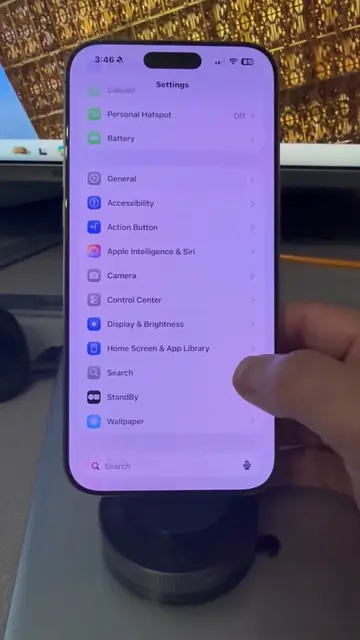
Browse products winning on TikTokThis video demonstrates how to turn off 'Significant Locations' tracking on an iPhone running iOS 26. The creator explains the steps involved, highlighting that disabling this feature prevents the phone from tracking travel habits and personal information.
Turn off the tracking on iOS 26.
Is Your iPhone Spying on You? 🤔 Turn Off iOS 26 Tracking Now! 📱🚫 #iphonetips #privacy #techtrends #foryou #viral #story #iphonetricks #iphone #pov #tiktok #fyp #storytime #ios26 #fypシ #scottpolderman
Playing this video’s own audio, so you’ll hear the creator over the sound.
Outliers and viral hits: their videos on Overshot, all time.