Loading video…
Sound

original sound - makewithmax
Make w/ Max · Original audio
0:00–:––
Playing this video’s own audio, so you’ll hear the creator over the sound.
The video provides a practical and potentially useful solution for a safety concern, presented in a clear, step-by-step tutorial format. The use of a common iPhone feature ('Back Tap') makes the solution accessible to a wide audience.
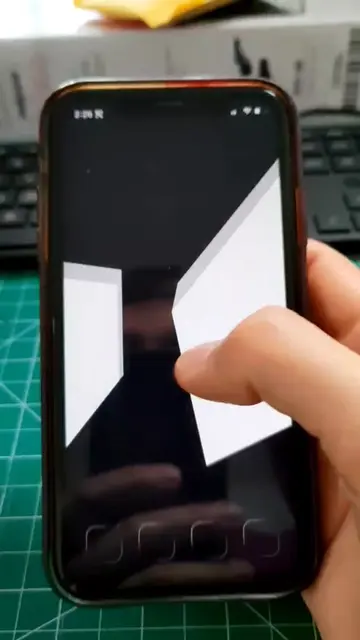
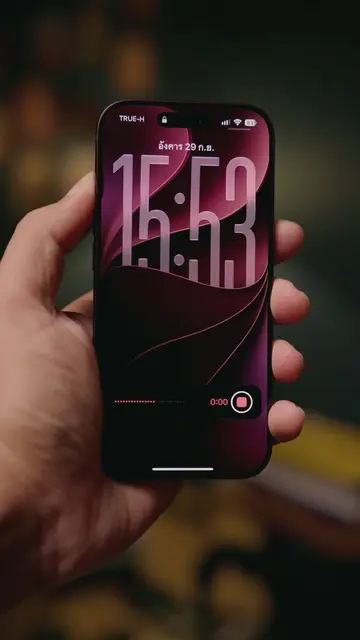
This video demonstrates how to set up the 'Secret Ear' app on an iPhone, which allows for covert audio recording. The setup involves using the iPhone's 'Back Tap' feature to trigger the app, which can then record for a set duration and save the audio to the phone's files.
Kinda cool - lmk if the timing (five 1 min timers) seems right #iphone #techtok #app #safety #safetyfirst
Max's Apps #45 Secret Ear
Introduce Secret Ear app
Explain Back Tap setup
Configure Secret Ear settings
Demonstrate covert recording
Show where recordings are saved
Explain file access permission
Secret Ear: ACTS - it is an app that records audio covertly. Removing it would change what happens in the video. Back Tap: ACTS - it is an iPhone setting that allows custom actions to be triggered by tapping the back of the phone. Removing it would change what happens in the video. iPhone: ACTS - it is the device on which the app is demonstrated and used. Removing it would change what happens in the video.
Let me know if you want the app down in the comments and I can send it to you.
Playing this video’s own audio, so you’ll hear the creator over the sound.
IPhone app for covert audio recording
All time.
Promotes 9 products. Create free account to see more.
Outliers and viral hits: their videos on Overshot, all time.