Loading video…
All breakouts
 229 videos128 creators
28.8App DemoWarning hookEducation
Hook
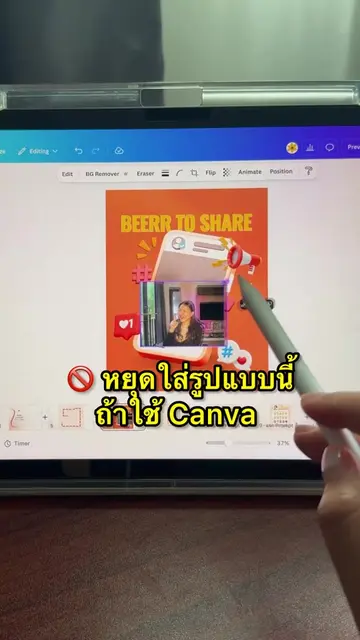
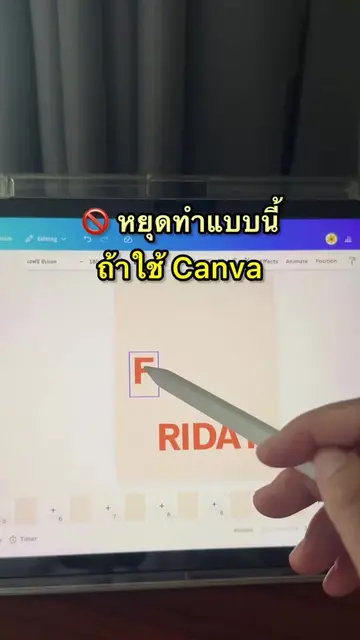
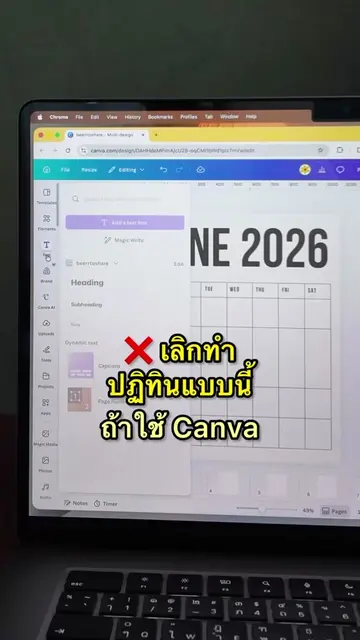
เลิกทำแบบนี้ ถ้าใช้ Canva เป็น
@beerrtoshare
57.1K followers · usually 667 views a post
Views
26.0K
Likes
596
Comments
4
Shares
114
Promoted product
Canvacanva.com
Why it worked
The video provides a quick, actionable 'hack' for a common pain point (photo editing) using a popular tool, making it highly shareable and useful for the audience.
Summary
The creator demonstrates how to use the 'Multi Outfit Tryon' app within Canva to change outfits in a photo. The video shows the step-by-step process of selecting the model, uploading outfit images, and generating the final result.
Structure
- 1Identify the problem of manual editing
- 2Introduce the Canva app solution
- 3Upload model and outfit photos
- 4Generate the new image
- 5
Original caption
เปลี่ยน outfit ง่ายๆ บน Canva
More from @beerrtoshare
More breakout videos from this creator.