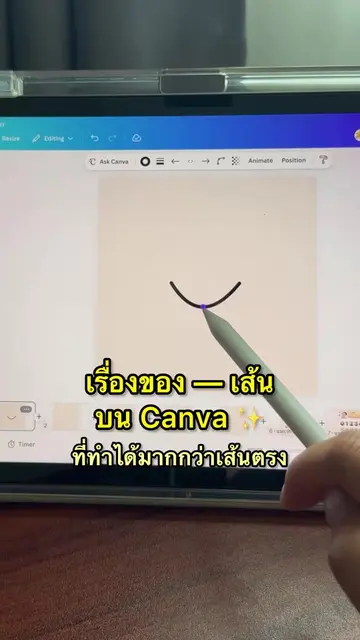
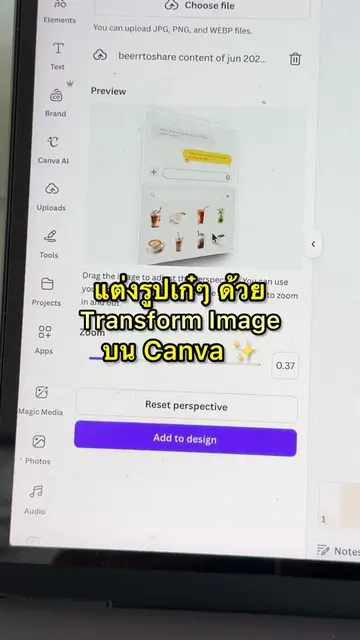
Loading video…
All breakouts
 229 videos128 creators
6.3App DemoHow-To hookEducation
Hook
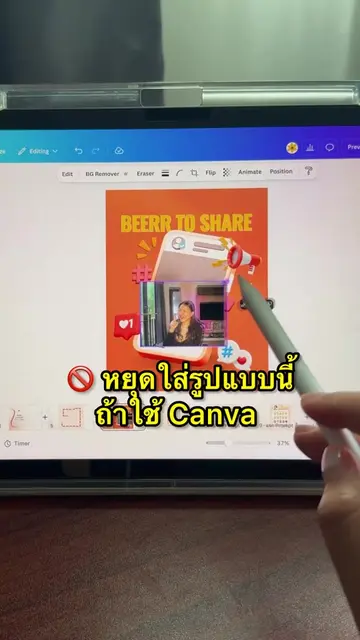
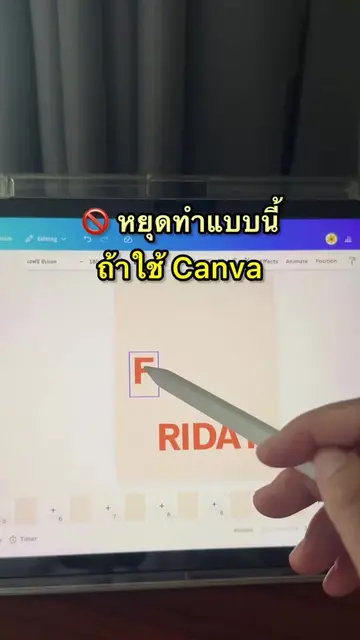
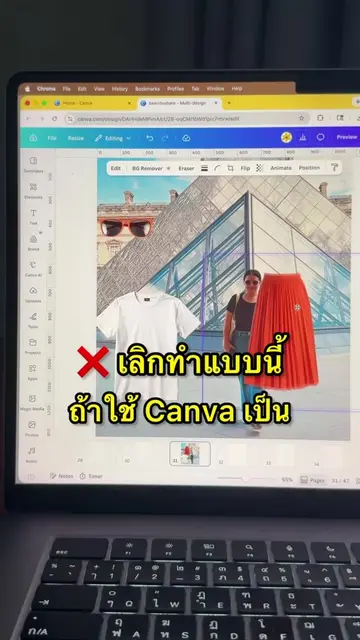
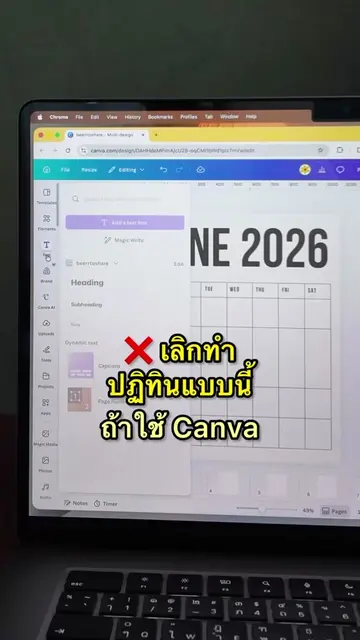
วิธี Split ตัดแบ่งภาพด้วย App บน Canva ✨
@beerrtoshare
57.1K followers · usually 667 views a post
Views
5.8K
Likes
102
Comments
0
Shares
24
Promoted product
Canvacanva.com
Why it worked
The video provides a clear, concise tutorial on a specific, useful feature within a popular design platform (Canva). The use of a visually appealing image and a straightforward demonstration makes it easy for viewers to understand and replicate the process, encouraging engagement and follows.
Summary
The video demonstrates how to use the 'Image Splitter' app within Canva to divide a single image into multiple smaller images. It shows the process of selecting an image, configuring the grid layout (rows and columns), splitting the image, and then adding the resulting pieces to a design.
Structure
- 1Introduce the concept of splitting images on Canva.
- 2Search for and select the 'Image Splitter' app.
- 3Upload or select an image to split.
- 4
Original caption
วิธี Split ตัดแบ่งภาพด้วย Image splitter บน Canva
More from @beerrtoshare
More breakout videos from this creator.