Loading video…
Sound

original sound - beerrtoshare
beerrtoshare · Original audio
0:00–:––
Playing this video’s own audio, so you’ll hear the creator over the sound.
The video addresses a common and frustrating problem for iPad users, offering a clear, step-by-step solution that is easy to follow. The use of on-screen text and direct demonstration makes the tutorial accessible and effective.
This video demonstrates how to fix the issue of the on-screen keyboard not appearing on an iPad. It guides viewers through the settings to enable the 'Show Onscreen Keyboard' option within Accessibility > Touch > AssistiveTouch.
ตอบกลับ @Rhodonite แก้ปัญหา Keyboard ไม่โชว์ บน iPad
วิธีแก้ปัญหา Keyboard ไม่โชว์ บน iPad
Identify the problem: keyboard not showing on iPad.
Navigate to Settings > Accessibility > Touch.
Enable AssistiveTouch and then 'Show Onscreen Keyboard'.
Test the solution by typing.
Encourage likes, shares, and follows.
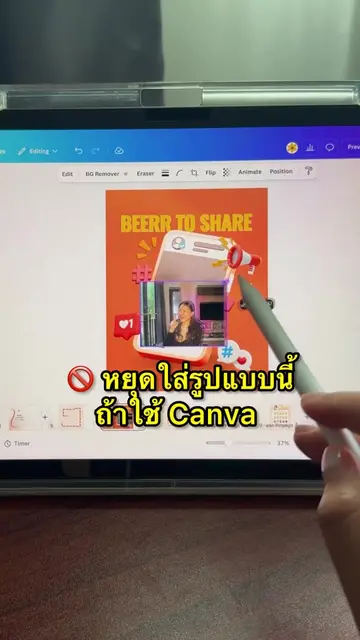
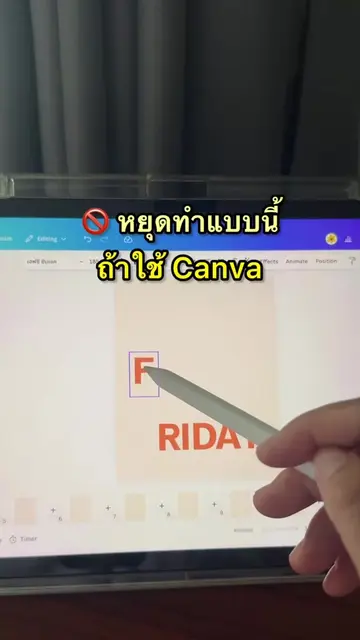
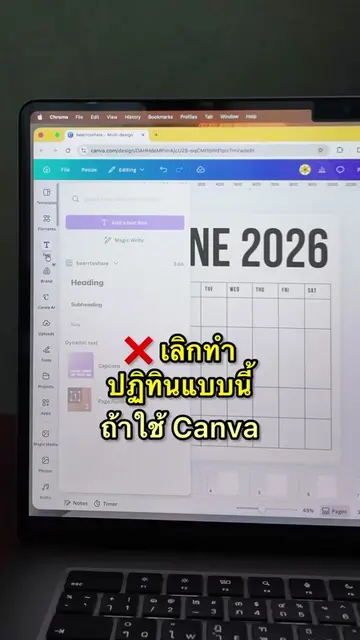
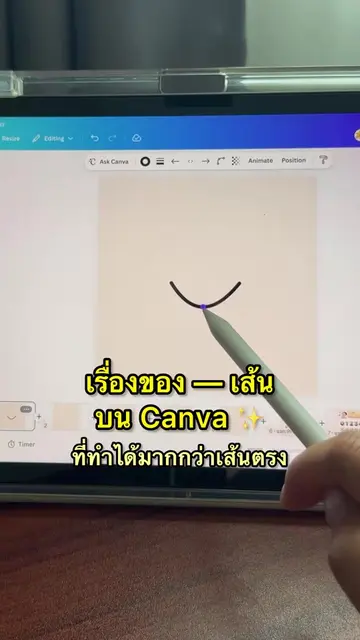
The video shows the Canva interface and the iPad's settings menu. Canva is mentioned indirectly through the creator's bio link.
กดไลค์ กดแชร์ แล้วก็กดติดตามเพื่อเป็นกำลังใจให้เราด้วยนะคะ
Playing this video’s own audio, so you’ll hear the creator over the sound.
Promotes 3 products. Create free account to see more.
Outliers and viral hits: their videos on Overshot, all time.
Design app for people creating presentations, worksheets, and other visual content
All time.