Loading video…
All breakouts
 229 videos128 creators
37.0App DemoWarning hookEducation
Hook
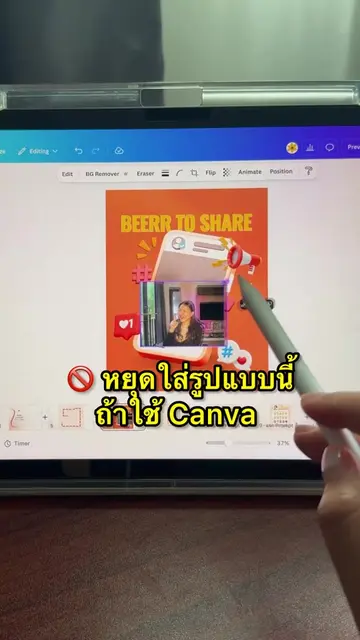
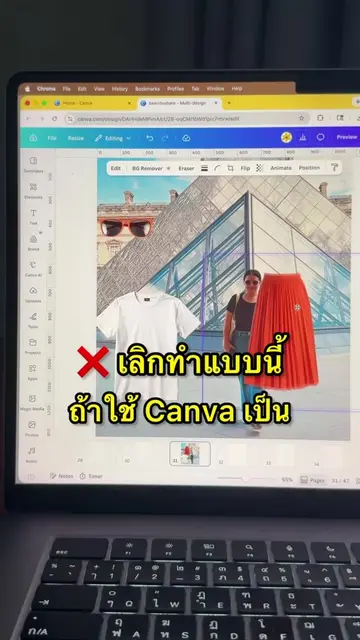
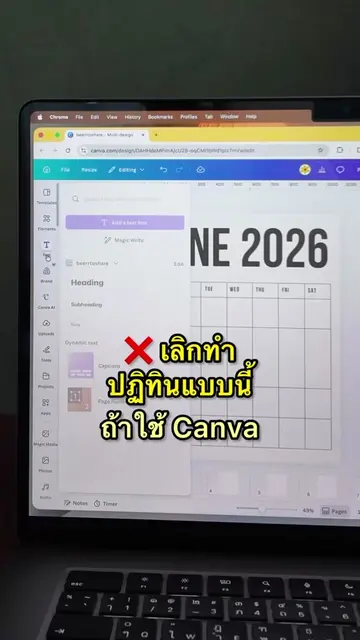
หยุดทำแบบนี้ ถ้าใช้ Canva
@beerrtoshare
57.1K followers · usually 667 views a post
Views
24.1K
Likes
630
Comments
1
Shares
78
Promoted product
Canvacanva.com
Why it worked
The video provides immediate value by solving a specific design pain point with a quick, actionable tutorial, making the product feel indispensable.
Summary
The creator demonstrates a more efficient way to warp text in Canva using the Type Warp app. She shows the step-by-step process of selecting a style, customizing the text, and adding it to a design.
Structure
- 1Identify the common mistake in text design
- 2Introduce the Type Warp app in Canva
- 3Demonstrate selecting and customizing a text effect
- 4Show the final result in a design
- 5
Original caption
ใส่ effect ตัวหนังสือ ด้วย Typo warp บน Canva
More from @beerrtoshare
More breakout videos from this creator.