Loading video…
All breakouts
 229 videos128 creators
60.6App DemoWarning hookEducation
Hook
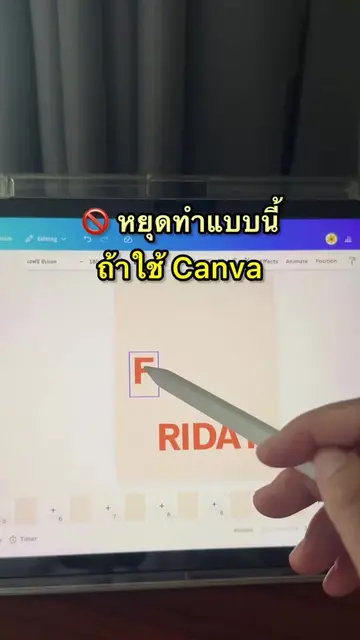
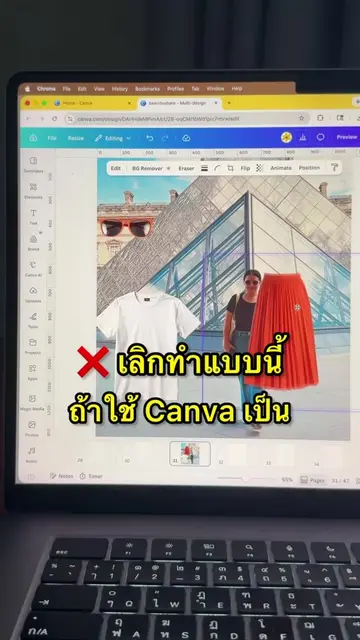
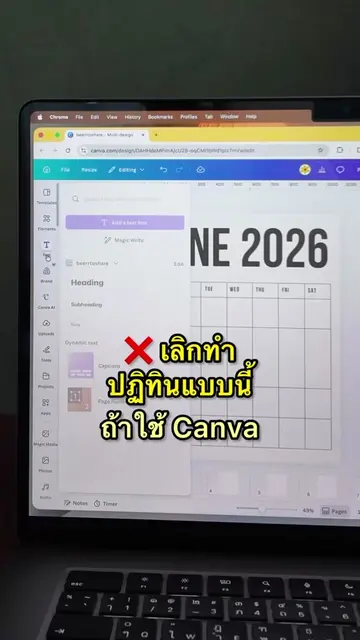
หยุดใส่รูปแบบนี้ ถ้าใช้ Canva
@beerrtoshare
57.1K followers · usually 667 views a post
Views
54.8K
Likes
2.8K
Comments
9
Shares
358
Promoted product
Canvacanva.com
Why it worked
The video solves a common, specific design frustration with a quick, actionable 'how-to' that provides immediate value to the viewer.
Summary
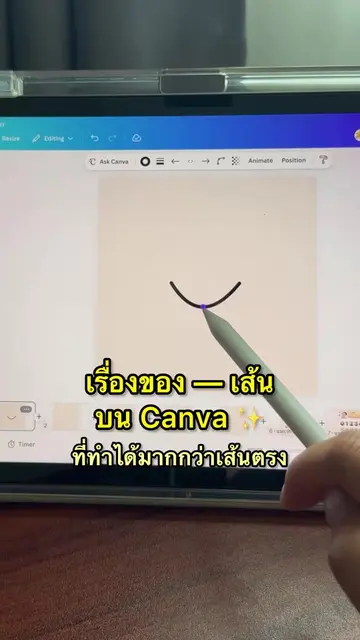
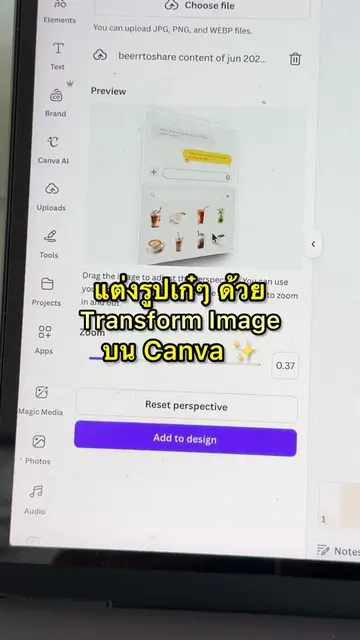
The creator demonstrates a specific feature in Canva called 'Trace to Frame' to help users create custom photo frames for their designs. She shows a step-by-step process of selecting an image, creating a frame, and inserting a photo into it.
Structure
- 1Identify the problem of poor photo placement
- 2Introduce the Canva app and the Trace to Frame feature
- 3Demonstrate selecting an image and creating a custom frame
- 4Show how to insert a photo into the new frame
Original caption
ทำ Frame ด้วย Trace to Frame บน Canva ✨
More from @beerrtoshare
More breakout videos from this creator.