Loading video…
All breakouts
 229 videos128 creators
7.9App DemoWarning hookEducation
Hook
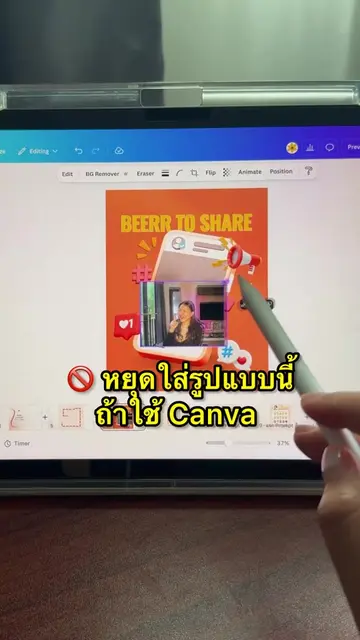
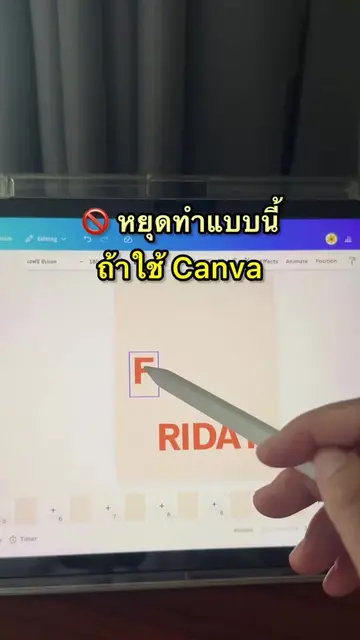
เลิกทำ ปฏิทินแบบนี้ ถ้าใช้ Canva
@beerrtoshare
57.1K followers · usually 667 views a post
Views
7.1K
Likes
188
Comments
0
Shares
26
Promoted product
Canvacanva.com
Why it worked
The video provides a quick and practical tutorial on how to use a specific feature within a popular design tool (Canva), addressing a common user need (creating calendars) in a visually engaging way.
Summary
The video demonstrates how to create a calendar using Canva's "Calendar Builder" app. It shows how to select the month and year, customize header and date colors, and then add the calendar to the design.
Structure
- 1Introduction: Stop making calendars this way if you use Canva.
- 2Accessing Canva Apps: Navigate to Apps and search for "Calendar Builder".
- 3Calendar Customization: Select month, year, and customize colors.
- 4Adding Calendar: Click "Add calendar" to insert it into the design.
Original caption
ทำปฎิทิน ง่ายๆ บน Canva
More from @beerrtoshare
More breakout videos from this creator.