Loading video…
All breakouts
 229 videos128 creators
6.5App DemoOther hookEducation
Hook
เรื่องของ — เส้น
@beerrtoshare
57.1K followers · usually 667 views a post
Views
5.9K
Likes
115
Comments
3
Shares
16
Promoted product
Canvacanva.com
Why it worked
The video effectively showcases a lesser-known feature of a popular design tool, providing practical tips and visual demonstrations that are easy to follow. This 'how-to' format, combined with the appeal of creative customization, likely resonated with users looking to enhance their design skills.
Summary
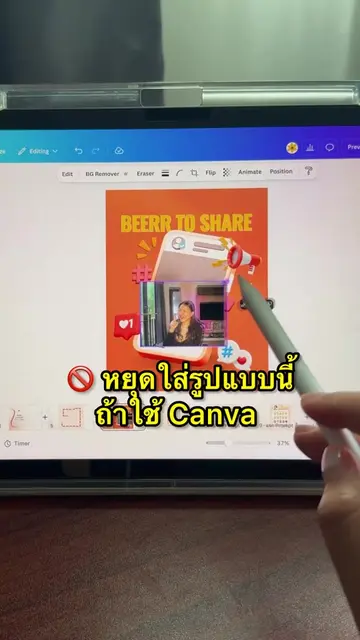
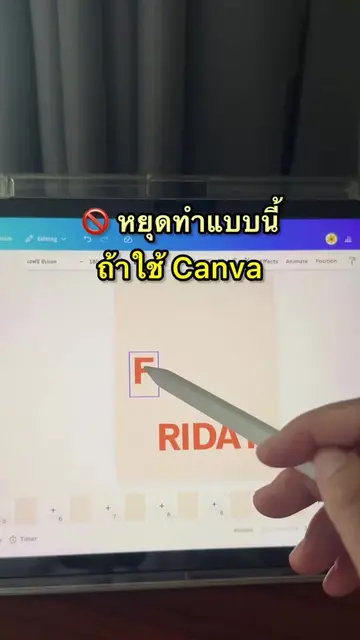
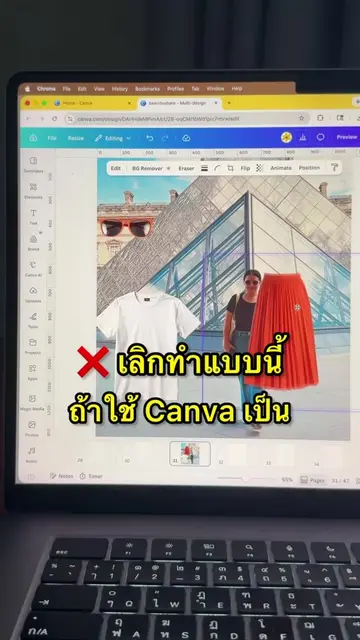
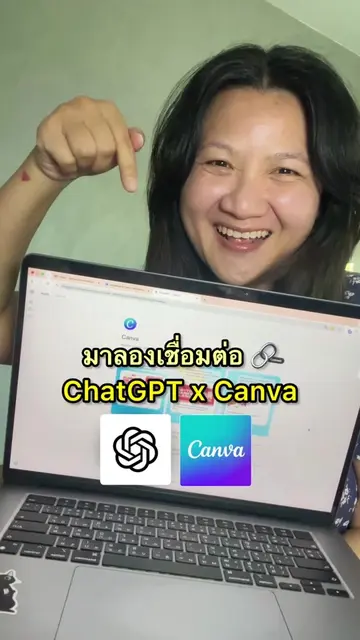
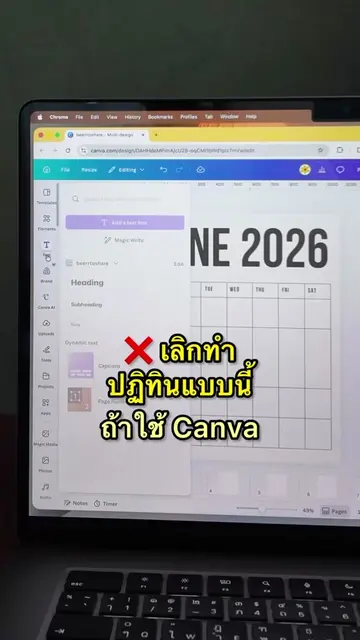
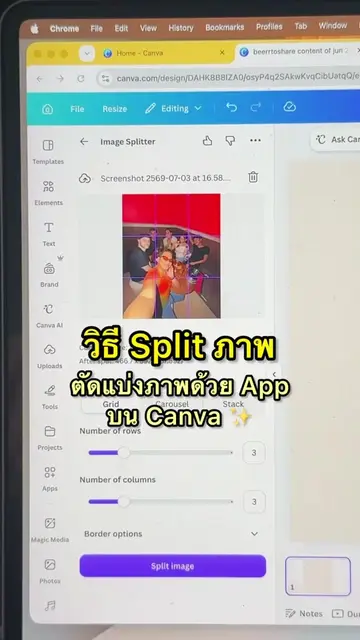
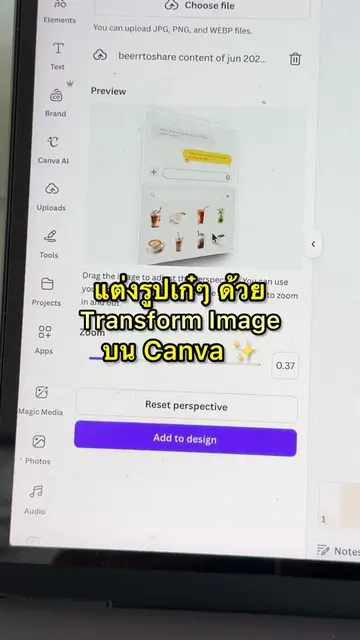
The video demonstrates how to create various line styles and shapes in Canva, going beyond simple straight lines. It shows how to select different line types like 'elbowed' and 'curved', adjust stroke weight, and change colors to create unique designs.
Structure
- 1Introduction to lines in Canva
- 2Exploring line styles and shapes
- 3Adjusting stroke weight and color
- 4
Original caption
Canva ทำได้มากกว่าเส้นตรง 〰️
More from @beerrtoshare
More breakout videos from this creator.