Loading video…
Sound

original sound - learnaiwithcarole
Learn AI With Carole ✨ · Original audio
0:00–:––
Playing this video’s own audio, so you’ll hear the creator over the sound.
Hook
Posted May 27, 2026Video · 1:36by @learnaiwithcarole
The video addresses a common pain point for users of AI chatbots: the AI forgetting context between conversations. By offering a practical solution (using the 'Projects' feature) and explaining it clearly with visual aids, the content provides immediate value and encourages engagement.
This video explains how to use Claude's 'Projects' feature to ensure the AI remembers your personal and business context across chats. It highlights two key areas: uploading a knowledge base with relevant documents and providing specific instructions on how Claude should behave and communicate.
Claude doesn’t remember who you are. Here’s the two-minute set up that means you never have to explain your business to Claude again, and the one section most people miss. #learnai #aiforbeginners #claudeai #ai101 #aitips
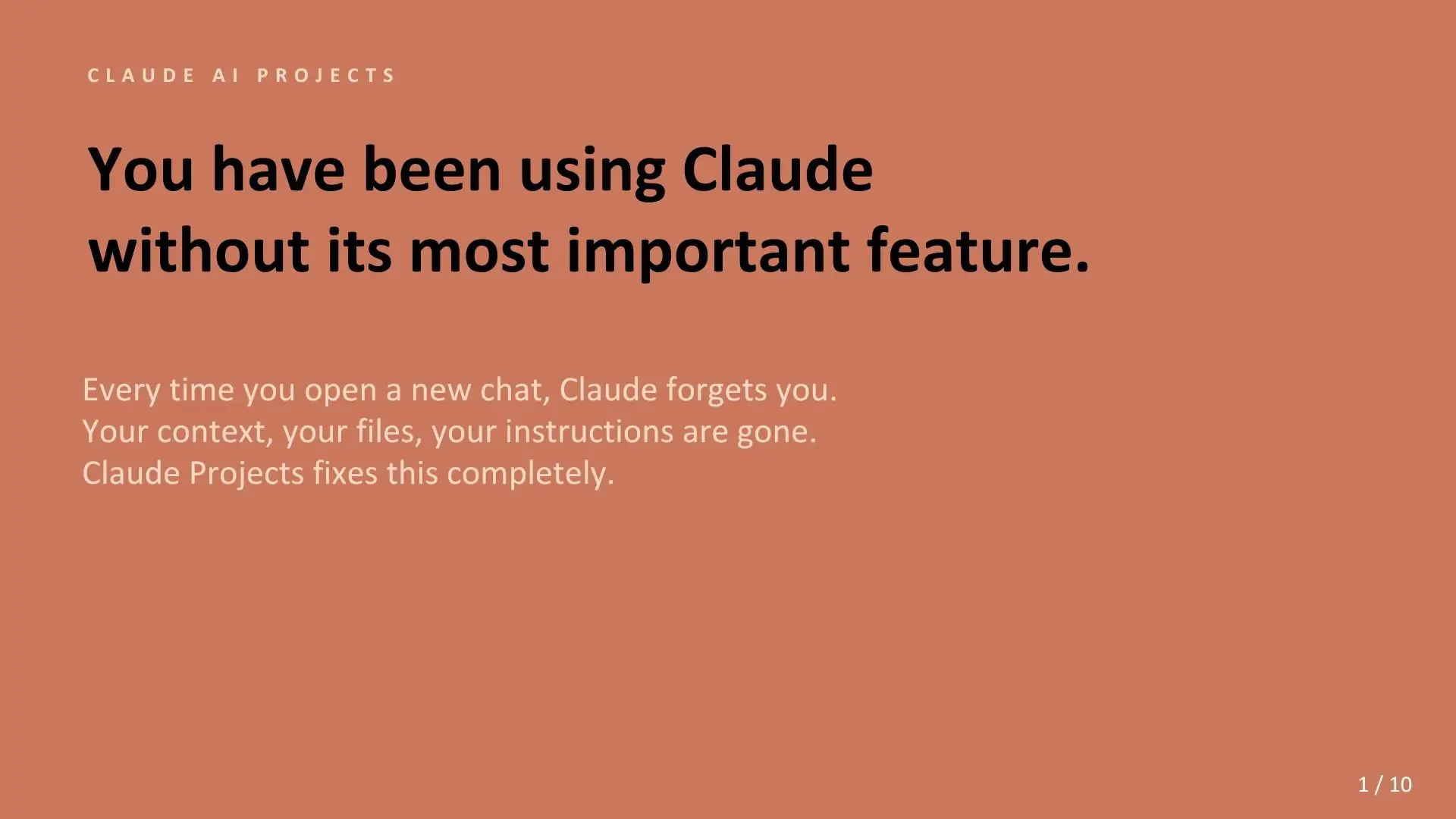
Claude forgets you once you close the chat. (unless you do this one thing.)
Claude forgets context when chats close
Introduction to Claude's 'Projects' feature
Explain the 'Knowledge' section for context
Explain the 'Instructions' section for behavior
Summarize the two layers for a well-briefed AI
Call to action: set up a project
The video demonstrates how to use the 'Projects' feature within the AI tool 'Claude'. It shows the 'Memory', 'Instructions', and 'Files' sections within a project, and specifically highlights the 'Instructions' text field where users can input commands for Claude.
Set up your first project if you haven't already, and let me know how you go.
Playing this video’s own audio, so you’ll hear the creator over the sound.
Promotes 1 product. Create free account to see more.
Outliers and viral hits: their videos on Overshot, all time.
AI assistant for people solving work and creative tasks
Views and creators: posted in the last 30 days (English videos). Videos: all time.