Loading video…
Sound

original sound - statusphere
statusphere · Original audio
0:00–:––
Playing this video’s own audio, so you’ll hear the creator over the sound.
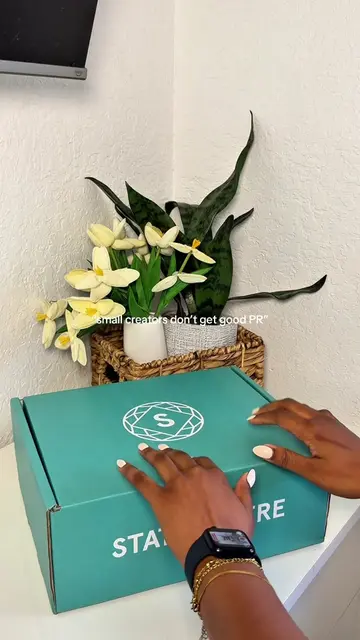
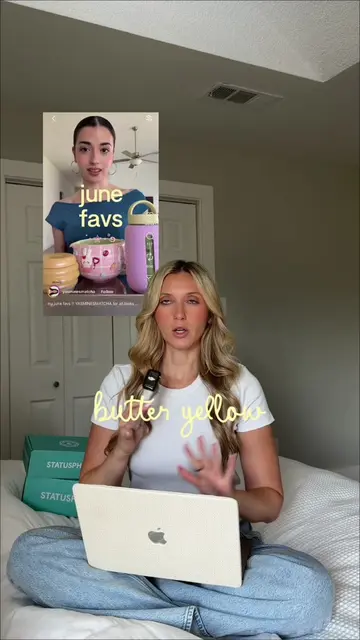
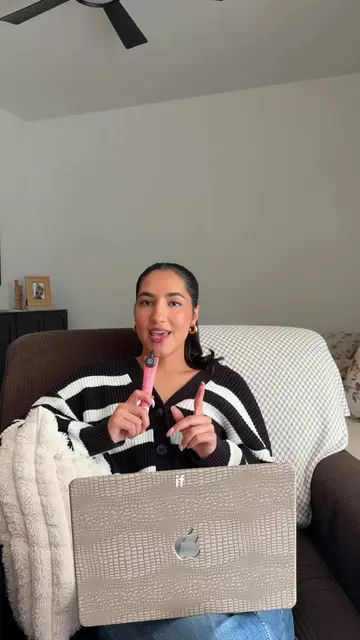
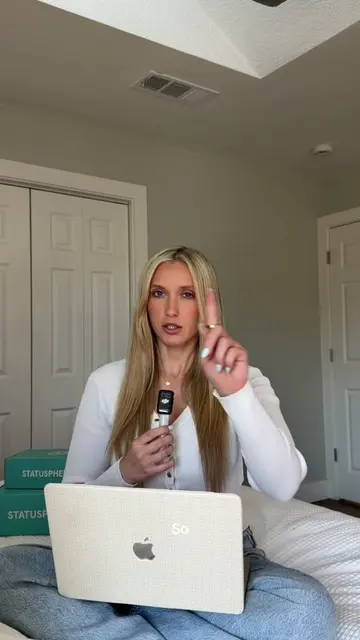
The video provides a clear, step-by-step tutorial for a popular video editing effect that many creators want to achieve. The use of on-screen text and visual demonstrations makes it easy to follow, and the promise of a simple process appeals to users looking for quick, impactful edits.
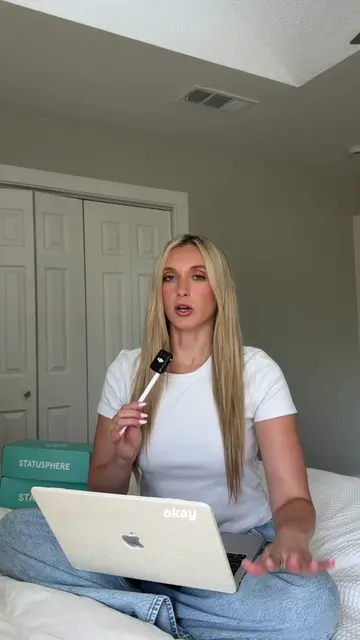
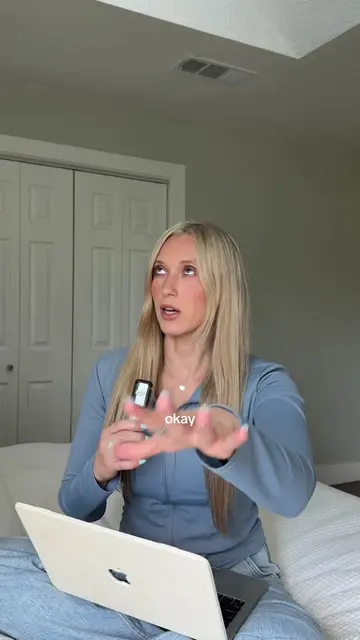
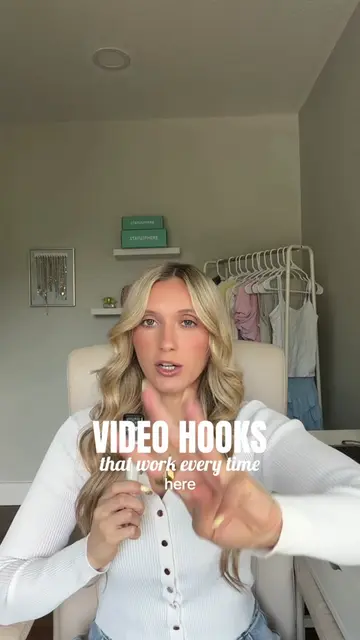
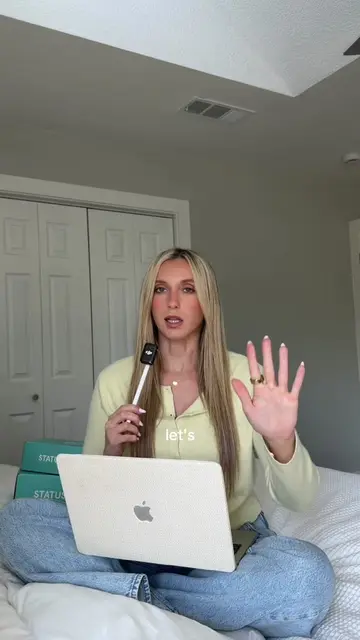
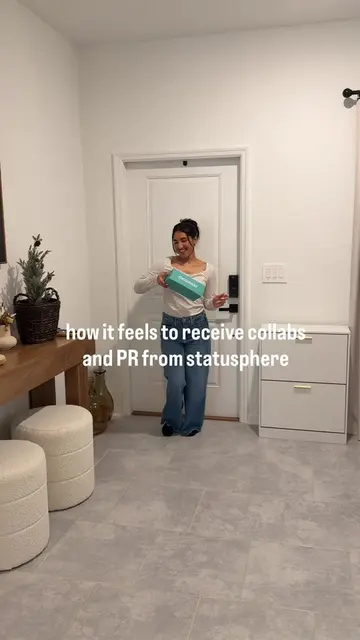
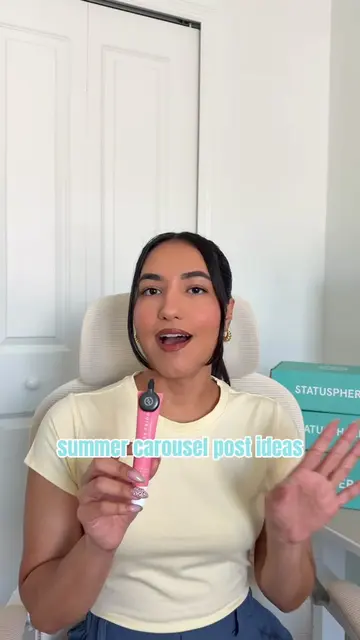
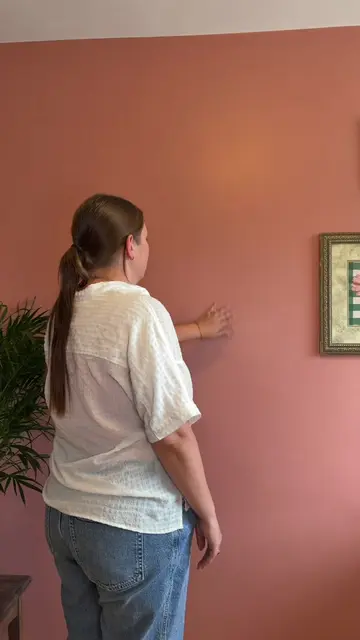
This video demonstrates how to create a clone effect of yourself using the CapCut editing app. It guides viewers through recording separate clips, layering them, and using masking tools to achieve a seamless split-screen illusion.
one of me is cute but TWO THOUGH?🤗👯♀️ here’s the clone editing tutorial for how to make two of you for your videos (spoiler: it’s so much easier than you think 👀) #creatorsearchinsights #cloneedit #edittutorial #capcuttutorial #editingtutorial
wanna
Introduction to cloning yourself
Recording the video clips
Importing into CapCut
Using the overlay and mask tools
Adjusting feather for smooth separation
Final result and encouragement
CapCut: ACTS - video editing software used to create the clone effect. Removing it would change what happens in the video. FENTY BEAUTY: APPEARS - a bottle of foundation is shown briefly. Removing it would not change what happens in the video. philosophy: APPEARS - a bottle of cleanser is shown briefly. Removing it would not change what happens in the video.
Playing this video’s own audio, so you’ll hear the creator over the sound.
Promotes 1 product. Create free account to see more.
Outliers and viral hits: their videos on Overshot, all time.
Video editing app for creators making social media videos
Views and creators: posted in the last 30 days (English videos). Videos: all time.