Loading video…
All breakouts
3.2Talking HeadListicle hookConsumer Apps
Hook
3 unnecessary functions
@technoskil
1.1M followers · usually 119.7K views a post
Views
377.1K
Likes
13.5K
Comments
164
Shares
599
Why it worked
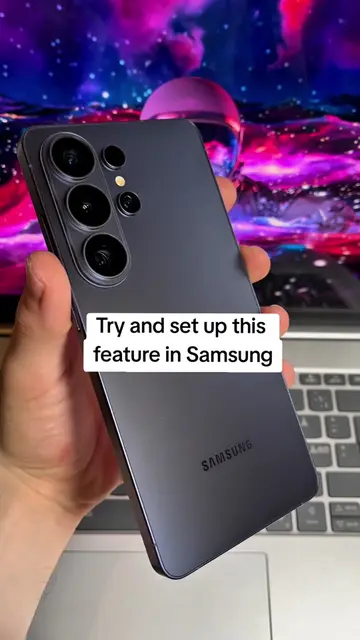
The video provides a quick and practical tutorial on disabling features that many users find annoying or unnecessary on their Samsung Galaxy phones, offering immediate value and a clear solution to a common user frustration.
Summary
This video demonstrates how to disable three features on a Samsung Galaxy phone that the creator deems unnecessary: the auto-rotate icon, the news feed, and edge panels. The tutorial provides step-by-step instructions for each setting, showing how to access and toggle them off within the phone's interface.
Structure
- 1Introduce the concept of disabling unnecessary features
- 2Disable the auto-rotate icon
- 3Disable the news feed
- 4
Original caption
3 unnecessary functions Samsung Galaxy #settings #phone #android #creatorsearchinsights
More from @technoskil
More breakout videos from this creator.