Loading video…
All breakouts
9.2Talking HeadSocial Proof hookConsumer Apps
Hook
90% of people use this wrong way
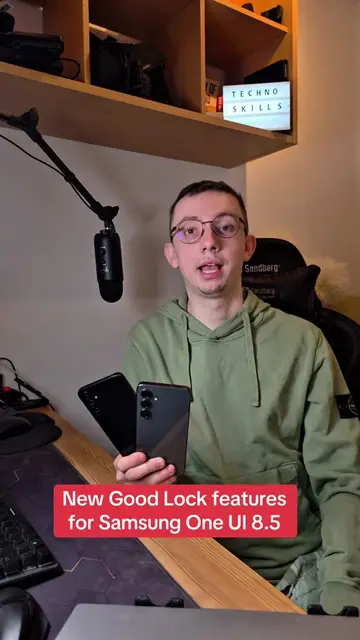
@technoskil
1.1M followers · usually 119.7K views a post
Views
1.1M
Likes
43.0K
Comments
1.4K
Shares
1.5K
Promoted product
Samsung phone settings
Why it worked
The video addresses a common pain point for smartphone users by offering a practical and easily implementable solution to improve usability. The clear demonstration and focus on convenience resonate with viewers looking for quick tips to enhance their device experience.
Summary
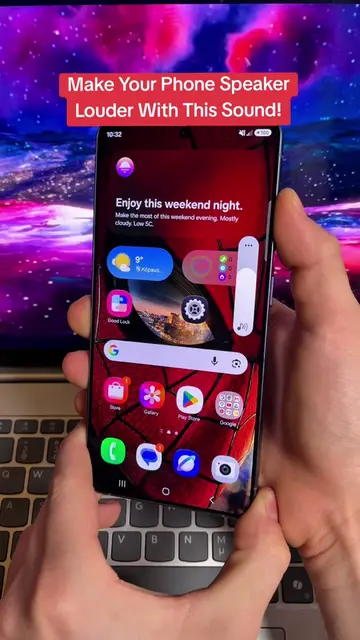
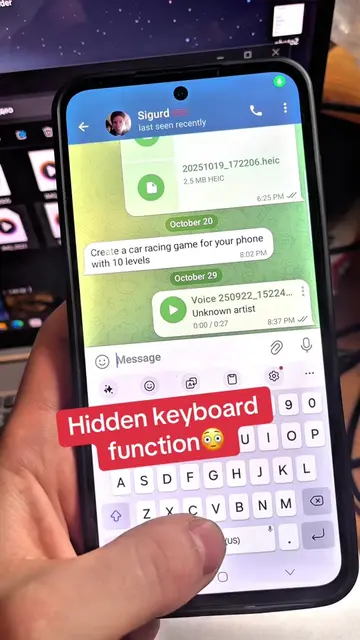
The video demonstrates how to customize the control panel on a Samsung phone to make it more convenient. It shows how to change the orientation of sliders and rearrange buttons to place frequently used functions within easier reach.
Structure
- 1Introduction to the problem
- 2Demonstration of current inconvenient layout
- 3Changing slider orientation
- 4Rearranging buttons for easier access
- 5Adding frequently used functions
- 6Concluding with a more convenient layout
Product placement
Samsung (phone): appears as the device being used. Removing it would change what happens in the video.
Wi-Fi (setting): appears as a control in the phone's settings panel. Removing it would change what happens in the video.
Bluetooth (setting): appears as a control in the phone's settings panel. Removing it would change what happens in the video.
Play music (control): appears as a control in the phone's settings panel. Removing it would change what happens in the video.
Media output (control): appears as a control in the phone's settings panel. Removing it would change what happens in the video.
Privacy display (control): appears as a control in the phone's settings panel. Removing it would change what happens in the video.
Smart View (control): appears as a control in the phone's settings panel. Removing it would change what happens in the video.
Nearby devices (control): appears as a control in the phone's settings panel. Removing it would change what happens in the video.
SmartThings (control): appears as a control in the phone's settings panel. Removing it would change what happens in the video.
ChatGPT (app): appears as an option in the panel settings. Removing it would change what happens in the video.
Create note (app): appears as an option in the panel settings. Removing it would change what happens in the video.
Emergency sharing (app): appears as an option in the panel settings. Removing it would change what happens in the video.
Finder (app): appears as an option in the panel settings. Removing it would change what happens in the video.
Song Search (app): appears as an option in the panel settings. Removing it would change what happens in the video.
Take screenshot (app): appears as an option in the panel settings. Removing it would change what happens in the video.
Battery and performance (section): appears as a section in the panel settings. Removing it would change what happens in the video.
Battery protection (control): appears as a control in the phone's settings panel. Removing it would change what happens in the video.
Performance profile (control): appears as a control in the phone's settings panel. Removing it would change what happens in the video.
Power saving (control): appears as a control in the phone's settings panel. Removing it would change what happens in the video.
Wireless power sharing (control): appears as a control in the phone's settings panel. Removing it would change what happens in the video.
Capture (section): appears as a section in the panel settings. Removing it would change what happens in the video.
Screen recorder (app): appears as an option in the panel settings. Removing it would change what happens in the video.
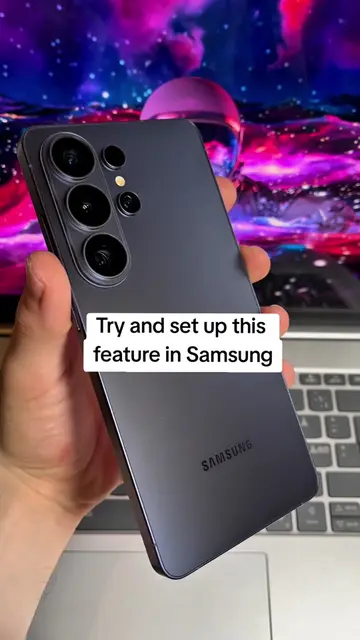
Samsung (logo): appears on the back of the phone. Removing it would not change what happens in the video.
Original caption
90% of people use this the wrong way on Samsung Galaxy #setting #samsung #phone #creatorsearchinsights
More from @technoskil
More breakout videos from this creator.