Loading video…
Sound

original sound - torro.io
Torro Media · Original audio
0:00–:––
Playing this video’s own audio, so you’ll hear the creator over the sound.
The video provides a timely and actionable tip about a new feature from a major tech company, directly addressing a topic relevant to website owners and SEO professionals. The concise, step-by-step format makes it easy to follow and implement.
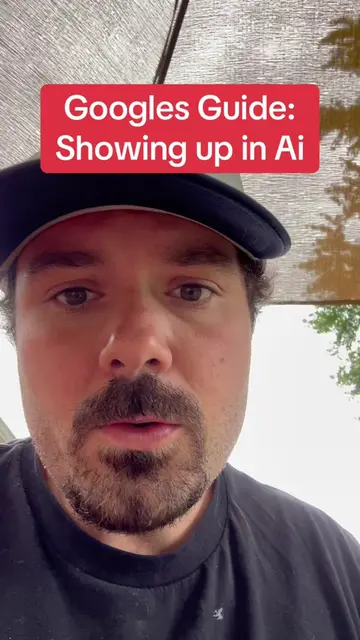
The video explains how to find Google's new 'Agentic Browsing' score within PageSpeed Insights. This score evaluates how well AI agents can interact with a website, highlighting three key areas: Accessibility Tree, LLMS.txt, and Layout Stability.
Google quietly added something that almost nobody is talking about. Inside PageSpeed Insights, there’s now a brand-new category called Agentic Browsing. It’s designed to evaluate how well AI agents can browse and understand your website. In this video, I show you exactly where to find it in less than 30 seconds. Whether this becomes a major ranking signal or simply a best-practice report over time, one thing is clear: Google is preparing websites for a future where AI doesn’t just read your content… it interacts with it. If you manage a website, I’d check this report today. The best part? It’s free. Follow for more SEO, GEO, and AI Visibility tips. #AEO #SEO #GEO
Google's NEW AI score
Introduce Google's new AI score
Instruct to go to PageSpeed Insights
Enter website and analyze
Show the new 'Agentic Browsing' score
Explain the three components of the score
Conclude with the future of SEO and a CTA
Google PageSpeed Insights: ACTS - it analyzes websites and provides performance scores. Removing it would change what happens in the video. Google: APPEARS - it's a logo on the PageSpeed Insights website. Removing it would not change what happens in the video.
Follow for more AI tips
Playing this video’s own audio, so you’ll hear the creator over the sound.
Website performance tool that measures page speed and user experience for website owners
All time.
Promotes 1 product. Create free account to see more.
Outliers and viral hits: their videos on Overshot, all time.