Loading video…
All breakouts 3 videos2 creators
16.9App DemoHow-To hookSaaS
Hook
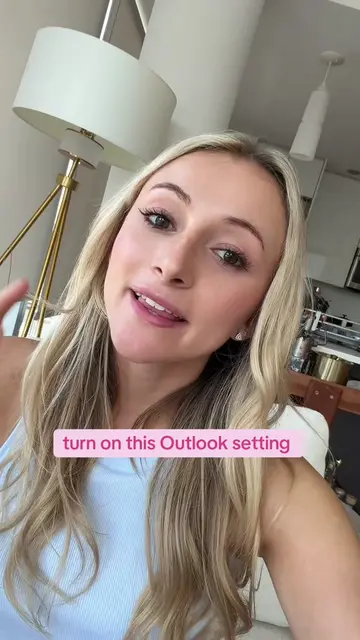
Take this as your sign whenever you take PTO and you come back to 400 unread emails to use Copilot Cowork to clean that up for you.
@kellyn_mcmullan
181.4K followers · usually 3.2K views a post
Views
74.2K
Likes
3.3K
Comments
19
Shares
612
Promoted product
Copilot Cowork
Learn about Microsoft Copilot Cowork, which takes action on your behalf.
Why it worked
The video solves a high-friction, relatable pain point (inbox overwhelm) with a clear, low-effort 'before and after' demonstration that makes the product feel like a magic button.
Summary
The creator demonstrates how to use the AI tool Copilot Cowork to automatically organize a chaotic Outlook inbox after returning from time off. She shows the step-by-step process of generating a folder structure and rules, reviewing a dry-run report, and applying the changes.
Structure
- 1Identify the problem of a cluttered inbox after PTO
- 2Show the before and after state of the inbox
- 3Demonstrate the AI prompt and dry-run report feature
- 4Execute the folder creation and rule setting
Original caption
how to use Copilot Cowork to clean out your inbox and build an organizational system that will actually last ✨ #officetips #copilotcowork #aitools #digitalorganization #outlook
More from @kellyn_mcmullan
More breakout videos from this creator.