Loading video…
Sound

original sound - technologysureya
Technology Sureya · Original audio
0:00–:––
Playing this video’s own audio, so you’ll hear the creator over the sound.
This video promotes it, but we haven’t matched it to a product page yet, so there are no product figures.
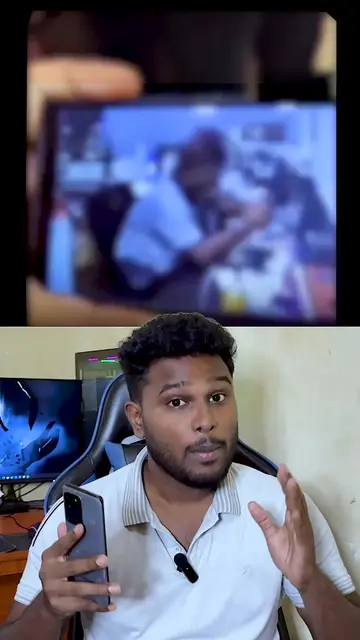
The video provides a clear, step-by-step tutorial on a practical and useful feature within a widely used application, Google Maps. The demonstration is easy to follow, making it highly shareable and valuable for users looking to learn this specific functionality.
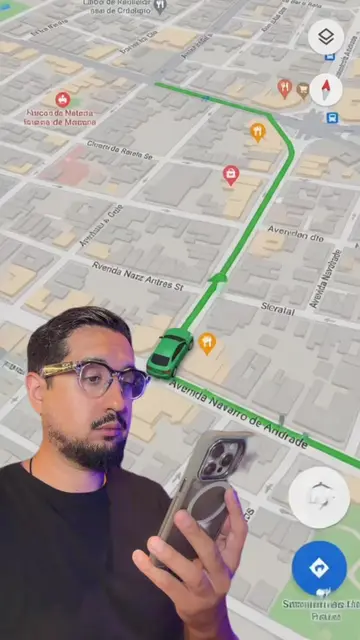
The video demonstrates how to share your real-time location using Google Maps. It guides the viewer through the process of selecting a contact and sharing their location either for a set duration or until turned off.
එයාගේ location එක , ඔයාගේ phone එකෙන් බලමු #Location #GoogleMaps #googlefind #technology
ඔයාගේ phone එකෙන් බලමු
Introduction to sharing location
Navigating to Google Maps
Selecting 'Share real-time location'
Choosing duration and contact
Sending the location link
Viewing the shared location
Google Maps: This is a mapping application that allows users to find locations, get directions, and share their real-time location. It is used actively in the video to demonstrate how to share one's location. Removing it would change the video's content. Facebook: A social media platform. A button with the Facebook logo and "Technology Sureya" appears on screen, with a "Follow" and "Following" state. It is not actively used, and its removal would not change the video's core demonstration. It merely appears.
Follow Technology Sureya on Facebook
Playing this video’s own audio, so you’ll hear the creator over the sound.
Promotes 4 products. Create free account to see more.
Outliers and viral hits: their videos on Overshot, all time.