Loading video…
Sound

original sound - talkitoutdani
talkitoutdani · Original audio
0:00–:––
Playing this video’s own audio, so you’ll hear the creator over the sound.
Hook
Posted Jul 1, 2026Video · 0:45by @talkitoutdani
The video provides a quick, actionable tutorial on a relevant productivity tool (Microsoft Teams workflows) that directly addresses a common pain point for professionals (managing tasks and communication). The concise format and clear demonstration make it easy to follow and replicate.
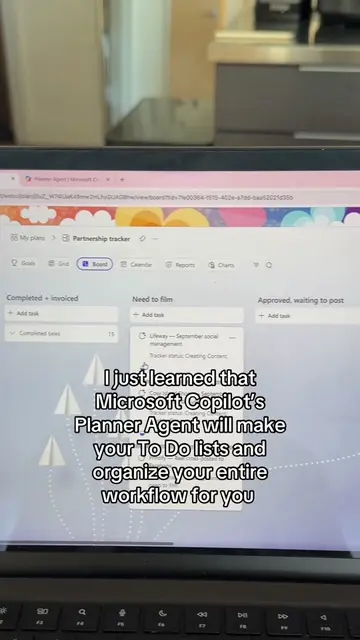
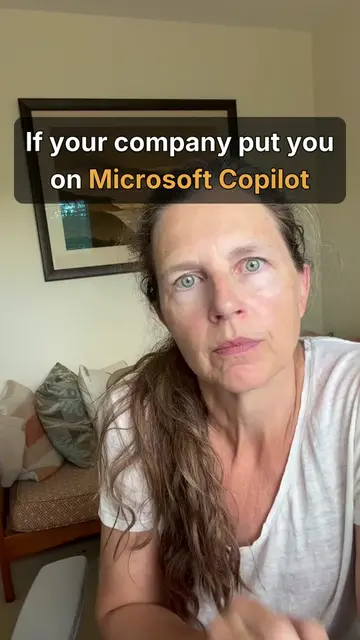
The video demonstrates how to build custom AI workflows within Microsoft Teams, leveraging tools like Co Pilot and Outlook. It shows users how to create automated tasks, reminders, and schedule meetings by selecting triggers and actions within the Teams platform.
How to build CoPilot workflows in 40 seconds 🤓 #aiforbeginners #microsoftcopilot #careeradvice #corporatelife #careertok
Let me teach you how to build yourself an AI Executive Assistant 🤷♀️
Introduction to building AI executive assistants
Identifying the need for automation with Microsoft tools
Navigating to Workflows in Microsoft Teams
Creating a new workflow from templates or scratch
Selecting triggers and actions for automation
Concluding the demonstration
Microsoft Teams: ACTS - it is the platform where the workflows are built and operated. Removing it would change what happens in the video. Microsoft Co Pilot: ACTS - it is mentioned as part of the workflow creation process. Removing it would change what happens in the video. Microsoft Outlook: ACTS - it is mentioned as a potential trigger for workflows. Removing it would change what happens in the video.
Playing this video’s own audio, so you’ll hear the creator over the sound.
Promotes 1 product. Create free account to see more.
Outliers and viral hits: their videos on Overshot, all time.
Workplace collaboration software for meetings, messaging and workflows
All time.