Loading video…
Sound

original sound - thesphelpdesk
Therman | SharePoint · Original audio
0:00–:––
Playing this video’s own audio, so you’ll hear the creator over the sound.
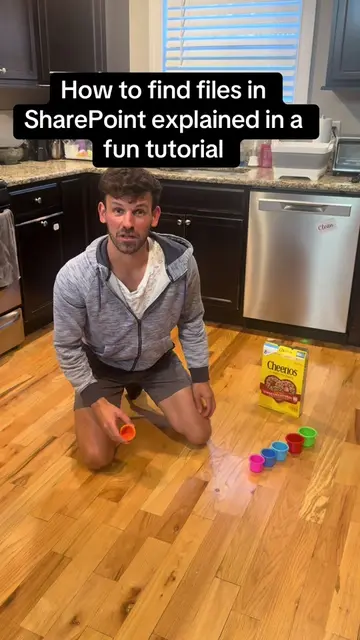
The video effectively demystifies a common point of confusion for users of Microsoft Teams and SharePoint by clearly illustrating the direct relationship between channels and folders/sites. The visual aid of the whiteboard drawing, combined with the straightforward explanation, makes the concept easy to grasp and remember.
This video explains the relationship between Microsoft Teams channels and SharePoint sites. When a new Team is created, a corresponding SharePoint site is automatically generated, and each channel within that Team corresponds to a folder within the SharePoint site's document library.
#sharepoint #msteams #spreadsheet #SmallBusiness
Finkle is Einhorn Einhorn is Finkle
Intro: Finkle is Einhorn
MS Teams creates a channel
Channel creates a SharePoint site
SharePoint site has a document library with a folder named after the channel
Deleting channel in Teams deletes folder in SharePoint and vice-versa
Private channels create separate SharePoint sites
MS Teams: ACTS - it is an interface for creating teams and channels, which in turn create SharePoint sites. Removing it would change what happens in the video. SharePoint: ACTS - it is an interface for creating team sites and document libraries/folders, which are the core of the video's explanation. Removing it would change what happens in the video. SharePoint Bootcamp: APPEARS - it is a title shown on screen, but not directly interacted with or explained. Removing it would not change what happens in the video. Main: ACTS - it is a name for a channel and a folder, which are part of the explanation of how Teams and SharePoint interact. Removing it would change what happens in the video.
Playing this video’s own audio, so you’ll hear the creator over the sound.
Workplace collaboration software for meetings, messaging and workflows
All time.
Promotes 1 product. Create free account to see more.
Outliers and viral hits: their videos on Overshot, all time.