Why it worked
This video likely performed well because it addresses a common user need for language settings within a popular app, providing a clear and concise tutorial.
Summary
The video demonstrates how to change the app language within TikTok's settings. It navigates through the settings menu to the language options and shows the selection of 'English (US)' as the app language.
Structure
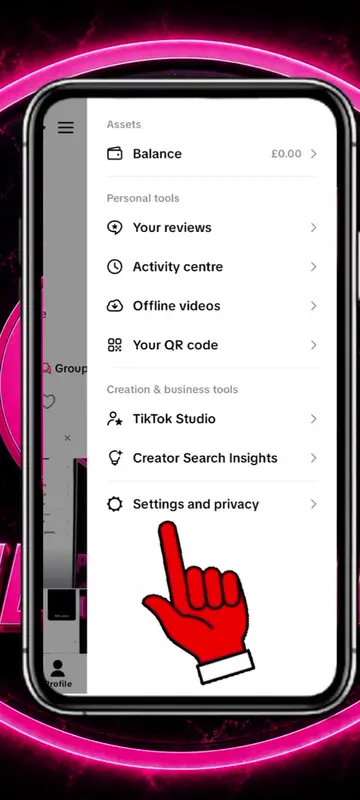
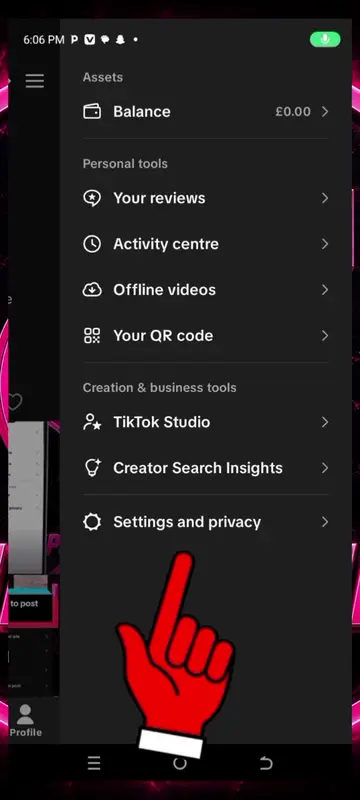
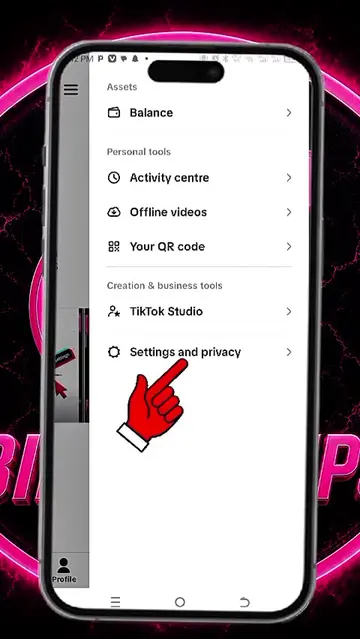
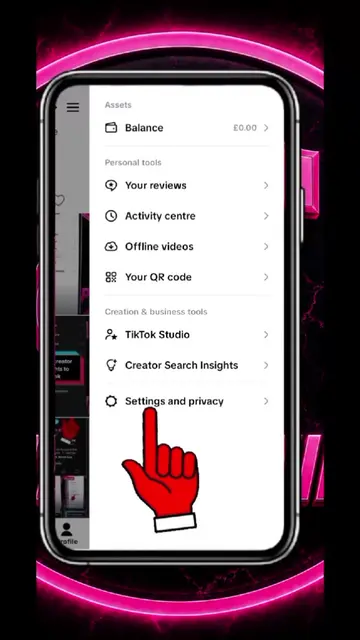
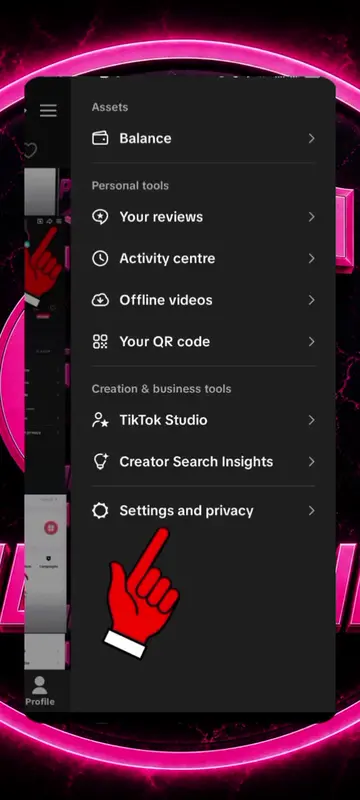
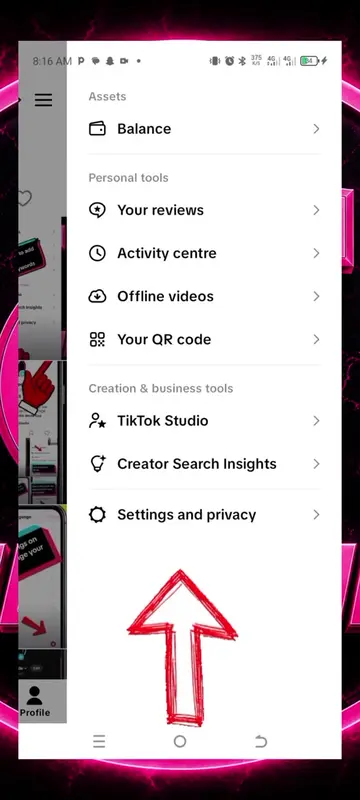
- 1Navigate to Settings and privacy
- 2Select Language
- 3Choose App language
- 4Select English (US)
- 5Confirm selection
Product placement
TikTok: This is a social media platform where users can create and share videos. It acts as the platform on which the tutorial is being shown. Removing it would change what happens in the video.
On-screen text
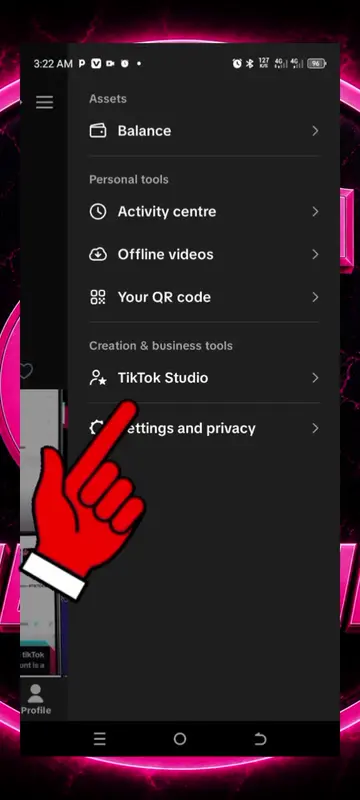
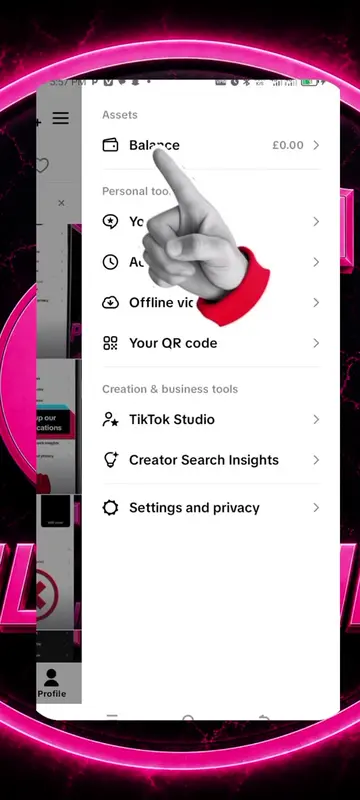
Assets
Balance
Personal tools
Your reviews
Activity center
Offline videos
Your QR code
Creation & business tools
TikTok Studio
Creator Search Insights
Settings and privacy
Activity
Manage posts
Content preferences
LIVE
Notifications
Time and well-being
Family Pairing
Account
Account
Security & permissions
Analytics
Share profile
Visibility
Private account
Blocked accounts
Interactions
Comments
Mentions
Direct messages
Activity status
Public
Reuse of content
Display profile when sharing links
On
Downloads
On
Following list
Everyone
Liked videos
Everyone
Favorite sounds
On
Viewers
On
Content & Display
Music
Inbox & Messaging
Activity center
Audience controls
Plan and ads
Playback
Display
Language
Accessibility
Contacts and location
Cache & Cellular
Offline videos
Cancel
App language
Done
Azerbaycan
Bahasa Indonesia
Bahasa Melayu
Basa Jawa
Català
Cebuano
Čeština
Dansk
Deutsch
Eesti
English (UK)
English (US)
Español
Español (Latinoamérica)
Filipino