Why it worked
This video likely performed well due to its clear and concise demonstration of a common user need: managing app notifications. By providing a direct walkthrough of the settings, it offers practical value to viewers looking to customize their TikTok experience.
Summary
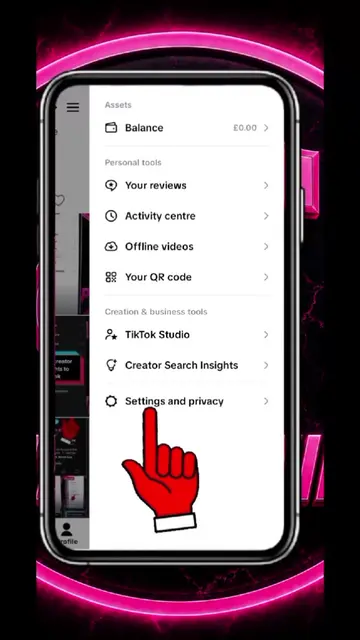
The video demonstrates how to navigate the settings menu within the TikTok app. It specifically shows how to access and adjust notification settings, including setting a schedule to turn off push notifications and toggling various interaction notifications.
Structure
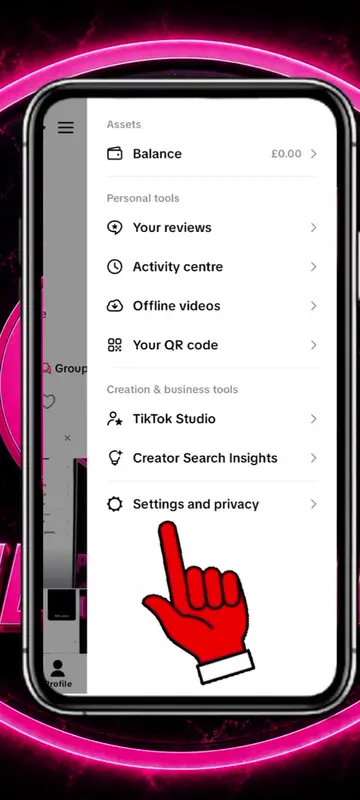
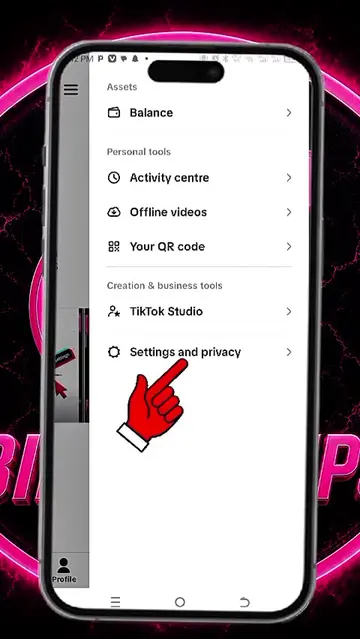
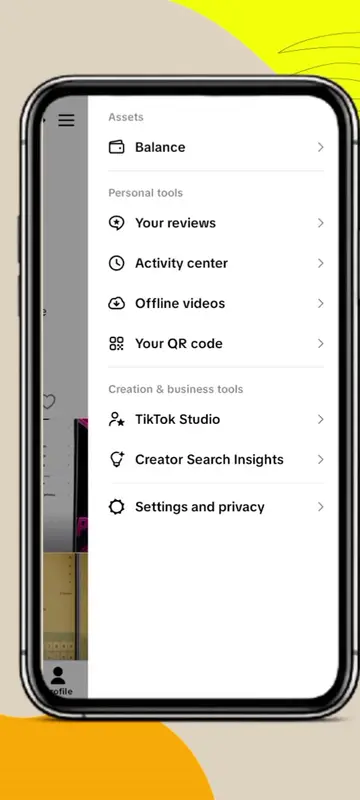
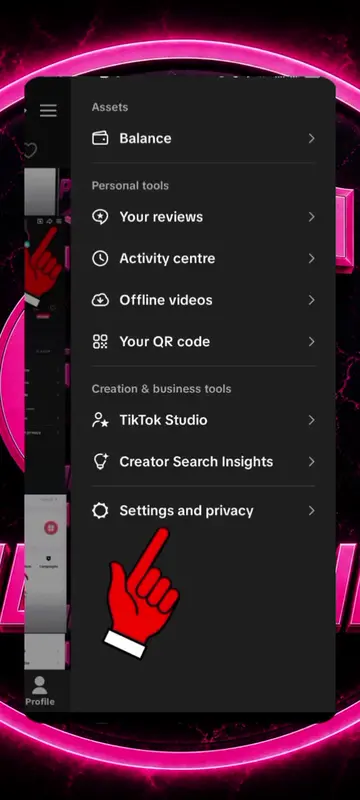
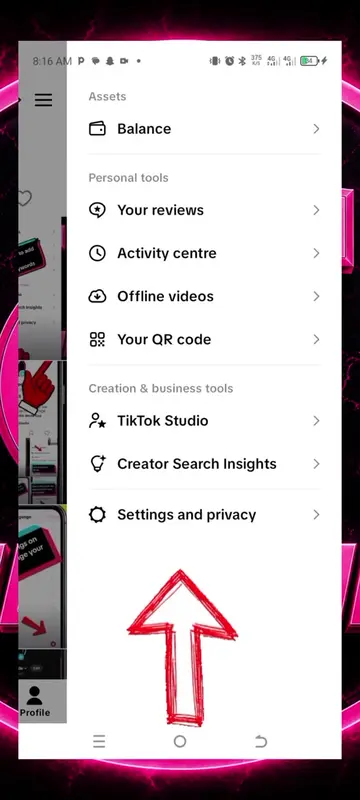
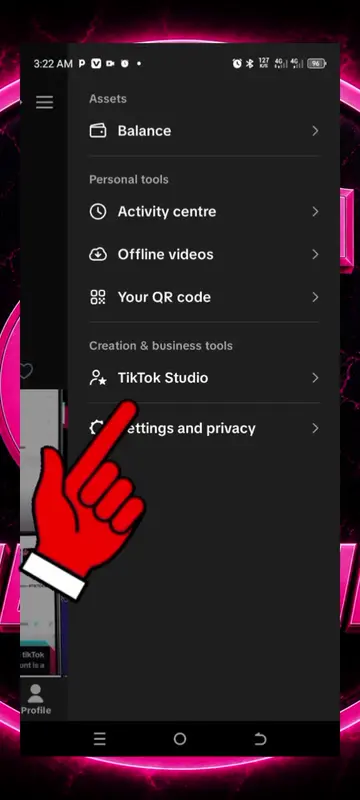
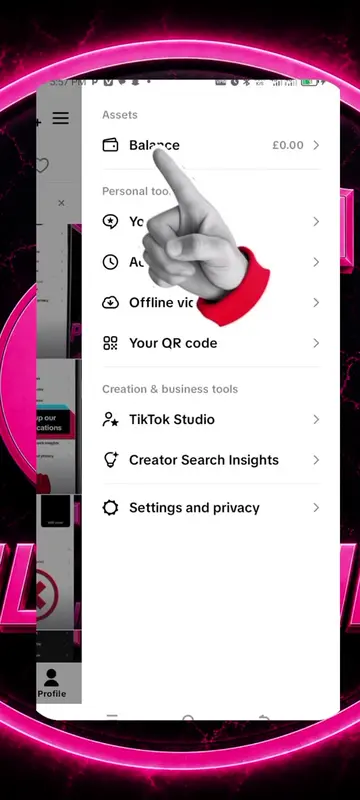
- 1Open TikTok settings
- 2Navigate to Notifications
- 3Access Push notification schedule
- 4Toggle 'Set a schedule'
- 5Adjust notification settings for interactions
Product placement
TikTok (app): The video demonstrates navigating the settings menu of the TikTok app. Removing it would change what happens in the video.
On-screen text
Settings and privacy
Activity
Manage posts
Content preferences
LIVE
Notifications
Time and well-being
Family Pairing
Account
Account
Security and permissions
Analytics
Push notification schedule
Set a schedule to turn off push notifications.
Interactions
Likes
Comments
New followers
Reposts
Posts you interacted with
Get notified when your friends (followers who you follow back) comment on another friend's post you liked or commented on.
Streaks
When turned off, you won't receive Streak notifications, but the Streaks feature will remain active.
Effects
Get notified when someone adds you in an effect in their post or Story.
Messages
Direct messages
Direct messages preview
Activity status
Alert tones
Set unique alert tones for messages.
Post suggestions
Posts from accounts you follow