Why it worked
The video provides a clear, step-by-step visual guide to a common user need: checking account security settings on TikTok. This direct, practical information is highly searchable and valuable to users concerned about their online safety.
Summary
The video demonstrates how to navigate through TikTok's settings to access account security and permissions. It shows the user going from the main settings menu to account settings, then to security and permissions, and finally to a security overview page. The video highlights that there are no security issues found and lists the devices logged into the account.
Structure
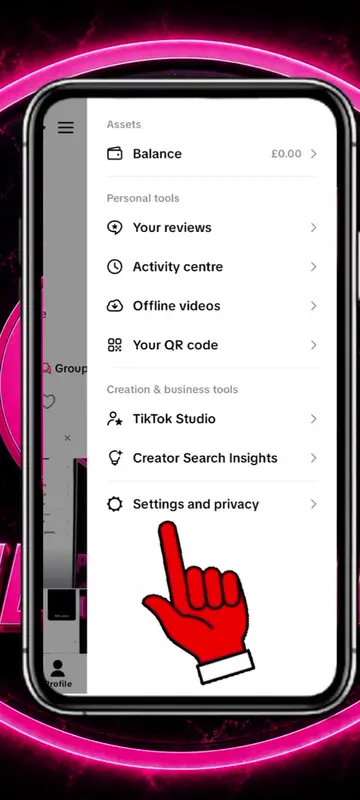
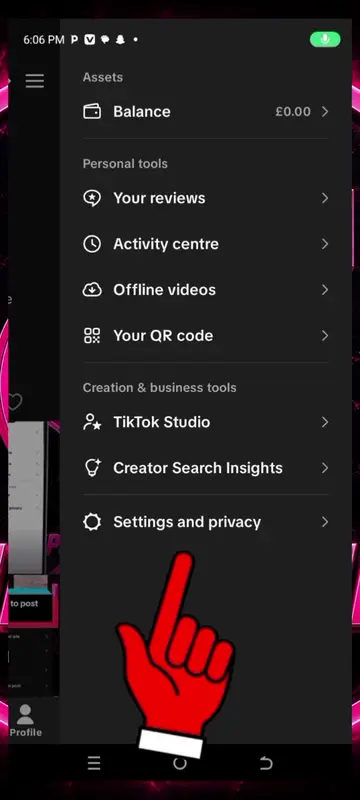
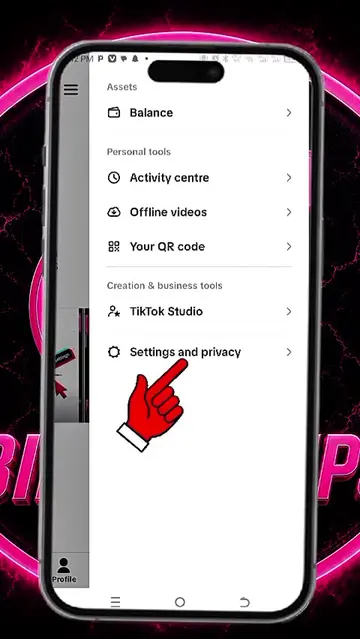
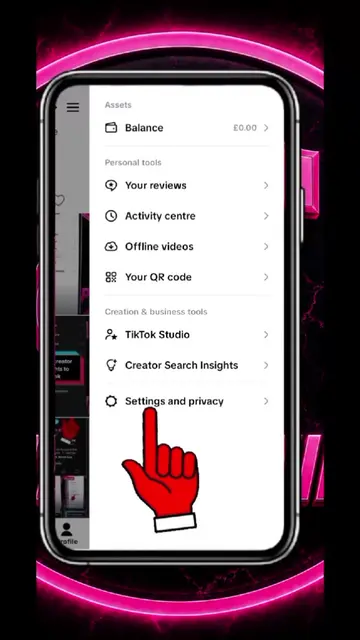
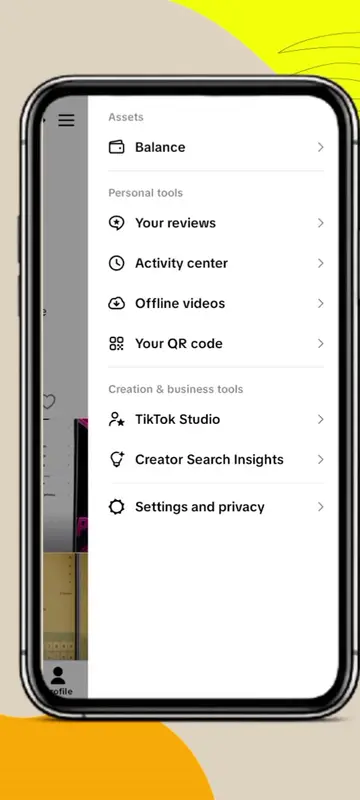
- 1Navigate to Settings and privacy
- 2Access Account settings
- 3Go to Security and permissions
- 4View security overview
Product placement
TikTok: This is the platform where the video is being shown and navigated. It acts as the substrate for the tutorial. Removing it would change the entire context of the video. The video also shows "TikTok Studio" and "TikTok Shop for Seller" which are features of TikTok. These are part of the substrate. The creator's handle is @billiontips1, which is a TikTok account. This merely appears and does not change the video's content.
On-screen text
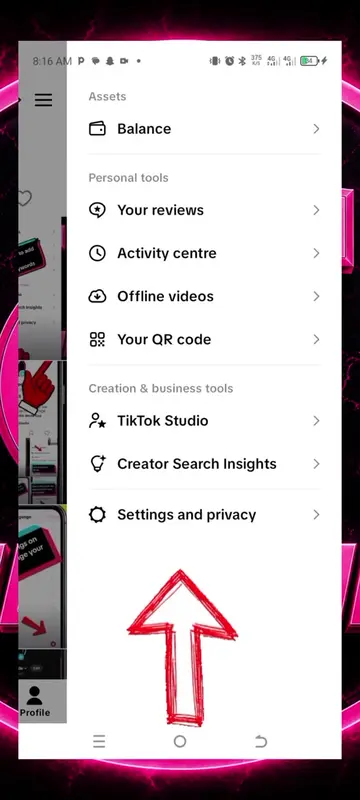
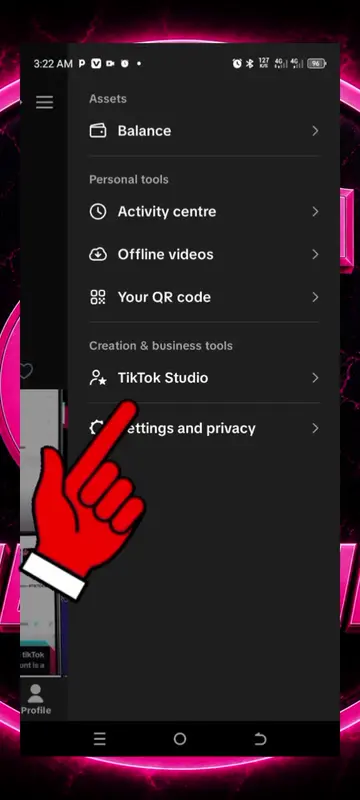
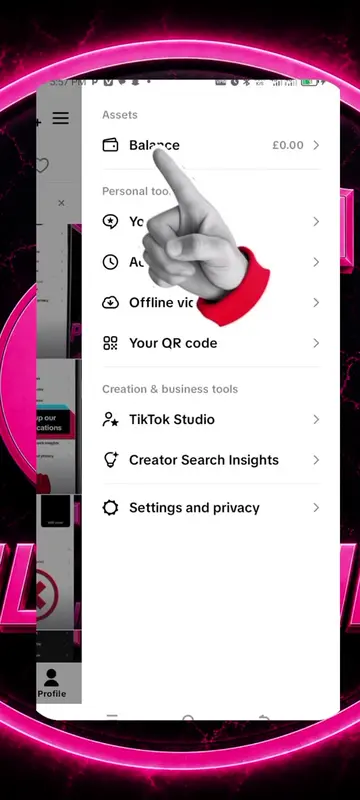
Assets
Balance
Personal tools
Your reviews
Activity centre
Offline videos
Your QR code
Creation & business tools
TikTok Studio
Creator Search Insights
Settings and privacy
Activity
Manage posts
Content preferences
LIVE
Notifications
Time and well-being
Family Pairing
Account
Account
Security and permissions
Analytics
Share profile
Account
Account information
Password
Passkey
Create a passkey to log in to TikTok using screen lock, fingerprint or PIN. Passkeys are safer than passwords.
Verification
Business verification
Verify your business to access marketing tools and exclusive features that better connect you with viewers.
TikTok Shop for Seller
Download your data
Get a copy of your data from all the TikTok apps you use.
Deactivate or delete account
Account
Account information
Phone number
Email
Account region
United Kingdom
Your account region is initially set based on the time and place of registration.
Account
Account information
Password
Passkey
Verification
Business verification
TikTok Shop for Seller
Download your data
Deactivate or delete account
Settings and privacy
Activity
Manage posts
Content preferences
LIVE
Notifications
Time and well-being
Family Pairing
Account
Account
Security and permissions
Analytics
Share profile
Security and permissions
Security
Security alerts
Your devices
2-step verification
Off
Save login info
Log in to billiontips1 on this device without needing to enter your info, or on a new device when you restore your backup.
Help friends recover accounts
Permissions
Apps and services permissions
Browser settings
Security and permissions
Security
Security alerts
Account activity over the past 7 days
No security issues found
Your devices
Manage your logged in devices
TECNO SPARK 30C.
Security and permissions
Security
Security alerts
No security issues found
Your devices
TECNO SPARK 30C.
Security