Why it worked
The video provides a clear, step-by-step visual guide to a common user need within the TikTok app, making it easily searchable and shareable for users seeking to manage their account settings.
Summary
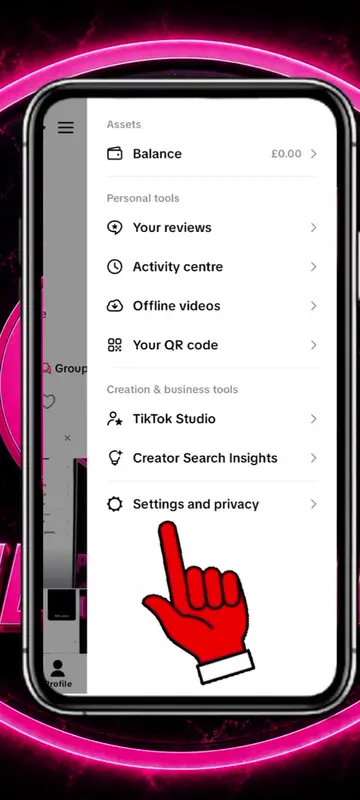
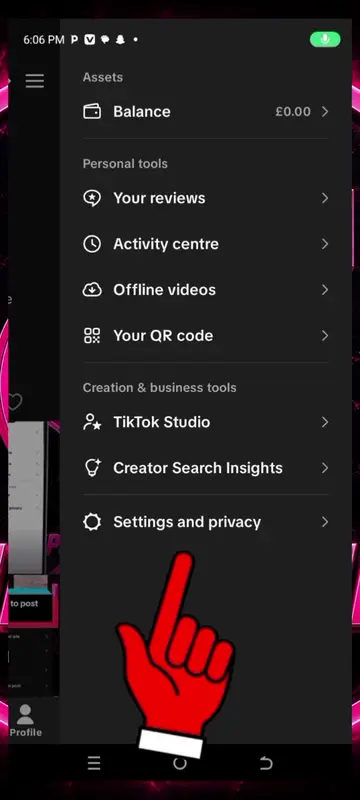
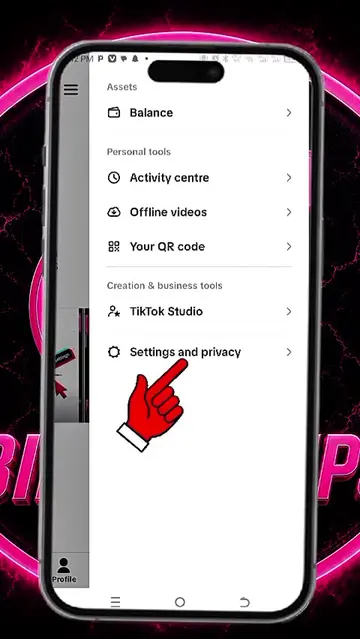
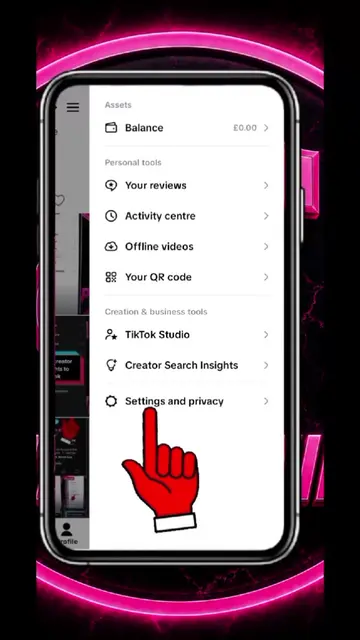
The video demonstrates how to change the email address associated with a TikTok account. It navigates through the settings menu to the account information section and shows the process of updating the email address.
Structure
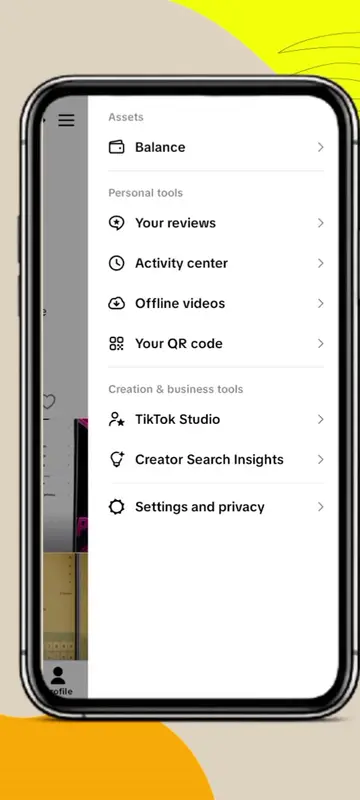
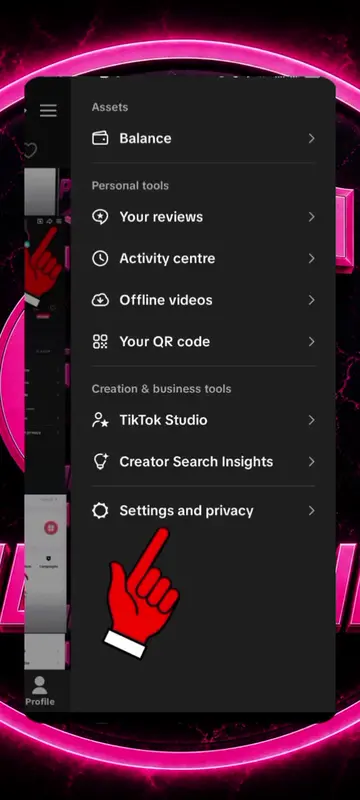
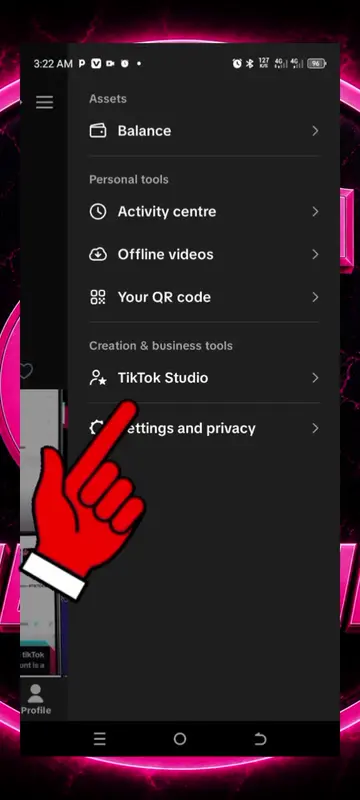
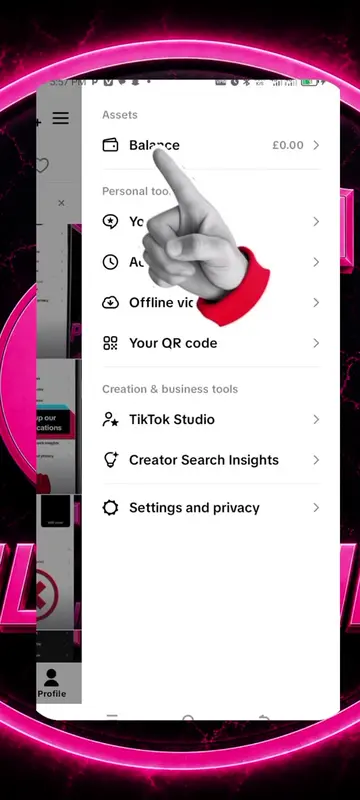
- 1Navigate to Settings and Privacy
- 2Select Account
- 3Choose Account Information
- 4Initiate email change
- 5Enter new email address
- 6Continue to confirmation
Product placement
TikTok: This is the platform where the video is hosted and the account settings are being accessed. It acts as the substrate for the video's content. Removing it would mean the video could not exist in its current form.
Gmail: This is the email service provider used for the account. It is mentioned as part of the email address and as a domain option. It acts as a substrate for the email functionality. Removing it would not change the video's content, but the email address would be different.
Call to action
Change email address
On-screen text