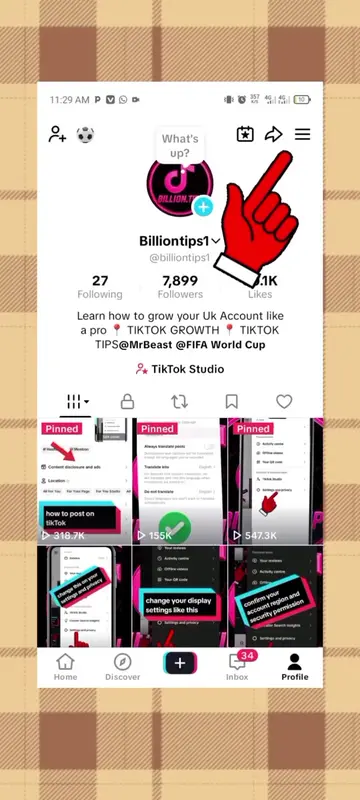
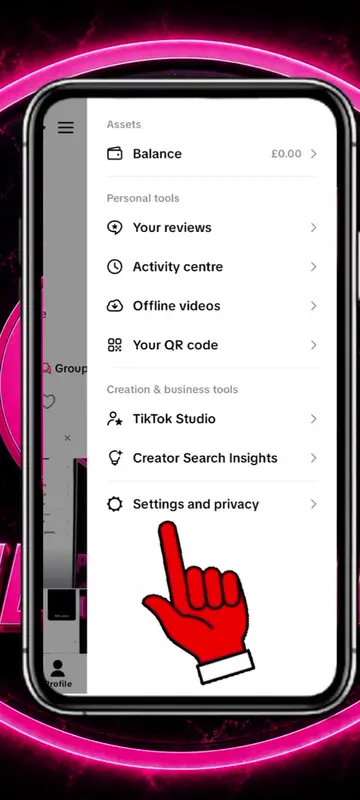
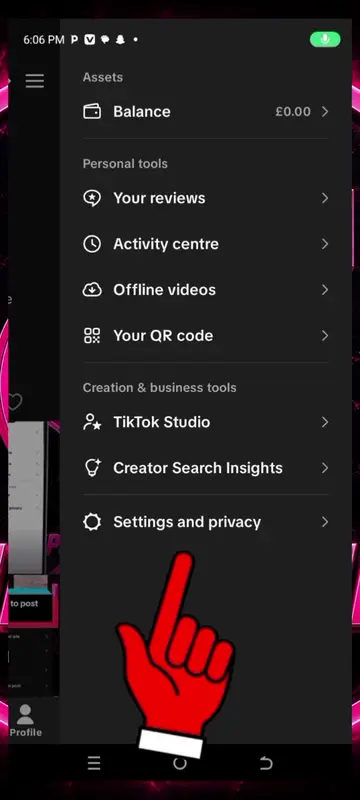
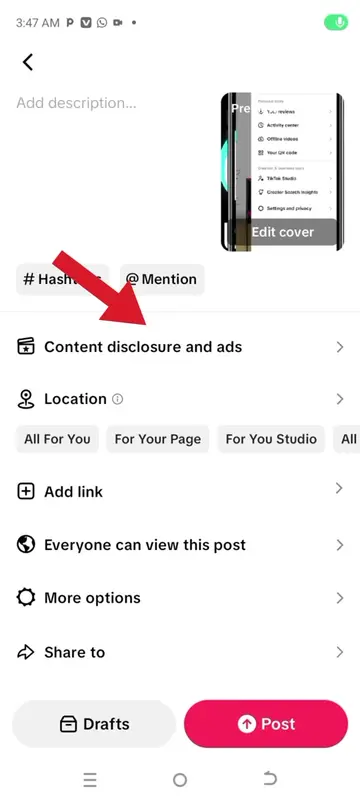
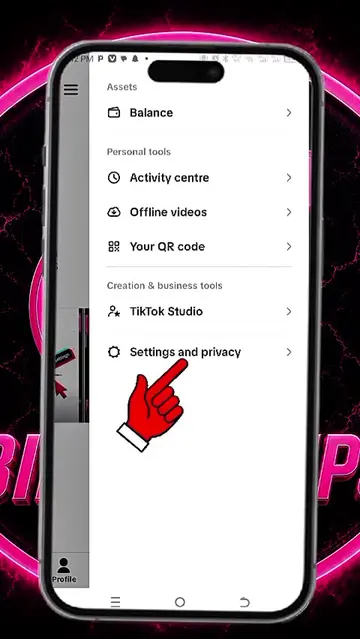
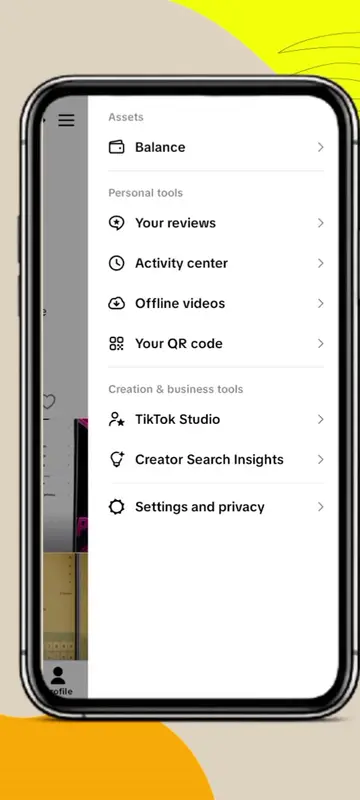
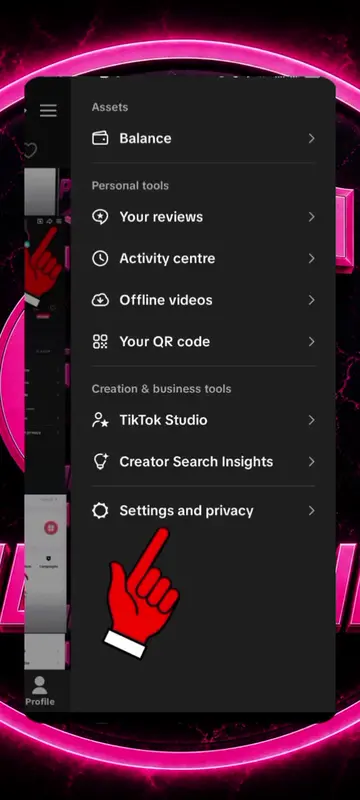
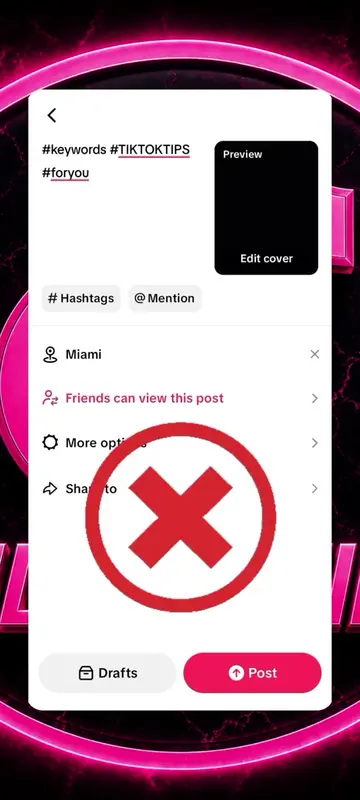
The video provides a clear, step-by-step tutorial on a specific privacy setting within a popular social media app. This type of content is highly searchable and useful for users looking to manage their online interactions.
Summary
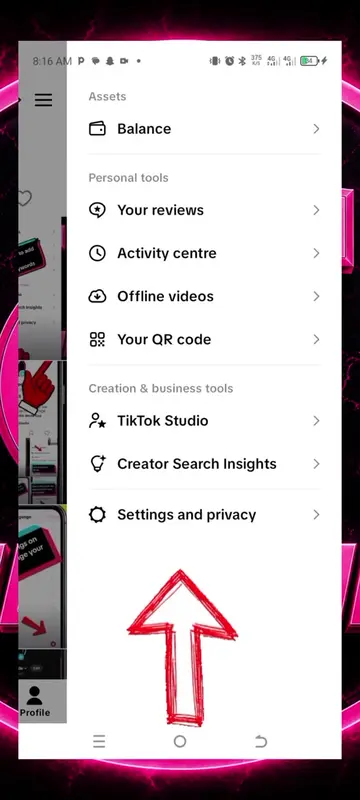
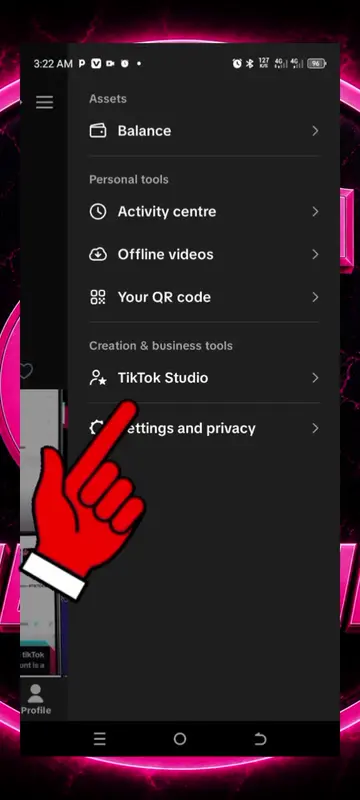
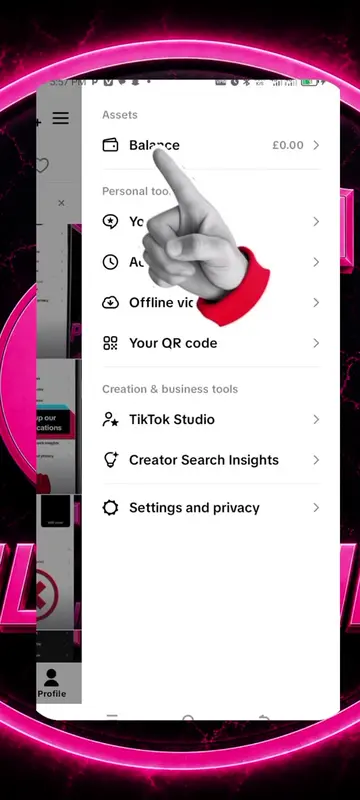
The video demonstrates how to adjust direct message settings on TikTok to control who can send messages. It guides the viewer through navigating to settings, then direct messages, and finally to permission settings to change message requests.
Structure
1Navigate to settings
2Go to direct messages
3Adjust permission settings
4Change message requests
5Confirm settings updated
Product placement
TikTok: it ACTS as the platform where the video is hosted and where the settings are being adjusted. Removing it would change what happens in the video. TikTok Studio: it APPEARS as a creation and business tool. Removing it would not change what happens in the video.
On-screen text
settings and privacy
scroll down
go to direct messages
continue with the arrows
Settings updated
we are done
Original caption
change this settings on how to get direct messages from people on tikTok #post #creatorsearchinginsight #directmessage #fyp #growthtips
More from @billiontips1
More breakout videos from this creator.
Transcript
settings and privacy
scroll down
go to direct messages
continue with the arrows
Settings updated
we are done