Why it worked
This video likely performed well because it addresses a common creator need: understanding and correctly utilizing TikTok's ad and content disclosure features. By providing a clear, step-by-step visual guide, it offers practical value to users looking to monetize their content or comply with platform guidelines.
Summary
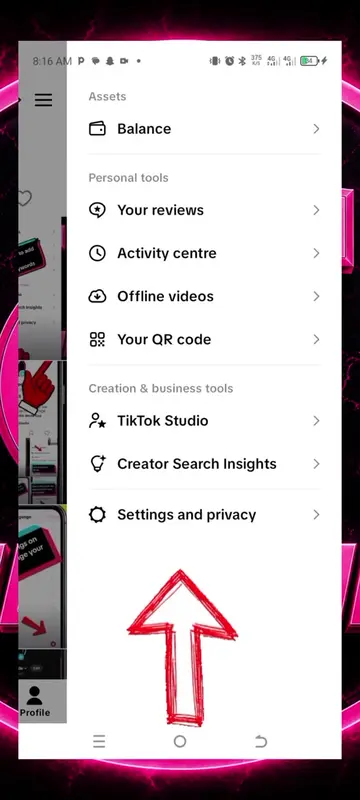
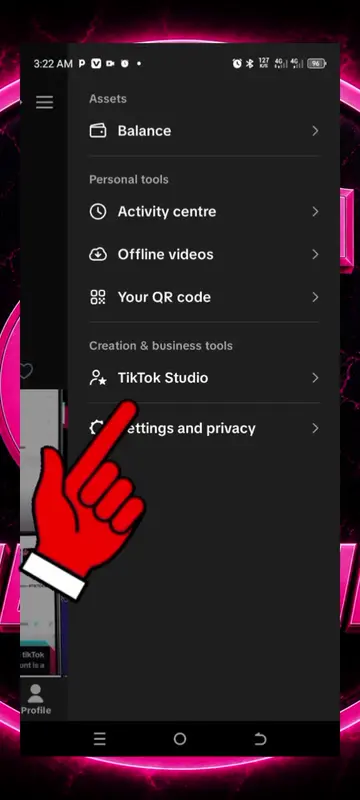
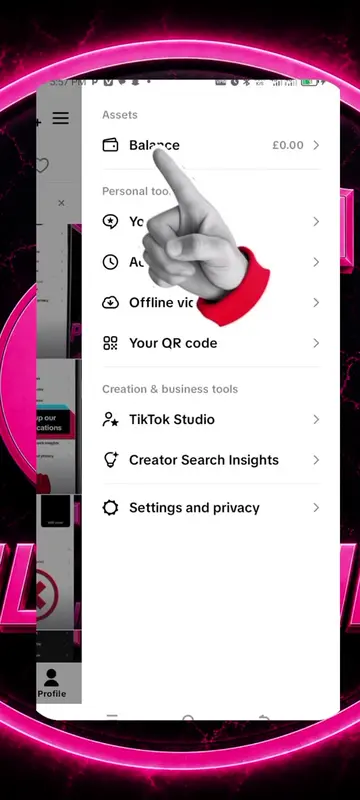
The video demonstrates how to navigate the content disclosure and ads settings within a TikTok post. It shows the user enabling commercial content disclosure, marking their brand, and authorizing ad usage for the post. Finally, it shows the user selecting privacy settings and saving the post.
Structure
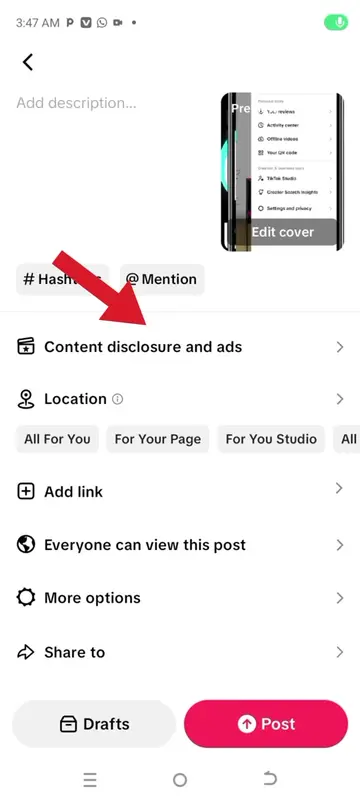
- 1Navigate to content disclosure and ads
- 2Enable commercial content disclosure
- 3Mark brand and authorize ad usage
- 4Select privacy settings
- 5Save settings
On-screen text
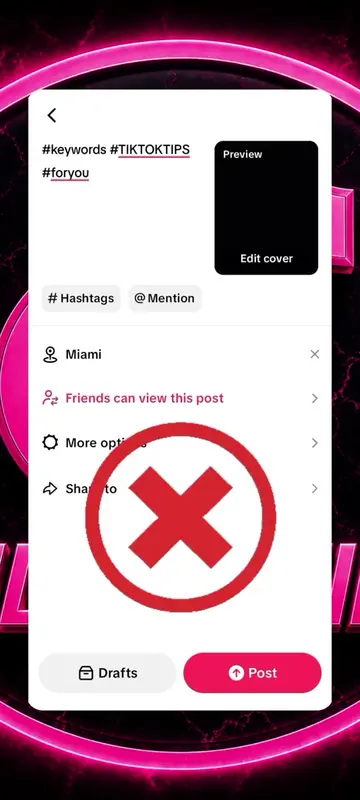
Preview
Add a catchy title
Writing a long description can help get 3x more views on average.
Description ideas
Content disclosure and ads
Location
Turn on location
Add link
Friends can view this post
More options
Share to
Drafts
Post
network issues
Disclosure and ads setting
Content disclosure settings
Disclose commercial content
Let others know this post promotes a brand or business.
Your brand
You are promoting yourself or your own business.
Branded content
You are promoting another brand or third-party.
Ad settings
Ad authorization
By enabling ad authorization, you permit the authorized party to use this video as ad creative.
How ad authorization works
Display settings
Only show as ads
This video will be shown as an ad only. It won't be shared or publicly displayed on your profile.
Save
Content disclosure
setting is on
Your post will be labeled "Paid partnership" and cannot be set to private. This cannot be changed once the post is live.
Back
Continue
Available for ads
Everyone can view this post
More options
Privacy settings
Allow comments
Allow reuse of content
Duet, Stitch, stickers and add to Story
Advanced settings
Add alternative text
Provide a brief description of an image for viewers using screen reader technology.
AI-generated content
Add this label to tell viewers your content was generated or edited with AI. Learn more
Allow visual search
Your content will be eligible for visual search so others can find matching content or products.
Add to playlist
Save to device
Your post will be saved to device, unless a violation of Community Guideline is found.
Save posts with watermark
This only affects videos or photos posted by you.