Loading video…
All breakouts
90.2Talking HeadResult / Flex hookAI Tools
Hook
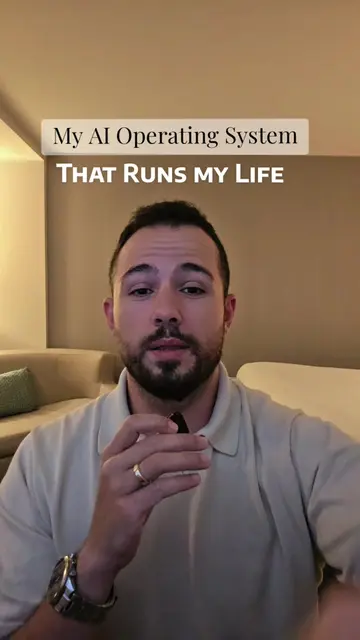
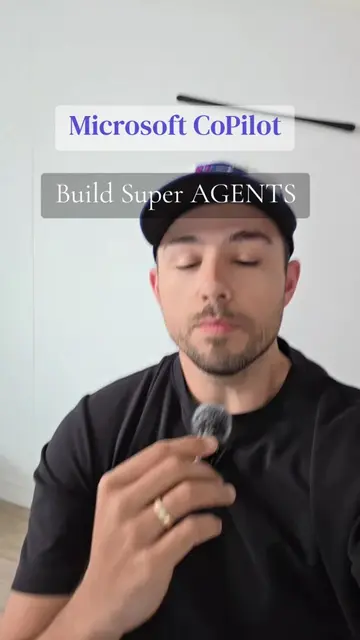
My AI Operating System That Runs My LIFE
@robert.triebwasser
21.9K followers · usually 3.9K views a post
Views
296.3K
Likes
8.2K
Comments
57
Shares
962
Promoted product
AI Operating System Build Guidehttps://wasserai.ca/links ↗
Why it worked
The video provides high-value, technical 'how-to' content that solves a specific productivity problem, establishing authority before transitioning into a soft sell for a more comprehensive, paid guide.
Summary
The creator explains the three pillars of building a personal AI operating system using Claude Code, Obsidian, and Tailscale. He encourages viewers to purchase his detailed build guide via his profile link for a plug-and-play solution.
Structure
- 1Introduction to the AI operating system concept
- 2Pitch for the paid build guide and downloadable files
- 3Explanation of the intelligence layer (Claude Code)
- 4Explanation of the memory system (Obsidian)
- 5Explanation of remote access (Tailscale)
- 6Overview of the final dashboard setup and CTA
Product placement
The creator mentions Claude Code, Obsidian, and Tailscale as tools used to build the system, but the primary product being sold is his own 'AI Operating System Build Guide'.
Original caption
This is exactly how you can build an AI operating system that can run your business and your personal life. There are essentially three pillars but if you want the full how-to guide, check out my profile. #aioperatingsystem #claudecode #aiagents #aiforproductivity #aiforbusiness
More from @robert.triebwasser
More breakout videos from this creator.