Loading video…
Sound

original sound - eminenceofficial21
Eminence · Original audio
0:00–:––
Playing this video’s own audio, so you’ll hear the creator over the sound.
The video offers a practical and cost-saving solution to a common problem, appealing to users who want to improve their PC's performance without spending money on new hardware. The use of a specific, free tool makes the advice actionable.
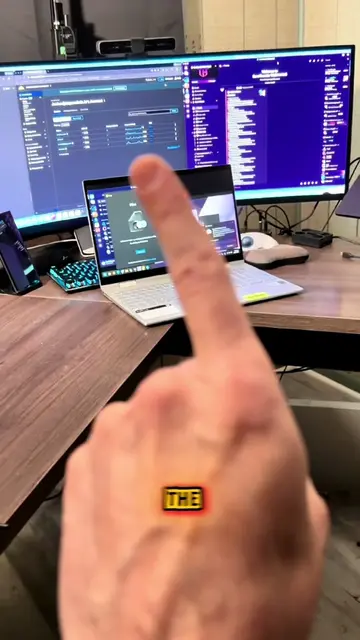
This video explains how to speed up an old PC without buying a new one. It demonstrates how to disable unnecessary startup applications and use a tool called Christitus Tweek Tool to debloat the system.
Don_t_buy_a_new_PC_every_year_just_do_this_and_your_old_PC_will_work_like_new.#pcsetup #website #GamingLaptop #windowstips #clouddesigner
Don't buy a new PC every year
Introduction: Don't buy a new PC
Problem: Windows PCs slow down
Solution: Disable startup apps
Solution: Use Christitus Tweek Tool
Call to action: Download and install the tool
Windows: Operates the computer's core functions. Removing it would make the computer unusable. It acts as the substrate for all other software. Christitus Tweek Tool: A utility that helps optimize and debloat Windows. It acts, as the creator uses it to modify the PC's settings. Removing it would change the video's outcome.
Search Google for Christitus Tweek Tool and download it from GitHub.
Playing this video’s own audio, so you’ll hear the creator over the sound.
PC optimization utility that helps users debloat and speed up older Windows computers
All time.
Promotes 11 products. Create free account to see more.
Outliers and viral hits: their videos on Overshot, all time.