Loading video…
All breakouts
5.0Text-HeavyHow-To hookCreator Economy
Hook
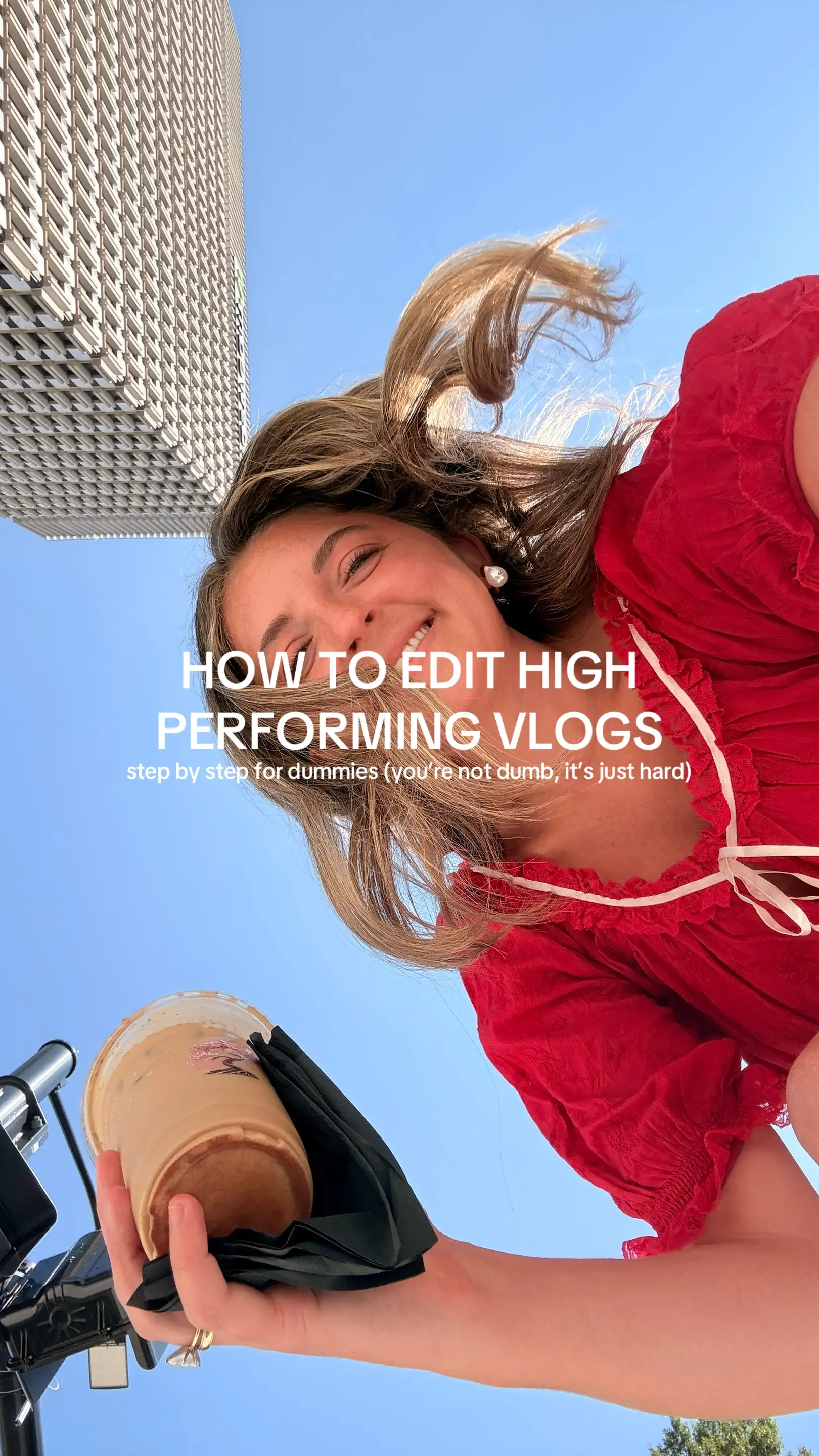
HOW TO EDIT HIGH PERFORMING VLOGS
@elliewfrazier
166.8K followers · usually 15.7K views a post
Views
112.1K
Likes
7.6K
Comments
173
Shares
216
Promoted product
—
Why it worked
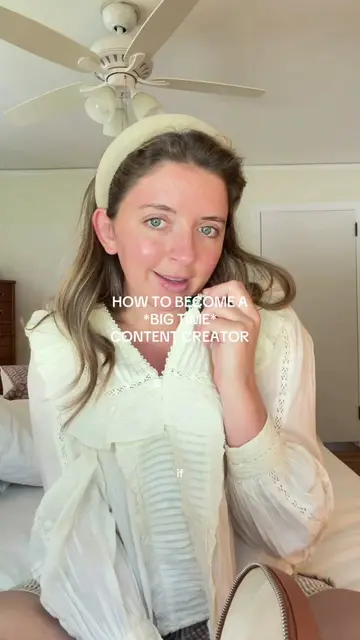
The post breaks down the complex process of creating engaging vlogs into digestible steps, using clear on-screen text and relatable advice. The creator's personal insights and encouragement make the information accessible and actionable for aspiring vloggers.
Summary
This photo post provides a step-by-step guide on how to edit high-performing vlogs. It covers filming techniques, rough cut editing, hook creation, and general tips for success to make vlogs more engaging.
Structure
- 1Introduction to editing high-performing vlogs
- 2Filming techniques and settings
- 3Rough cut editing with CapCut
- 4Creating an effective hook
- 5Tips for success and personality
Product placement
CapCut is mentioned as the editing software for the rough cut.
On-screen text
HOW TO EDIT HIGH PERFORMING VLOGS
step by step for dummies (you're not dumb, it's just hard)
FILMING
- back camera ONLY
- settings: 4K at 60fps
- healthy mix of close up shots (tripod), wide angle shots (tripod), and POV shots (holding your phone)
- keep your phone on your tripod and follow yourself around as you do your normal routine
- utilize your voice as much as possible for engagement. the more you say, the more there is to converse about in the comments
ROUGH CUT
- import all footage to CapCut
- cut the fluff out (stuff you know don't want in the vlog)
- there should be a cut every 0.4-0.6s
- you can have multiple "clips" from the same take, just cut it up so it stays engaging
- I personally aim for 40s-60s for a vlog especially in the beginning because retention is everything!!!
HOOK (on screen + visual)
- on screen text hook + visual hook + verbal hook = a successful vlog
- tell the viewer what the video is about.
- if it's an evening in your life then call it an evening in your life
- avoid vague context and vague series names that a stranger won't understand.
Just keep the title simple!
TIPS FOR SUCCESS
- rotate between voiceovers + talking vlogs
- how can you stand out among everyone else? If everyone is doing yellow, do pink. If everyone is editing with fast clips, slow yours down, etc.
- BE YOURSELF AND SHOW YOUR PERSONALITY
- give some context as to who you are - not just "day in my life" but "day in my life as a 26 year old working two jobs" for example
Original caption
anyone can make a vlog. it takes some special tweaks to make it actually engaging and something people will watch all the way through ✍️✍️✍️ this is how I approach editing all of my vlogs!!!! #editingtutorial #vlogediting #howtoedit
More from @elliewfrazier
More breakout videos from this creator.