Loading video…
All breakouts 3 videos3 creators
3.7App DemoHow-To hookConsumer Apps
Hook
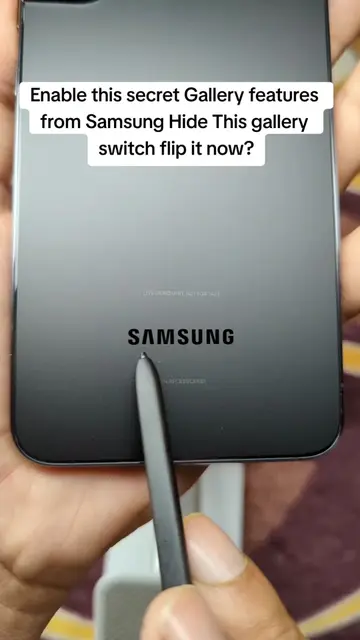
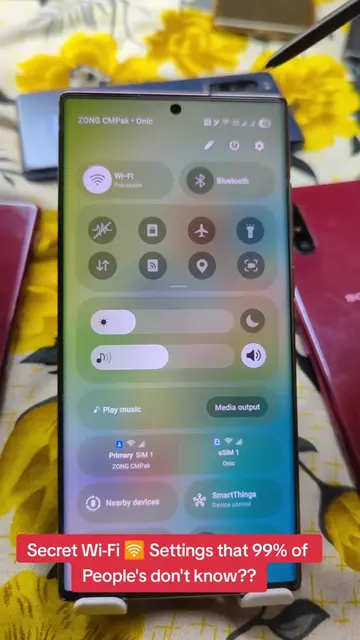
Enable this secret Gallery features from Samsung Hide This gallery switch flip it now?
@herrytech8
725.0K followers · usually 77.4K views a post
Views
310.0K
Likes
4.8K
Comments
66
Shares
3.6K
Promoted product
Samsung Gallery
Why it worked
The video taps into the desire for hidden or 'secret' features on popular devices, offering practical tips that users can implement to enhance their experience with a commonly used app.
Summary
This video demonstrates how to unlock hidden features within the Samsung Gallery app by accessing 'Gallery Labs'. It guides viewers through disabling background data, restricting battery usage, and enabling various experimental features like AI zoom and saving photos as PDFs.
Structure
- 1Introduce hidden Gallery features
- 2Navigate to app settings
- 3Disable background data and restrict battery usage
- 4Access and enable Gallery Labs
- 5
Original caption
Enable this secret Gallery features from Samsung Hide This gallery switch flip it now? #gallery #samsung #PhoneTips #settings #LearnOnTikTok
More from @herrytech8
More breakout videos from this creator.