Why it worked
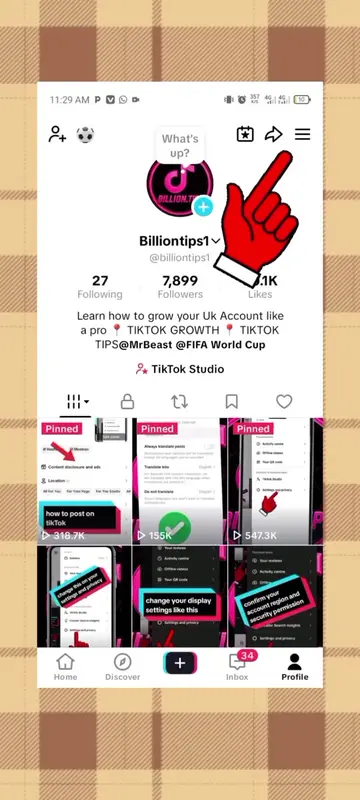
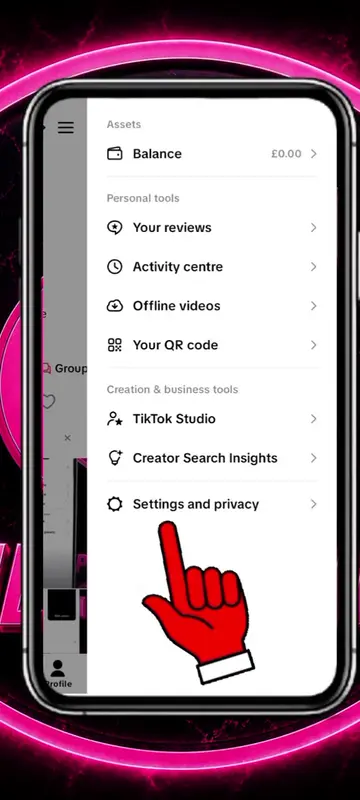
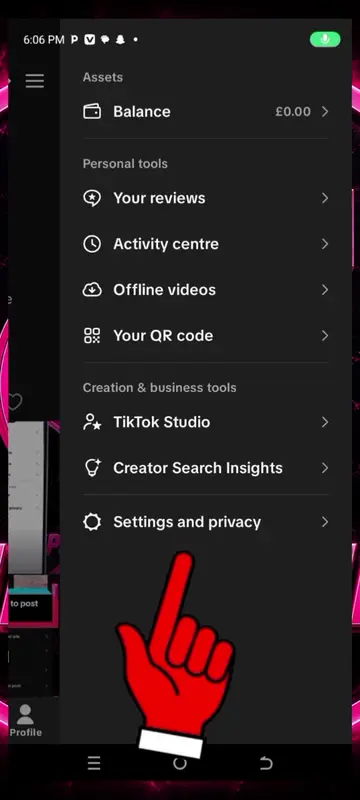
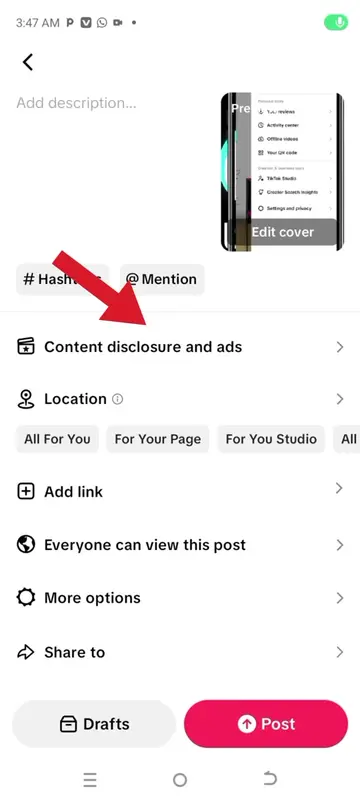
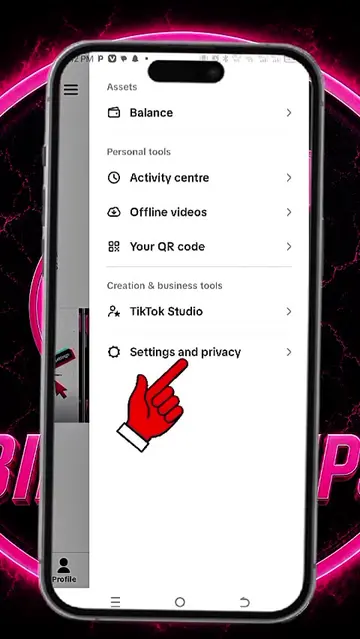
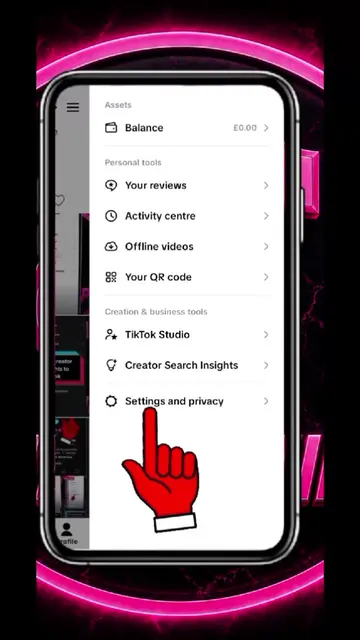
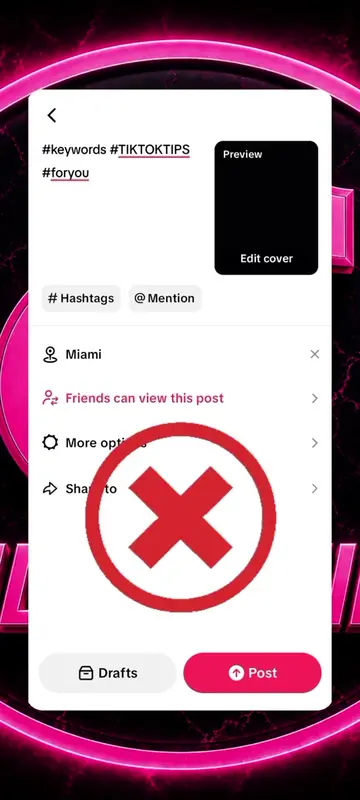
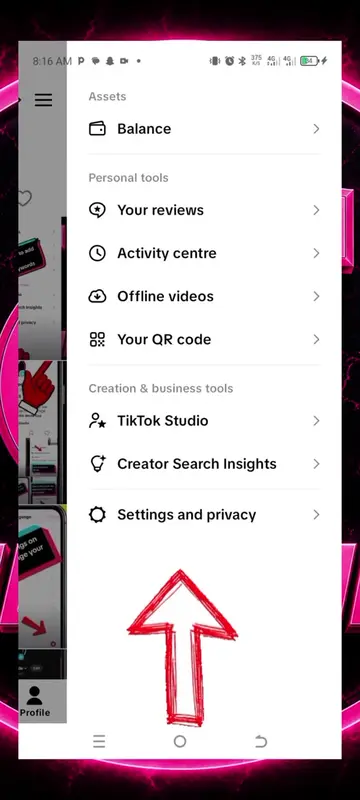
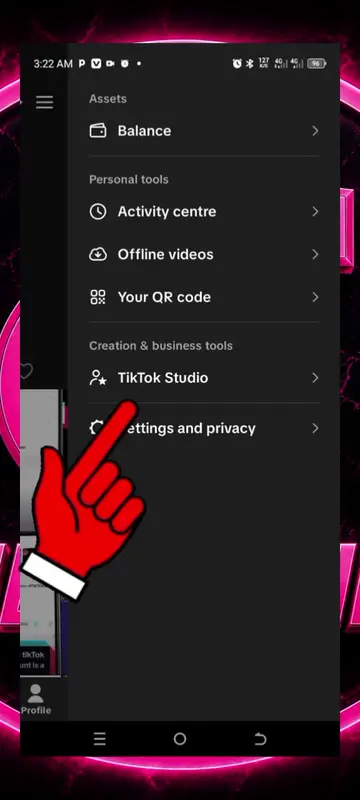
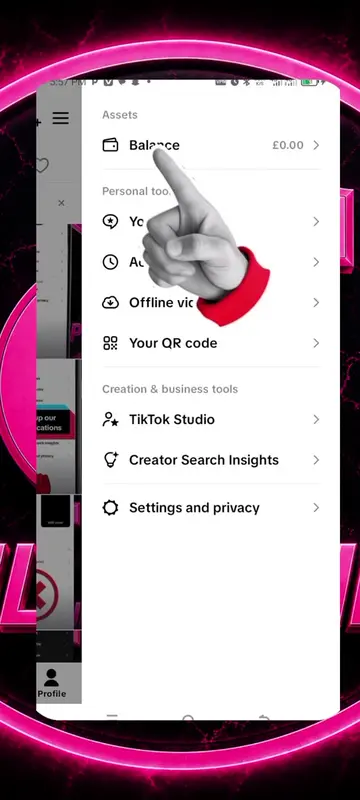
The video provides a clear, step-by-step visual guide to a feature many TikTok users are interested in understanding: their own analytics. The use of on-screen arrows and clear labeling makes it easy to follow, even without narration.
Summary
The video demonstrates how to access and view analytics within the TikTok app. It navigates through different sections like 'Overview', 'Content', and 'Followers' to show key metrics and insights.
Structure
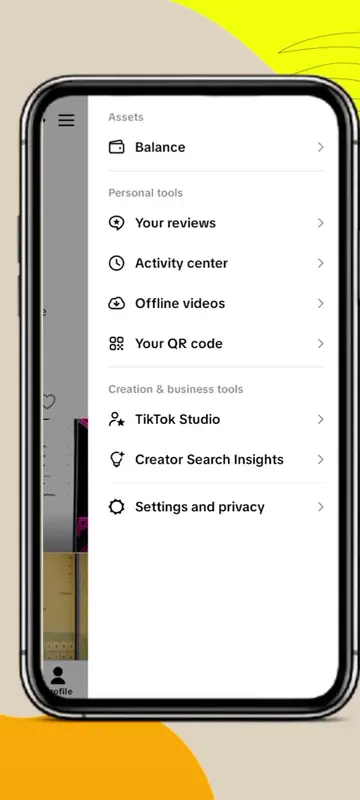
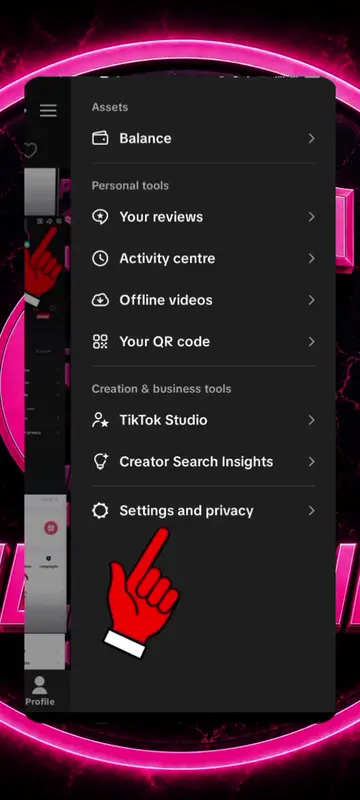
- 1Navigate to profile menu
- 2Access settings and privacy
- 3View analytics dashboard
- 4Explore key metrics and content performance
- 5Examine follower insights and active times
Product placement
TikTok: This is the platform where the video is hosted and demonstrated. It acts as the substrate for the analytics being shown. Removing it would change the context of the video. It merely appears as the platform itself.
On-screen text
network issues
see your analytics