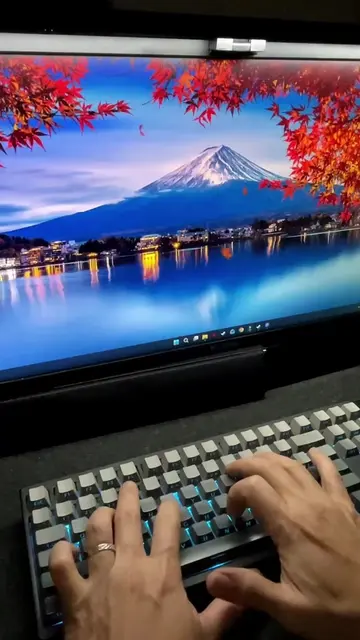
Loading video…
All breakouts
8.7Talking HeadListicle hookEducation
Hook
PC TIP THAT CAN SAVE YOU PT. 133
@rtctutorials
337.1K followers · usually 11.1K views a post
Views
97.1K
Likes
5.6K
Comments
62
Shares
576
View velocity
+51.4K views over 39.3d · ~1.3K/day · 4 observations
Why it worked
The video addresses a common pain point (slow Wi-Fi) with a simple, actionable solution that can be implemented directly on the user's device. The clear, step-by-step instructions and the promise of a tangible benefit (faster internet) make it highly shareable and useful.
Summary
This video demonstrates a PC tip to improve slow Wi-Fi by disabling a specific setting in Windows. It guides the viewer through the Windows settings to turn off 'Delivery Optimization' to potentially increase connection speed.
Structure
- 1Intro with PC tip title
- 2Problem: Slow Wi-Fi
- 3Solution: Disable a setting
- 4Navigate to Settings > Windows Update > Advanced Options
- 5Navigate to Delivery Optimization
- 6Turn off 'Allow downloads from other devices'
Product placement
RTC Tutorials (channel logo): Appears as a watermark on the video. Removing it would not change what happens in the video.
Intel Optane (sticker): Appears on the laptop. Removing it would not change what happens in the video.
Nvidia (sticker): Appears on the laptop. Removing it would not change what happens in the video.
On-screen text
PC TIP
THAT CAN SAVE YOU
PT. 133
IS
PAINFULLY
DISABLING
SETTING
ON
PC
MIGHT
CONNECTION
AND
FEATURE
OFF
IF
ON
ALLOW
OTHER
Original caption
PC tip that can save you - Pt. 133 - WIFI Hack #pctips #TechTips #howto #wifihacks
More from @rtctutorials
More breakout videos from this creator.