Loading video…
All breakouts
4.9Talking HeadHow-To hookEducation
Hook
HOW TO FIX MICRO STUTTERS WHILE GAMING
@rtctutorials
337.1K followers · usually 11.1K views a post
Views
54.3K
Likes
1.4K
Comments
32
Shares
197
View velocity
+25.8K views over 39.3d · ~657/day · 4 observations
Why it worked
The video provides a quick and actionable solution to a common problem faced by gamers, using a simple command-line fix that is easy to follow.
Summary
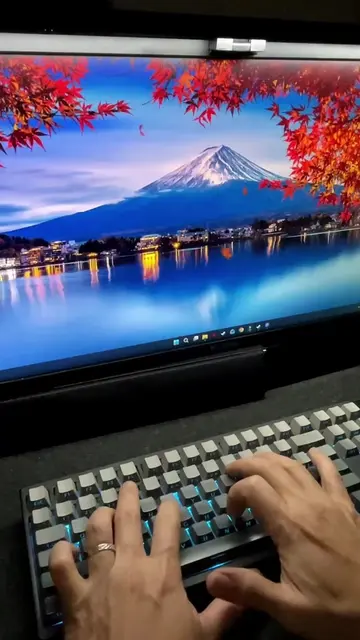
This video demonstrates a command prompt command to fix micro stutters while gaming. The user is instructed to open Command Prompt as an administrator, type a specific command, and then restart their PC to improve timer consistency and make gameplay smoother.
Structure
- 1Introduce the problem of micro stutters in gaming
- 2Instruct to open Command Prompt as administrator
- 3Provide the command to type
- 4Explain the command's effect on gameplay
- 5Instruct to restart the PC
On-screen text
HOW TO FIX
MICRO STUTTERS
WHILE
GAMING
Transcript
If your PC experiencing micro stutters while gaming then do this. Open Command Prompt as admin and type this command. bc edit /set useplatformtick yes. Then hit enter. This can improve timer consistency, helping reduce micro stutters and making gameplay feel smoother. Restart your PC to apply the change. Easy.
Original caption
Experiencing Micro Sutters While Gaming #pctips #pcgaming #TechTips #howto
More from @rtctutorials
More breakout videos from this creator.