Loading video…
All breakouts
4.8Talking HeadHow-To hookEducation
Hook
PC TIP IF YOU LOVE GAMING
@rtctutorials
337.1K followers · usually 11.1K views a post
Views
52.8K
Likes
2.4K
Comments
23
Shares
276
View velocity
+24.4K views over 39.3d · ~622/day · 4 observations
Why it worked
The video addresses a common pain point for gamers (low FPS) and offers a seemingly simple solution that promises a significant performance boost. The direct, step-by-step instructions and the promise of improved gameplay likely resonated with the target audience.
Summary
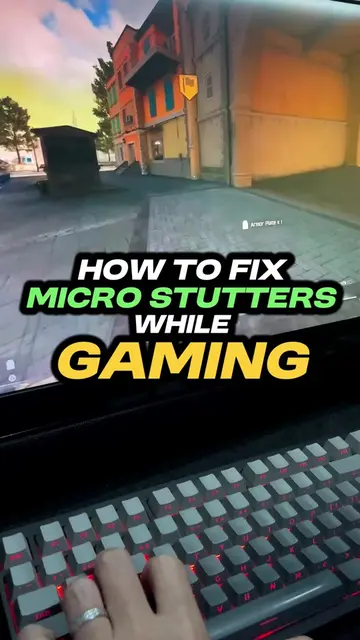
This video provides a PC tip for gamers experiencing low FPS. It instructs viewers to disable 'Memory integrity' within Windows Security settings, which the creator claims can increase FPS by 10-20%.
Structure
- 1Intro: PC tip for gamers
- 2Problem: Low FPS
- 3Solution: Disable Memory Integrity
- 4Result: Increased FPS
- 5Outro: Thumbs up
Product placement
RTC Tutorials (Acts - Creator of the video, their channel name appears as a watermark. Removing it would not change what happens in the video, but it is a consistent identifier of the creator.)
On-screen text
PC TIP
IF YOU LOVE
GAMING
PT.2
RTC TUTORIALS
Transcript
Original caption
PC tip if you love gaming - Pt.2 #pcgaming #pcgamer #windows11 #windowsgames
More from @rtctutorials
More breakout videos from this creator.