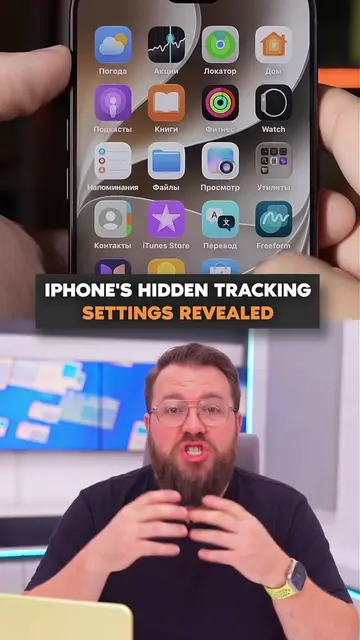
Loading video…
All videos
Views
423.0K
Likes
5.0K
Comments
13
Shares
342
Engagement
1.3%
of views
2.5xthis account’s usual viewsViral hit (100K+ views)
This video423.0KUsual views212.0K
The product
The creator
Why it worked
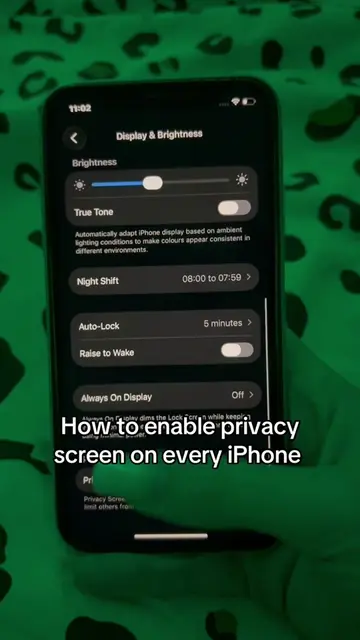
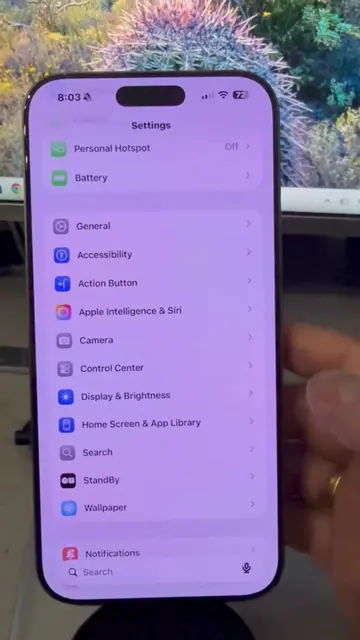
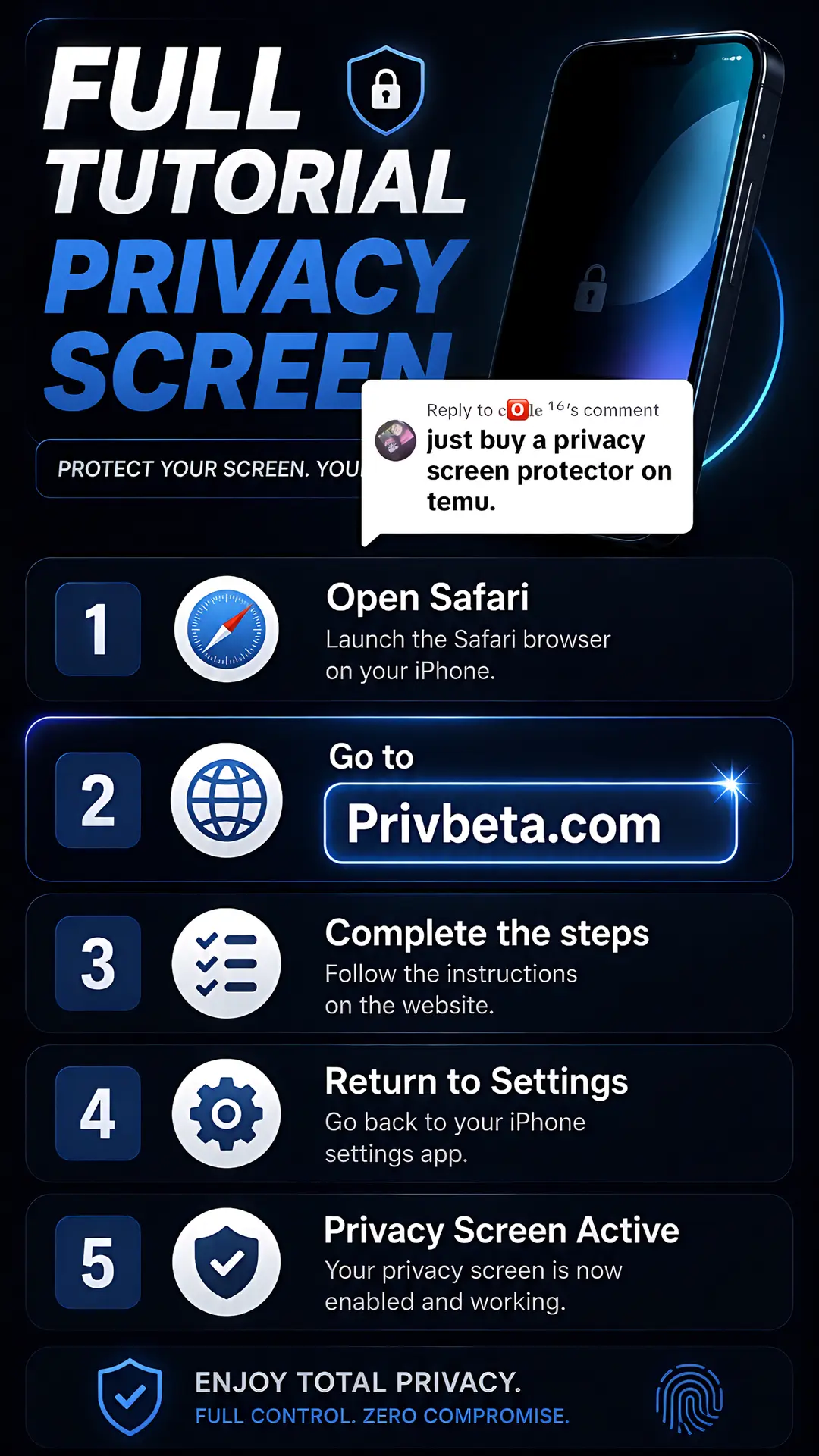
The post provides a clear, step-by-step visual guide to achieving a desired privacy feature on a widely used device, addressing a common user concern directly and efficiently.
What happens
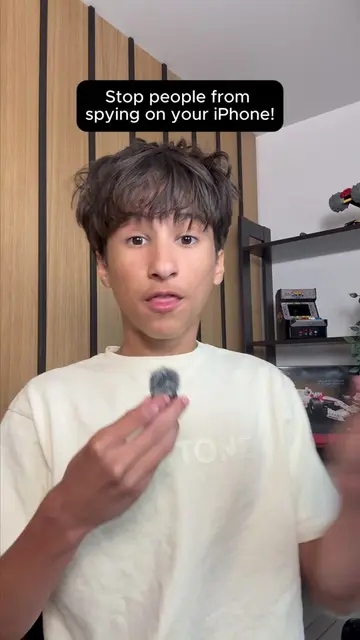
This tutorial demonstrates how to enable a privacy screen on an iPhone by visiting Privbeta.com, following the instructions, and returning to settings. The process results in an active privacy screen for enhanced security.
The breakdown
Original caption
Replying to @𝐜🅾️𝐥𝐞 ¹⁶