Loading video…
All breakouts
4.2Silent UGCWarning hookCreator Economy
Hook
STOP WASTING TIME ON BAD BRUSHES..
@toolsproducts
105.4K followers · usually 6.1K views a post
Views
24.9K
Likes
711
Comments
1
Shares
9
Promoted product
Why it worked
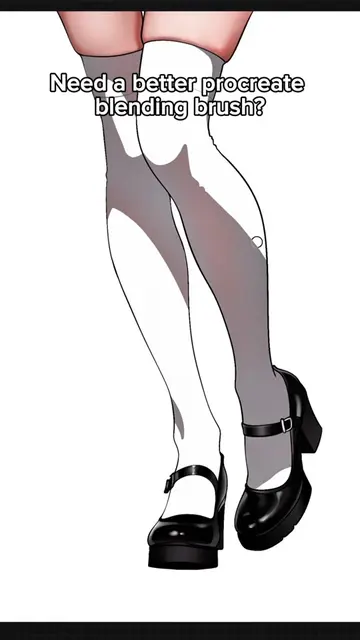
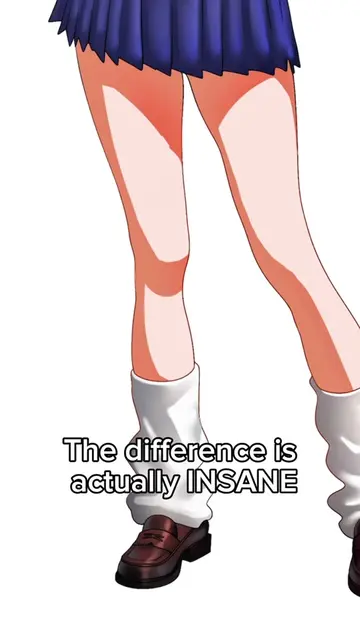
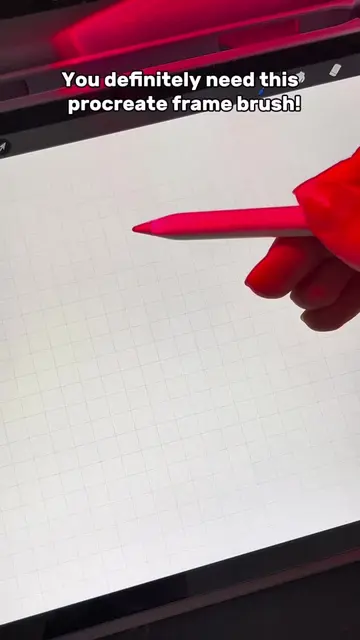
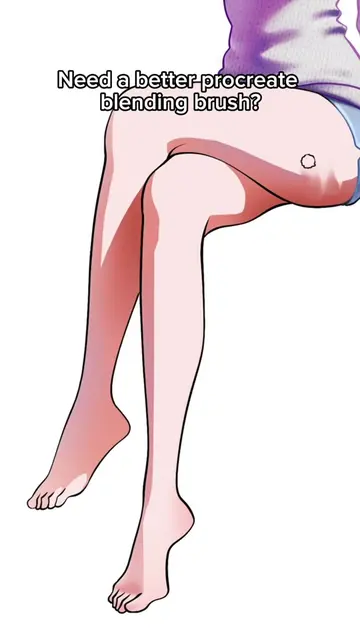
The video effectively uses a visual demonstration of a digital art tool (Procreate brushes) to showcase its capabilities, appealing to artists looking for better tools. The "stop wasting time" hook and clear call to action in the description drive engagement.
Summary
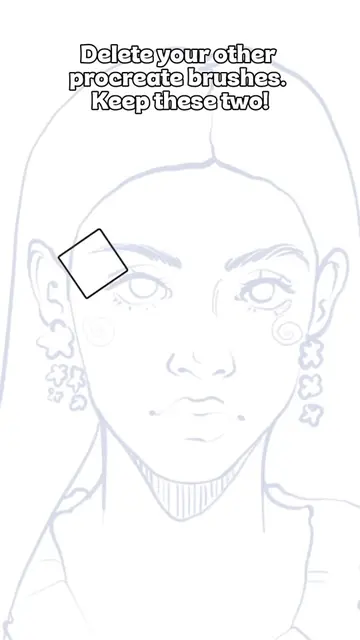
The video demonstrates the use of "Textured" brushes in Procreate for digital art, showcasing how they can be used to create various facial features and textures. The creator encourages viewers to find the brushes via a link in the description.
Structure
- 1Introduction with text overlay about bad brushes
- 2Demonstration of brush strokes on a face outline
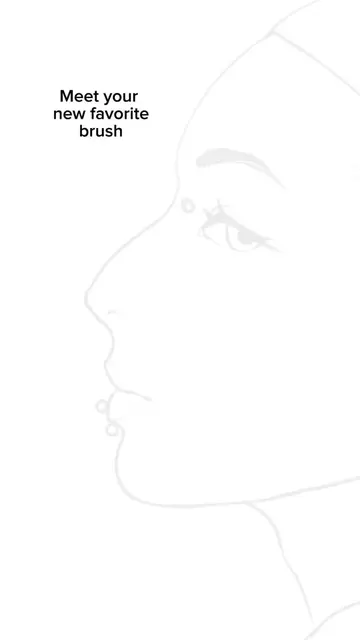
- 3Close-ups of brush application on different features (eyes, nose, lips)
- 4Display of "Textured" brush name and call to action
- 5Final reveal of the completed artwork
Product placement
Procreate (ACTS - painting software, used to create the art shown in the video, removing it would change the video's outcome) | Textured (APPEARS - a brush name displayed on screen, removing it would not change what happens in the video)
Original caption
You can find the link in my bio! #procreate #digitalart #art #usa #ipad
More from @toolsproducts
More breakout videos from this creator.