Loading video…
All breakouts
10.7Silent UGCDirect Question hookCreator Economy
Hook
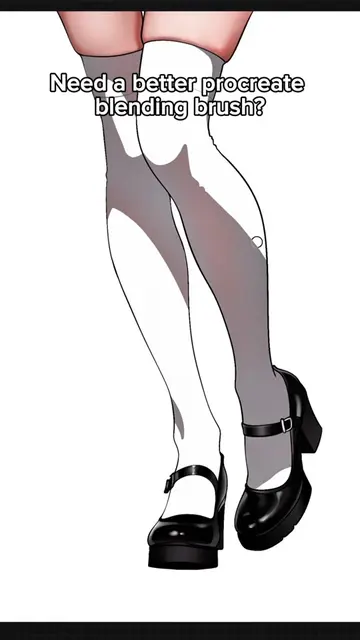
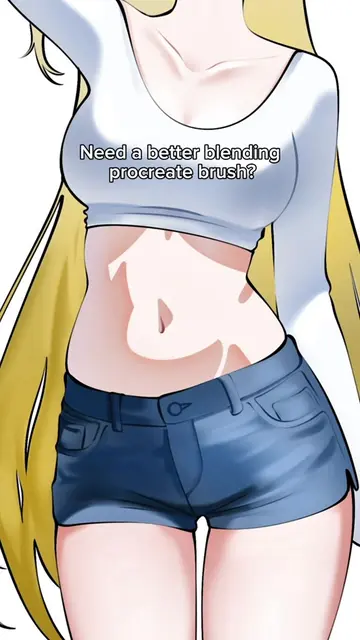
Need a better procreate blending brush?
@toolsproducts
105.4K followers · usually 6.1K views a post
Views
64.1K
Likes
4.5K
Comments
12
Shares
163
Promoted product
Why it worked
The video effectively uses a visual demonstration of a common art problem (blending) and offers a solution, leveraging the creator's bio link as the primary call to action for a product that directly addresses the viewer's stated need.
Summary
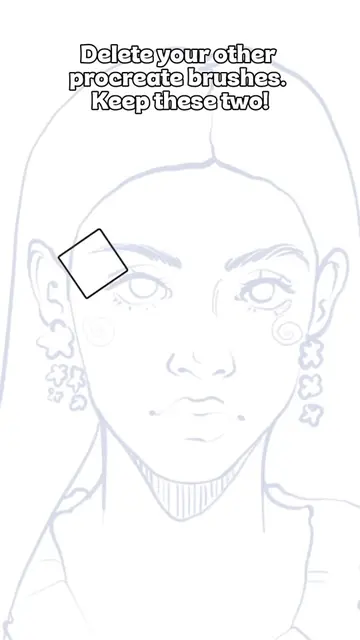
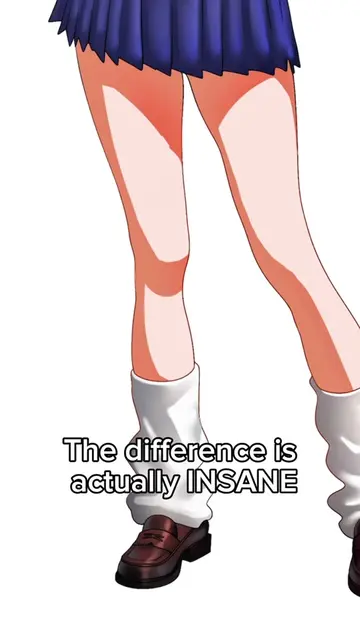
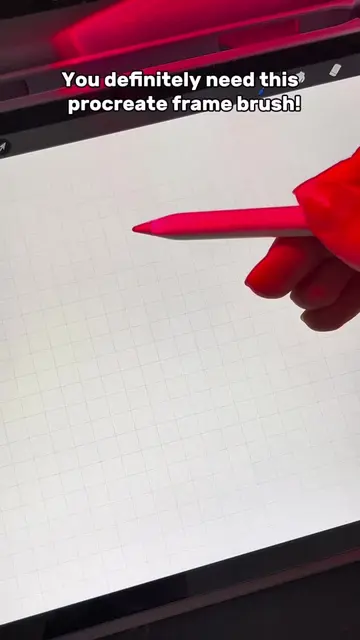
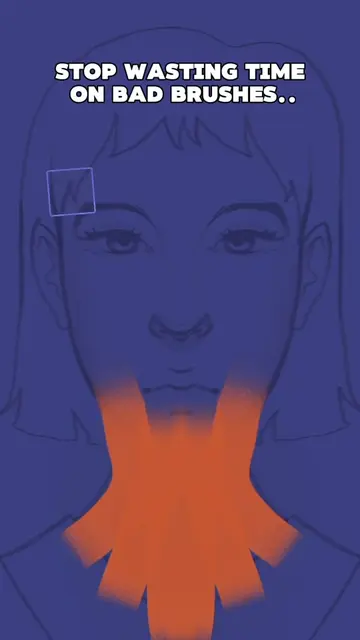
The video demonstrates the use of a blending brush in Procreate, showing how it can be used to create smooth shading effects on digital art. It prompts viewers to check the description for more information on how to obtain the brush.
Structure
- 1Introduce the need for a better blending brush
- 2Demonstrate the brush's blending capabilities
- 3Encourage viewers to find the link in the description
Product placement
Procreate (ACTS - the video demonstrates using a brush within the Procreate app to create digital art, implying the brush is used for editing or generating art. Removing it would change what happens in the video.)
Call to action
Read the description
⬇️
On-screen text
Need a better procreate blending brush?
You can get it!
Read the description
⬇️
Original caption
You can find the link in my bio! #procreate #digitalart #art #usa #howtodraw
More from @toolsproducts
More breakout videos from this creator.