Loading video…
Sound

original sound - digitalgeniushubj
Digital Genius Hub J. · Original audio
0:00–:––
Playing this video’s own audio, so you’ll hear the creator over the sound.
This video promotes it, but we haven’t matched it to a product page yet, so there are no product figures.
The video addresses common user concerns about privacy and security on Android devices, offering actionable steps to mitigate potential risks. The use of clear, concise instructions and visual demonstrations makes the information easy to follow and implement, driving engagement and shareability.
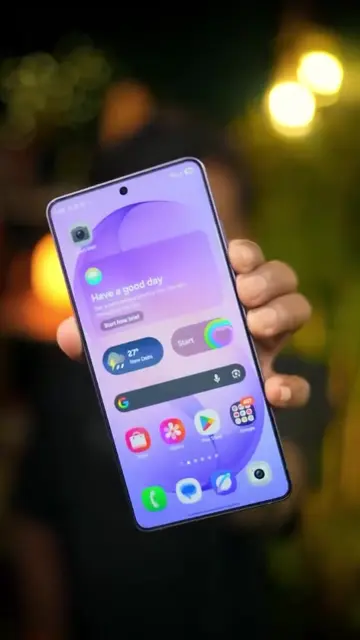
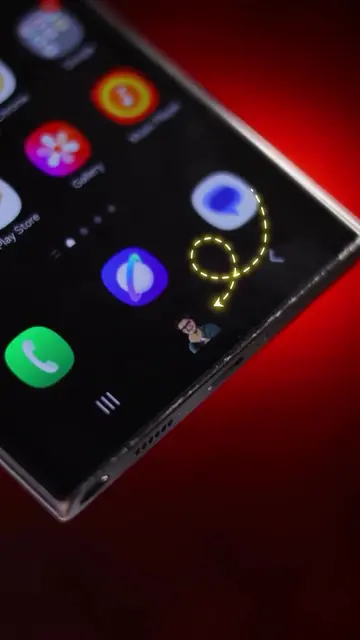
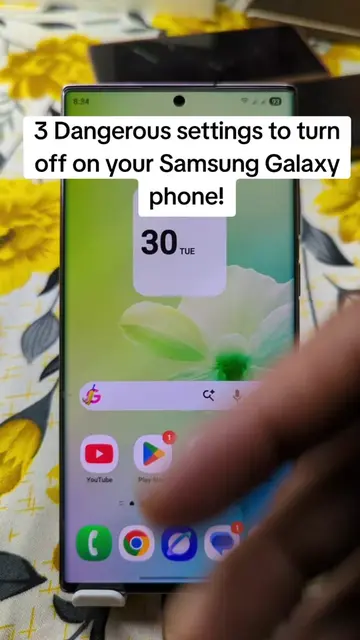
This video explains six dangerous Android settings that users should turn off to enhance their privacy and security. The settings discussed include Wi-Fi and Bluetooth scanning, nearby device scanning, location history, personalized ads, sensitive content on the lock screen, and precise location permissions.
6 Dangerous Android Settings to Turn Off Right Now⚠️ #dangerous #setting #android #tiktokgrowthchallenge
6 DANGEROUS ANDROID Settings
Introduction to dangerous Android settings
Turn off Wi-Fi and Bluetooth scanning
Turn off nearby device scanning
Pause location history
Turn off personalized ads
Disable sensitive notifications on lock screen
Revoke precise location permissions
Conclusion and call to action
Android (operating system) - appears as the platform being discussed and modified. Removing it would change the video's topic. Google (company) - appears as a logo and is mentioned in relation to account settings and ads. Removing it would not change the video's topic, but would remove context for the settings being discussed. WhatsApp (app) - appears as a channel link in the creator's bio. Removing it would not change the video's topic.
Follow @J. Tech Master
Playing this video’s own audio, so you’ll hear the creator over the sound.
Promotes 25 products. Create free account to see more.
Outliers and viral hits: their videos on Overshot, all time.