Loading video…
Sound

original sound - trucs_astuces5
Trucs | Astuces · Original audio
0:00–:––
Playing this video’s own audio, so you’ll hear the creator over the sound.
Hook
Posted Aug 5, 2026Video · 1:05by @france.tech96
The video taps into user curiosity about hidden features and customization options, offering a practical tutorial for a popular device brand. By showing a tangible benefit (improved video playback experience), it provides value beyond a simple feature showcase.
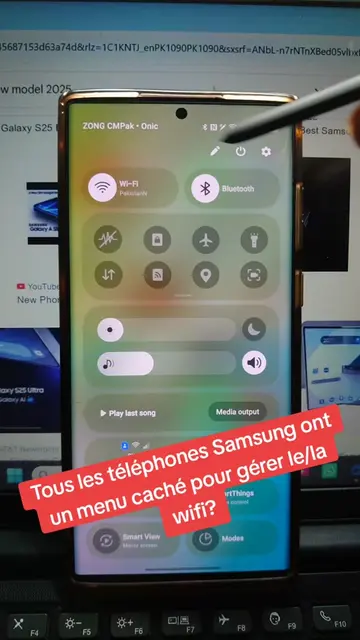
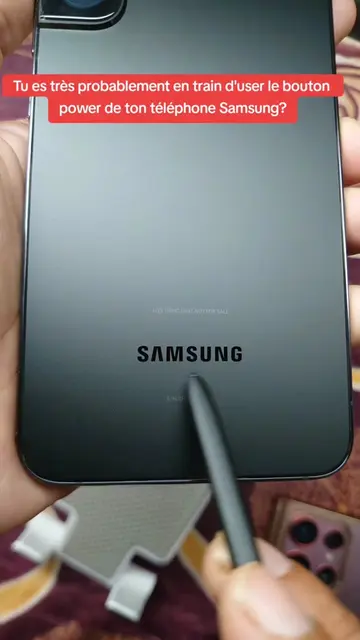
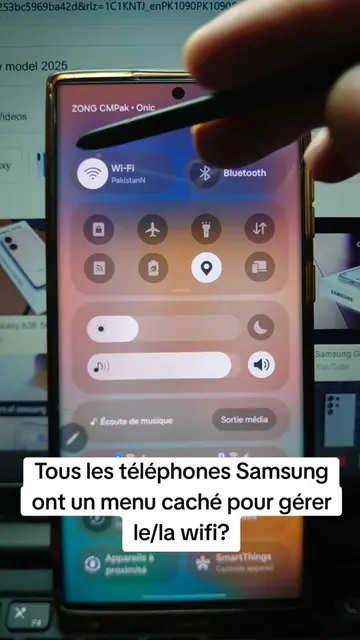
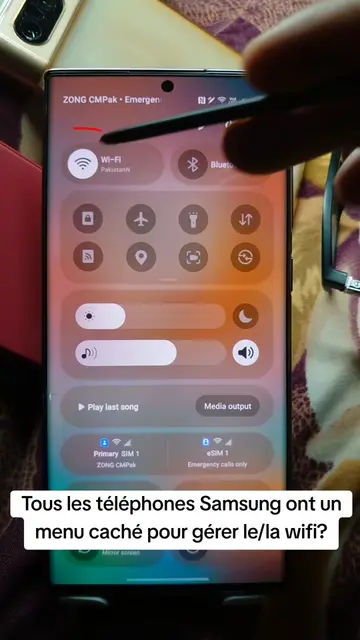
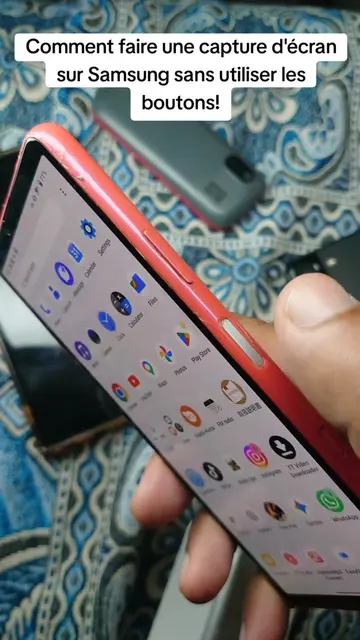
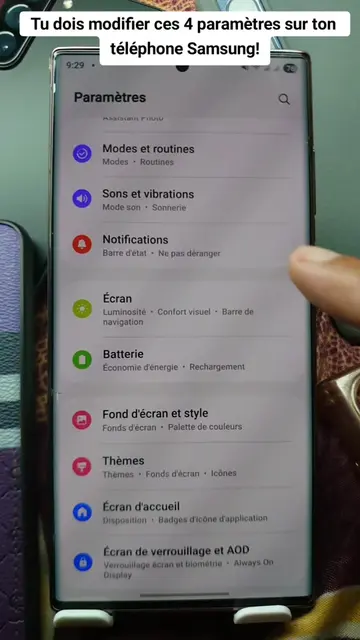
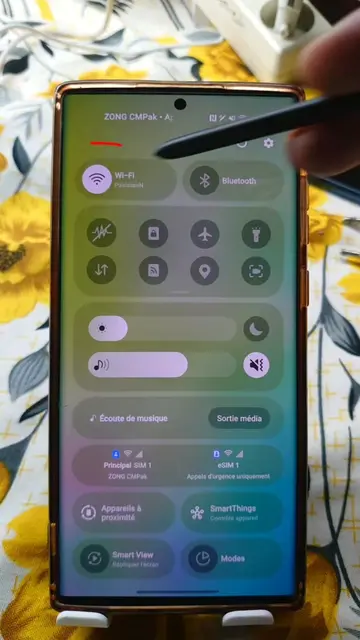
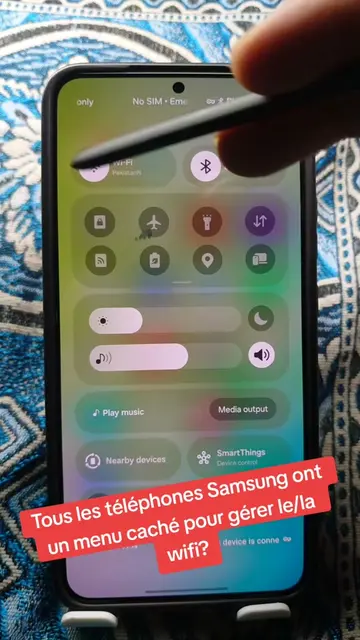
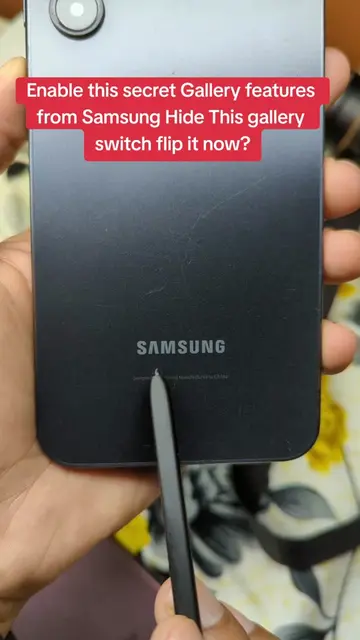
The video demonstrates how to access hidden settings within the Samsung Gallery app to customize the user experience. It guides viewers through a series of taps and menu navigations to unlock advanced options and change how videos are displayed.
Mais pourquoi Samsung cache toujours ses meilleurs réglages sur les smartphones? 🤩 #samsung #gallery #android #secret #LearnOnTikTok
Mais pourquoi Samsung cache toujours ses meilleurs réglages sur les smartphones?
Introduction to hidden Samsung settings
Navigating to Gallery settings
Accessing Gallery Labs
Enabling and configuring hidden options
Demonstrating the effect on video playback
Concluding with a call for viewer feedback
Samsung: (a) it ACTS - the phone's interface is operated to show settings and features. Removing it would change what happens in the video. Gallery: (a) it ACTS - the app's interface is operated to show settings and features. Removing it would change what happens in the video. OneDrive: (b) it merely APPEARS - a watermark/logo on the phone's interface. Removing it would not change what happens in the video. TikTok: (b) it merely APPEARS - a watermark/logo on the phone's interface. Removing it would not change what happens in the video.
Playing this video’s own audio, so you’ll hear the creator over the sound.
Photo and video gallery app for Samsung phone users
All time.
Promotes 2 products. Create free account to see more.
Outliers and viral hits: their videos on Overshot, all time.