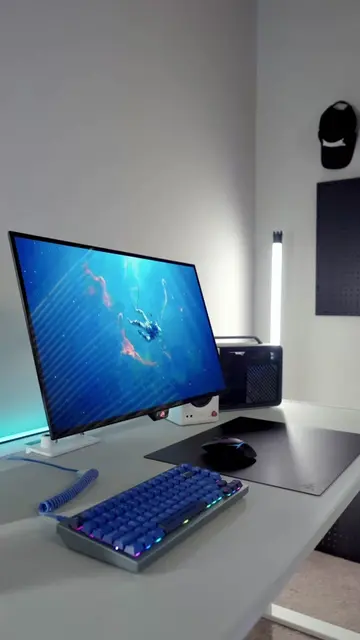
Loading video…
Sound

original sound - eminenceofficial21
Rahul Hinduja · Original audio
0:00–:––
Playing this video’s own audio, so you’ll hear the creator over the sound.
Hook
Posted Aug 7, 2026Video · 0:44by @eminenceofficial21
This video promotes it, but we haven’t matched it to a product page yet, so there are no product figures.
The video addresses a common pain point for gamers and PC users (slow performance and RAM issues) with a clear, actionable solution. The use of on-screen text and visual cues makes the technical steps easy to follow, and the offer for further help via DM encourages engagement.
The video explains that a Windows service called NDU (Network Diagnostics Usage) can cause RAM leaks and slow down PC performance, especially for gaming. It provides a step-by-step guide on how to disable this service through the Windows Registry Editor to free up RAM and improve gaming performance.
😳 Your PC is losing RAM | NDU might be why. 💻 #WindowsTips #PCTips #OptimizeWindows #PCPerformance #TechTok
😳 Your PC is losing RAM | NDU might be why. 💻
Introduce the problem: PC losing RAM due to NDU service
Explain NDU's function and negative impact
Guide on disabling NDU via Registry Editor
Demonstrate changing the 'Start' value to disable the service
Instruct to restart PC for performance improvement
Offer further assistance via DM for disabling other services
NDU (Network Diagnostics Usage) ACTS - it is a background Windows service that tracks network data and consumes RAM, potentially slowing down games. Removing it would change the video's outcome as it's the focus of the troubleshooting steps. Windows ACTS - its registry editor is used to disable the NDU service. Removing it would prevent the solution from being applied.
Comment "DISABLE" and I'll DM you.
Playing this video’s own audio, so you’ll hear the creator over the sound.
Promotes 11 products. Create free account to see more.
Outliers and viral hits: their videos on Overshot, all time.