Loading video…
All breakouts
6.5App DemoHow-To hookEducation
Hook
Excel मा
@giftedcomputerinstitute
21.5K followers · usually 7.7K views a post
Views
48.3K
Likes
2.0K
Comments
14
Shares
260
Why it worked
The video provides a quick and easy-to-understand tutorial on a common Excel function, using clear visual cues and keyboard shortcuts that are highly searchable and useful for a broad audience.
Summary
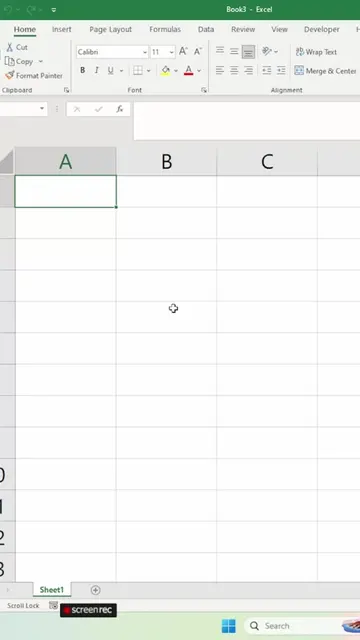
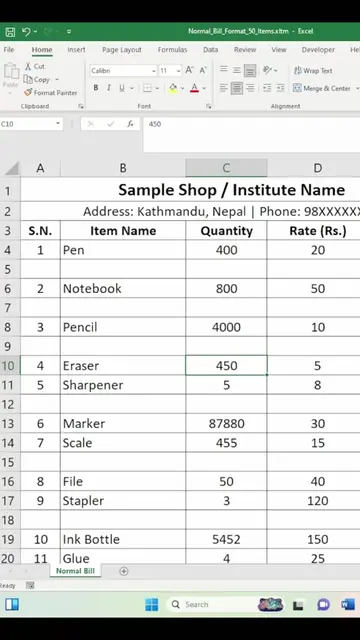
The video demonstrates how to insert and delete columns in Microsoft Excel using keyboard shortcuts. It shows that pressing CTRL + '+' inserts a column and CTRL + '-' deletes a column.
Structure
- 1Demonstrate inserting a column with CTRL + '+'
- 2Demonstrate deleting a column with CTRL + '-'
- 3Show the result of inserting and deleting columns
- 4Encourage viewers to follow for more tips
Product placement
Microsoft Excel ACTS - it is an interface operated to generate a visible result (a spreadsheet). Removing it would change what happens in the video.
Call to action
Follow this channel for more advanced Excel tips.
On-screen text
CTRL
+
CTRL
-
CTRL
+
CTRL
-
Transcript
Excel मा CTRL + CTRL - CTRL + CTRL - CTRL + CTRL - CTRL + CTRL -
Original caption
Excel मा Row र Column Insert गर्ने सजिलो Shortcut 🔥 #ExcelShortcut #ExcelTips #msexcell #RowInsert #ColumnInsert #ComputerTips #exceltutorialtagalog #NepaliTech #GiftedComputerInstitute #LearnExcel #ExcelTips #TextToColumn #ExcelTricks #MicrosoftExcel #ExcelTutorial #ComputerTips #NepaliTutorial #GiftedComputerInstitute #ExcelInNepali #ComputerTraining #TechTipsNepal #ComputerBasic #ComputerClass #computerbasicsforbeginners #BasicComputerCourse #LearnComputer #NepaliTech #Surkhet #Bangeshimal #TempoPark
More from @giftedcomputerinstitute
More breakout videos from this creator.